
Modules and Packages
As software applications grow in size and complexity, maintaining all code within a single file becomes inefficient and error-prone.
Challenges of Single-File Programs
- Code becomes difficult to read and understand
- Maintenance and debugging are harder
- Small changes may unintentionally affect other parts of the program
- Code reuse is limited and duplication increases
Solution: Modular Programming
To address these issues, Python encourages modular programming, where:
- Code is divided into modules (individual files)
- Related modules are grouped into packages
What Is a Module?
A module is a Python file (.py) that contains:
- Functions
- Variables
- Classes
- Reusable logic
Each module represents a logical unit of functionality, such as calculations, user management, or database operations.
Example: Module Structure
calc.py
def add():
    return "addition"

def sub():
    return "subtraction"
Importing a Module
Python does not automatically search for functions in other files to avoid naming conflicts. You must explicitly import what you need.
Importing Specific Functions from a Module
Instead of importing the whole module, you can import only what you need.
from calc import sub

result = sub()
print(result)
Output:
subtractionYou can also import multiple functions:
from calc import add, sub

print(add())
print(sub())
Importing All Functions (Wildcard Import)
Python allows importing everything from a module using *.
from calc import *

print(add())
print(sub())
⚠ Note: Wildcard imports are generally discouraged in large projects because they can:
- Cause naming conflicts
- Reduce code clarity
What Is a Package?
A package is a folder (directory) that contains:
- Multiple related modules
- An optional
__init__.pyfile (used traditionally to mark packages)
Packages help organize large applications by grouping related functionality.
Example Folder Structure
calculator/
│
├── calc.py
└── demo.py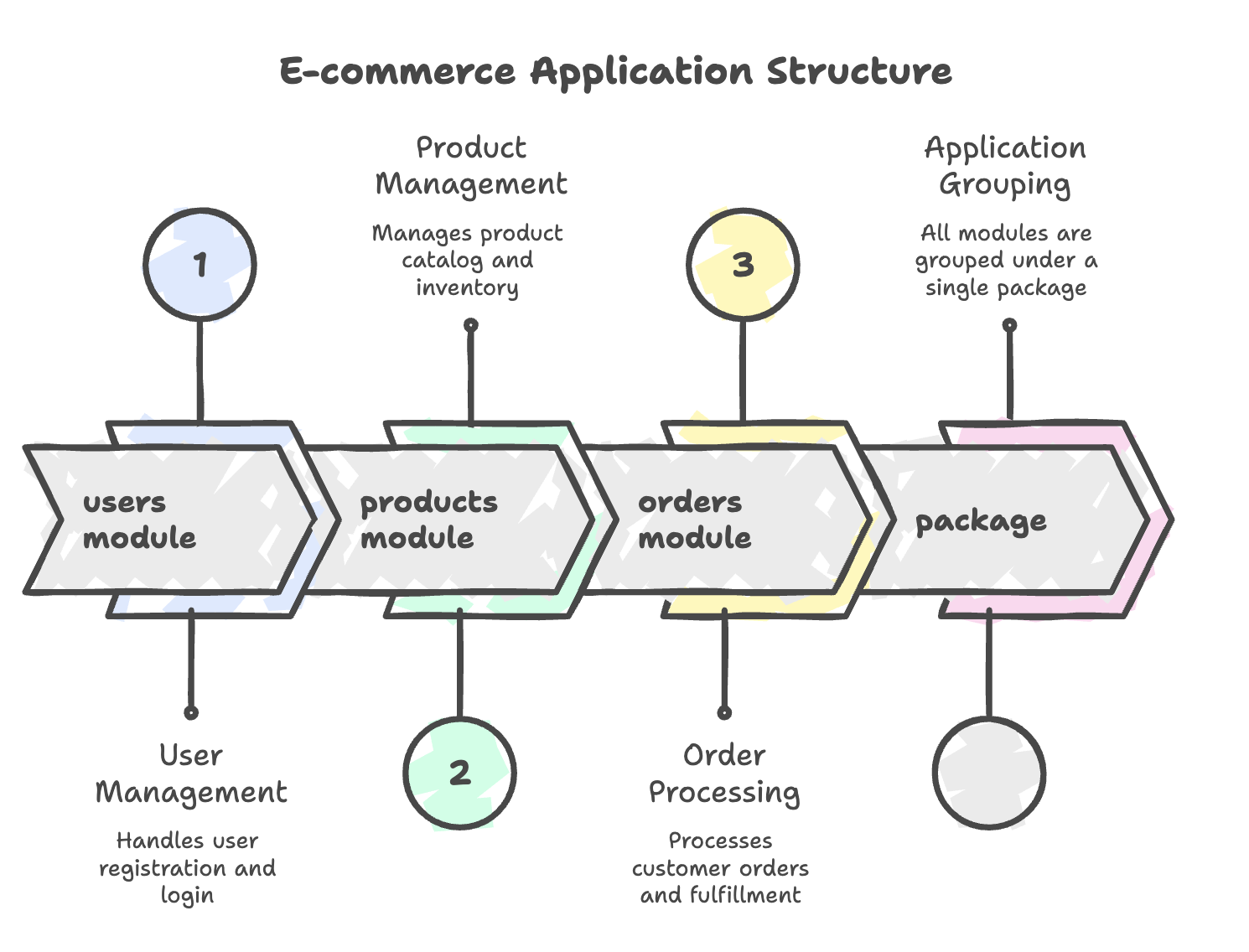
Accessing Modules Inside a Package
When a Python file is outside the package, you must use the package name + module name.
from calculator.calc import add

result = add()
print(result)
Output:
additionThis avoids ambiguity and clearly defines where the function is coming from.
Advantages of Using Modules and Packages
- Improves code organization
- Makes programs easier to maintain
- Encourages code reuse
- Reduces duplication
- Avoids naming conflicts
- Makes large projects scalable
Summary
- Modules are single Python files containing reusable code.
- Packages are folders containing related modules.
- Python requires explicit imports to avoid confusion.
- You can import:
- Entire modules
- Specific functions
- All functions (with caution)
- Modules and packages are essential for large-scale Python development.
Written By: Muskan Garg
How is this guide?
Last updated on