
Getting Structured Output in JSON
When integrating AI models into applications, getting structured output in JSON format is important just like data retrieved from databases or other servers. Applications cannot reliably consume free-form text, they need predictable, parseable data that integrates directly into software systems without parsing errors.
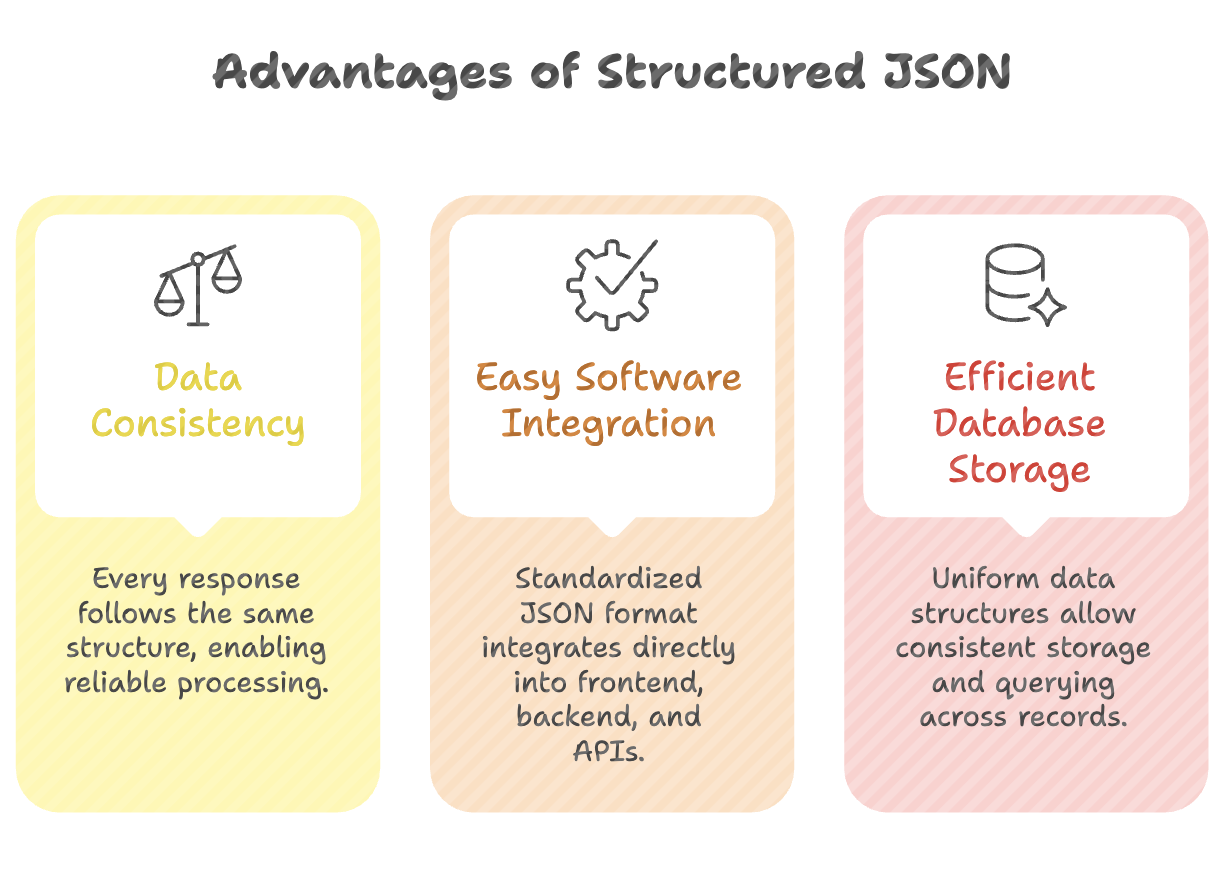
Structured JSON format enables data consistency for reliable processing, easy software integration through standardized formats, and efficient database storage by maintaining uniform data structures across records.
The Problem
By default, AI models produce inconsistent structures when asked to extract or generate data. The response may include:
- Extra explanatory text alongside the JSON
- Unnecessary properties not needed by the application
- Inconsistent field names across different responses
- Information that may not be accurate or from the correct source
How to Get Structured JSON Output
Specify the Role
Assign an explicit role to the AI model to set the behavior context.
You are an expert data extraction system.Explicit role specification (e.g., "expert data extraction system") ensures the model behaves as a structured data provider rather than a conversational assistant.
Define the Output Format
Clearly state that the response must be in JSON format.
Respond only with a valid JSON object.
Do not include any text or explanation.
Use directive prompts like "respond only with valid JSON object" and "do not include any text or explanation" to eliminate extraneous text and guarantee clean output.
Define the Schema
Specify the exact properties and structure you need - don't let the AI decide what fields to include.
Return the data in the following JSON format:
{
  "modelName": string,
  "price": string,
  "display": string,
  "processor": string,
  "camera": string,
  "design": string,
  "operatingSystem": string
}
Validate JSON output against expected schemas by specifying exact properties needed in the prompt rather than accepting the AI's default property selection.
Add Source Specification (Optional)
Adding a specific source to the prompt helps get exact, accurate information.
Extract the following information about iPhone 17 from Apple's
official specifications. Return prices in INR.
Specifying a source helps prevent hallucinations and ensures the AI provides accurate, verifiable data.
Complete Prompt Example
Role: You are an expert data extraction system.

Task: Extract technical specifications for iPhone 17.

Source: Use Apple's official product specifications.

Output Format: Respond only with a valid JSON object.
Do not include any text or explanation outside the JSON.

Schema:
{
  "modelName": "string - full model name",
  "price": "string - price in INR",
  "display": "string - display specifications",
  "processor": "string - chip/processor name",
  "camera": "string - camera specifications",
  "design": "string - design and build details",
  "operatingSystem": "string - OS version"
}
Expected Output:
{
  "modelName": "iPhone 17",
  "price": "₹79,900",
  "display": "6.1-inch Super Retina XDR OLED",
  "processor": "A19 chip",
  "camera": "48MP main + 12MP ultrawide",
  "design": "Aluminum frame with ceramic shield front",
  "operatingSystem": "iOS 19"
}
Schema Validation Strategy
Rather than accepting whatever the AI returns, define exactly what you need:
| Approach | Result |
|---|---|
| No schema specified | AI decides properties - unpredictable, may include unnecessary fields |
| Schema defined in prompt | Only the specified fields are returned - predictable, application-ready |
Define properties based on application requirements:
- Required fields: name, price, features, specifications
- Nested structure: specifications → display, processor, camera, design, operatingSystem
Key Directives for Clean JSON Output
| Directive | Purpose |
|---|---|
"Respond only with a valid JSON object" | Ensures output is valid, parseable JSON |
"Do not include any text or explanation" | Eliminates extra text before/after JSON |
"Use the following schema" | Controls which fields appear in the response |
"If unknown, use null" | Prevents hallucination; keeps schema intact |
"Return prices in [currency]" | Controls value formatting |
Practical Implementation Workflow
1. Define the data your application needs
         ↓
2. Craft a prompt with:
   - Role (expert data extraction system)
   - Source specification (where to get data)
   - Output format (JSON only, no extra text)
   - Schema (exact fields and types)
         ↓
3. Send prompt to AI model via API
         ↓
4. Validate returned JSON against schema
         ↓
5. Integrate into application (frontend, database, etc.)
Summary
- Getting structured JSON output from AI models is essential for real application integration - treat AI responses like any other data source.
- Always specify: role (what the AI acts as), format (JSON only), and schema (exact fields needed).
- Use directives like
"respond only with valid JSON"and"do not include any text"to guarantee clean, parseable output. - Define your schema explicitly - never rely on the AI's default property selection for production applications.
- Add source specification to prompts for accurate, verifiable information.
- Always validate the returned JSON in your application code before processing.
- Structured JSON enables consistent data pipelines suitable for production environments.
Written By: Muskan Garg
How is this guide?
Last updated on