
Git Tags and Github Releases
As a project evolves, you may reach important milestones such as:
v1.0.0 → First stable release
v1.1.0 → New features
v1.1.1 → Bug fixes
v2.0.0 → Major update
Git provides tags to mark these important points in the project's history. GitHub builds on this concept with Releases, which provide a user-friendly way to publish a particular version along with release notes and downloadable files.
What is a Git Tag?
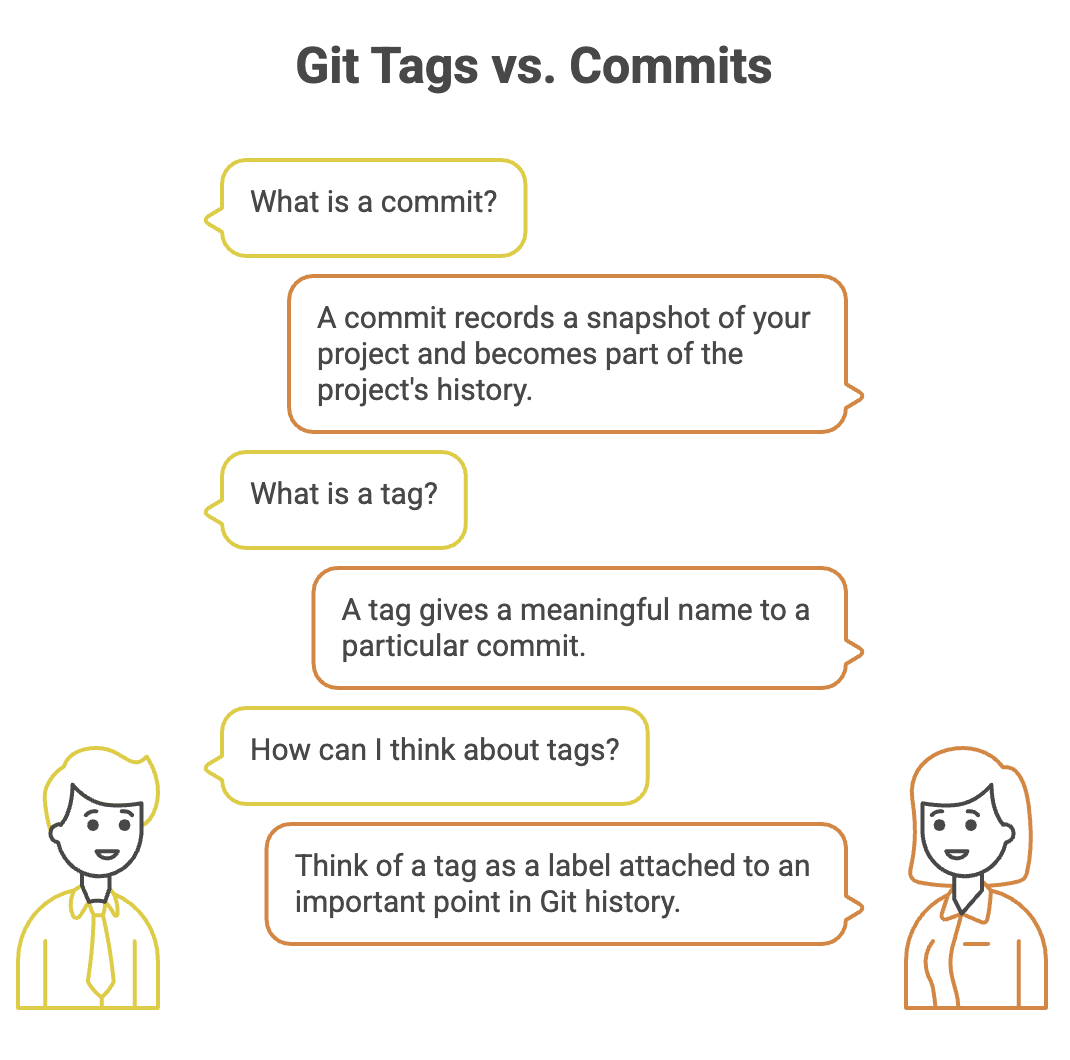
A Git tag is a named reference that points to a specific commit.
Instead of remembering a commit hash such as:
8f42c7d...you can give that commit a meaningful name:
v1.0.0For example:
Commit History

A ── B ── C ── D ── E
              ↑
            v1.0.0
The tag v1.0.0 tells us:
"This commit represents version 1.0.0 of the project."
Tags are commonly used to identify release points, but they can also be used to mark other important commits.
Why Use Tags?
Without tags, finding the exact commit associated with a particular software version can be difficult.
Tags make version management easier:
- Identify stable versions
- Mark release points
- Easily return to an older version
- Refer to specific versions in documentation
- Create GitHub Releases from known commits
For example:
v1.0.0 → Initial stable version
v1.1.0 → Added authentication
v1.2.0 → Added search functionality
v1.2.1 → Fixed authentication bug
Types of Git Tags
Git provides two commonly used types of tags.
| Type | Description | Typical Use |
|---|---|---|
| Lightweight Tag | Simple reference to a commit | Quick bookmarks |
| Annotated Tag | Stores tag metadata and a message | Official releases |
1. Lightweight Tag
A lightweight tag is essentially a simple name pointing to a commit.
git tag v1.0.0It is useful when you simply want to mark a commit without additional information.
2. Annotated Tag
An annotated tag contains additional information such as:
- Tag name
- Tagger
- Date
- Message
- Reference to the tagged commit
Create one using:
git tag -a v1.0.0 -m "First stable release"For official software releases, annotated tags are generally preferred because they provide useful metadata.
Listing Tags
To see all tags in the repository:
git tagExample:
v1.0.0
v1.1.0
v1.1.1
v2.0.0
You can also search for tags matching a pattern:
git tag -l "v1.*"Viewing Tag Information
Use:
git show v1.0.0For an annotated tag, this can show information such as:
- Tag name
- Tagger
- Tag message
- Tagged commit
- Changes introduced by that commit
This is useful when you want to understand exactly what a version represents.
Tagging a Specific Commit
A tag does not have to point to the most recent commit.
You can tag a specific commit by providing its commit ID:
git tag -a v1.0.0 <commit-id> -m "First stable release"For example:
git tag -a v1.0.0 8f42c7d -m "First stable release"This is useful when you realize later that an earlier commit was the actual release point.
Tags and Remote Repositories
Tags created locally are not automatically pushed when you run a normal:
git pushYou need to explicitly push them.
Push a Specific Tag
git push origin v1.0.0Push All Tags
git push origin --tagsAfter pushing, the tag becomes available in the remote repository.
Local Repository
      │
      │ git push origin v1.0.0
      ▼
Remote Repository
      │
      ▼
    v1.0.0
What is a GitHub Release?
A GitHub Release is a published version of your project on GitHub, usually associated with a Git tag.
A release can include:
- Version number
- Release title
- Release notes
- Changelog
- Downloadable assets
- Source code archives
For example:
Release: v1.2.0

What's New?
- Added user authentication
- Improved search
- Fixed profile update issue

Assets:
- application.jar
- application.zip
GitHub Releases make it easier for developers and users to understand and download specific versions of a project.
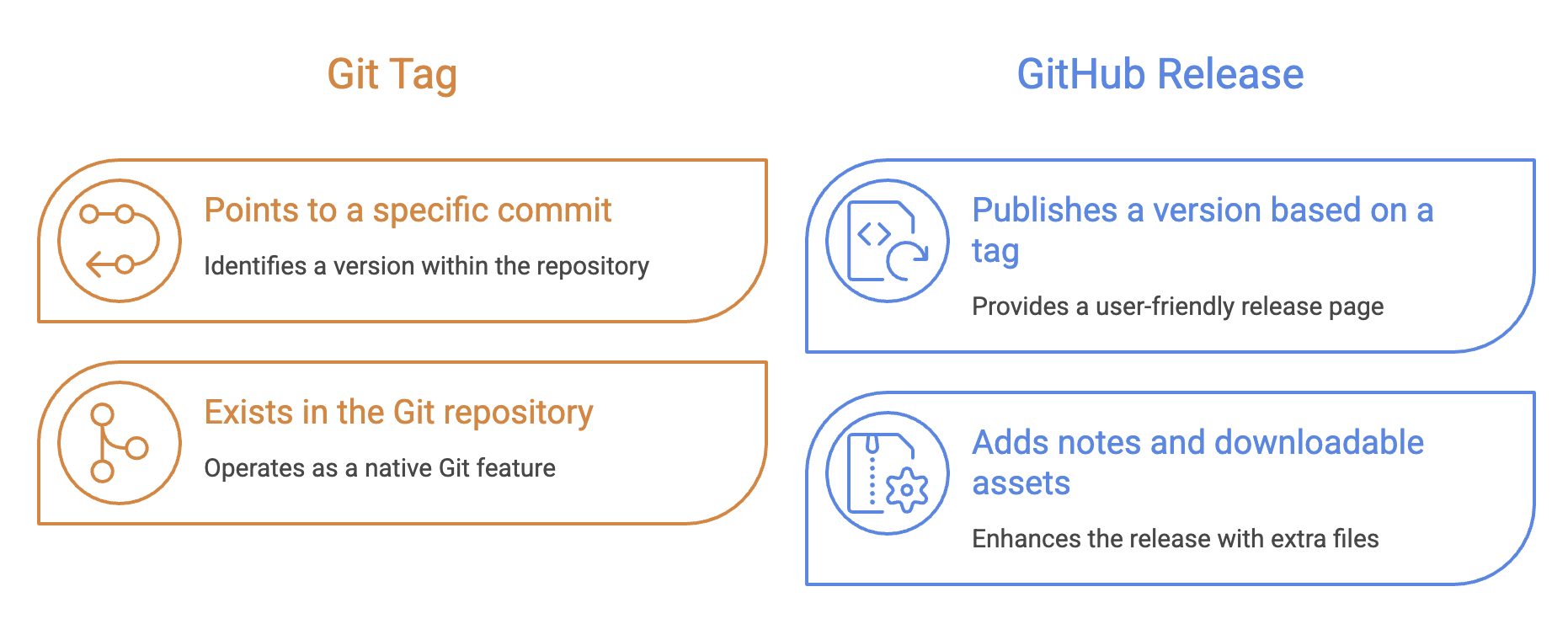
Tag vs GitHub Release
These concepts are related, but they are not the same.
A useful way to remember this is:
Git Commit
    ↓
Git Tag
    ↓
GitHub Release
A tag identifies the exact commit. A GitHub Release packages that version for people to consume.
Creating a GitHub Release
A typical release workflow is:
Step 1: Create a tag
git tag -a v1.0.0 -m "First stable release"Step 2: Push the tag
git push origin v1.0.0Step 3: Create a Release on GitHub
Open the repository on GitHub and create a new release based on the tag.
You can then add:
- Release title
- Release notes
- Changelog
- Downloadable files
GitHub does not automatically create a full Release merely because a tag was pushed. The tag provides the version reference; a GitHub Release is a separate publishing step.
Release Notes and Assets
A release becomes especially useful when it tells users what changed.
For example:
Version 1.2.0

New Features
- Added user authentication
- Added password reset

Improvements
- Improved API response time

Bug Fixes
- Fixed login validation issue
- Fixed profile update error
You can also attach files such as:
application.jar
application.zip
my-app.exe
This makes GitHub Releases useful not only for developers but also for users who simply want to download a particular version.
Semantic Versioning
Software projects commonly use Semantic Versioning (SemVer) to communicate the type of change introduced in a release.
The standard format is:
MAJOR.MINOR.PATCHFor example:
2.4.1The three numbers have different meanings.
| Component | Increment When |
|---|---|
| MAJOR | Breaking or incompatible changes are introduced |
| MINOR | New functionality is added in a backward-compatible way |
| PATCH | Backward-compatible bug fixes are released |
Example
Suppose the current version is:
1.4.2Bug Fix
1.4.3A bug was fixed without changing existing functionality.
New Feature
1.5.0A new backward-compatible feature was added.
Breaking Change
2.0.0The new version introduces changes that may require existing users to modify their code or configuration.
Release Workflow
A simple release process looks like this:
Develop Features
       ↓
Create Commits
       ↓
Test the Application
       ↓
Identify Release Commit
       ↓
Create Git Tag
       ↓
Push Tag
       ↓
Create GitHub Release
       ↓
Add Release Notes / Assets
For example:
git tag -a v1.2.0 -m "Release version 1.2.0"
git push origin v1.2.0
Then create the corresponding release on GitHub.
Quick Reference
| Command | Purpose |
|---|---|
git tag | List tags |
git tag v1.0.0 | Create a lightweight tag |
git tag -a v1.0.0 -m "message" | Create an annotated tag |
git tag -l "v1.*" | List tags matching a pattern |
git show v1.0.0 | View tag and commit information |
git push origin v1.0.0 | Push a specific tag |
git push origin --tags | Push all local tags |
Written By: Muskan Garg
How is this guide?
Last updated on