
Getting Started With Github
After learning how Git manages your code locally, the next step is learning GitHub - the platform where developers host repositories, collaborate with teams, and contribute to open-source projects.
What is GitHub?
GitHub is a cloud-based platform that hosts Git repositories. It allows developers to store their projects online, collaborate with others, and maintain code from anywhere.
With GitHub, you can:
- Store Git repositories in the cloud
- Collaborate with team members
- Share projects publicly or privately
- Contribute to open-source software
- Review code changes and track project progress
GitHub is widely used by individuals, startups, and large organizations for software development and version control.
What is a Remote Repository?
A remote repository is a Git repository stored on a server instead of your local computer.
It acts as a shared location where developers can upload, download, and synchronize project changes.
        Local Repository
               │
        Push / Pull
               │
               ▼
     Remote Repository (GitHub)
A remote repository becomes the common place where a team collaborates on the same project.
Popular Git Repository Hosting Platforms
Git repositories can be hosted on different platforms. Some of the most popular are:
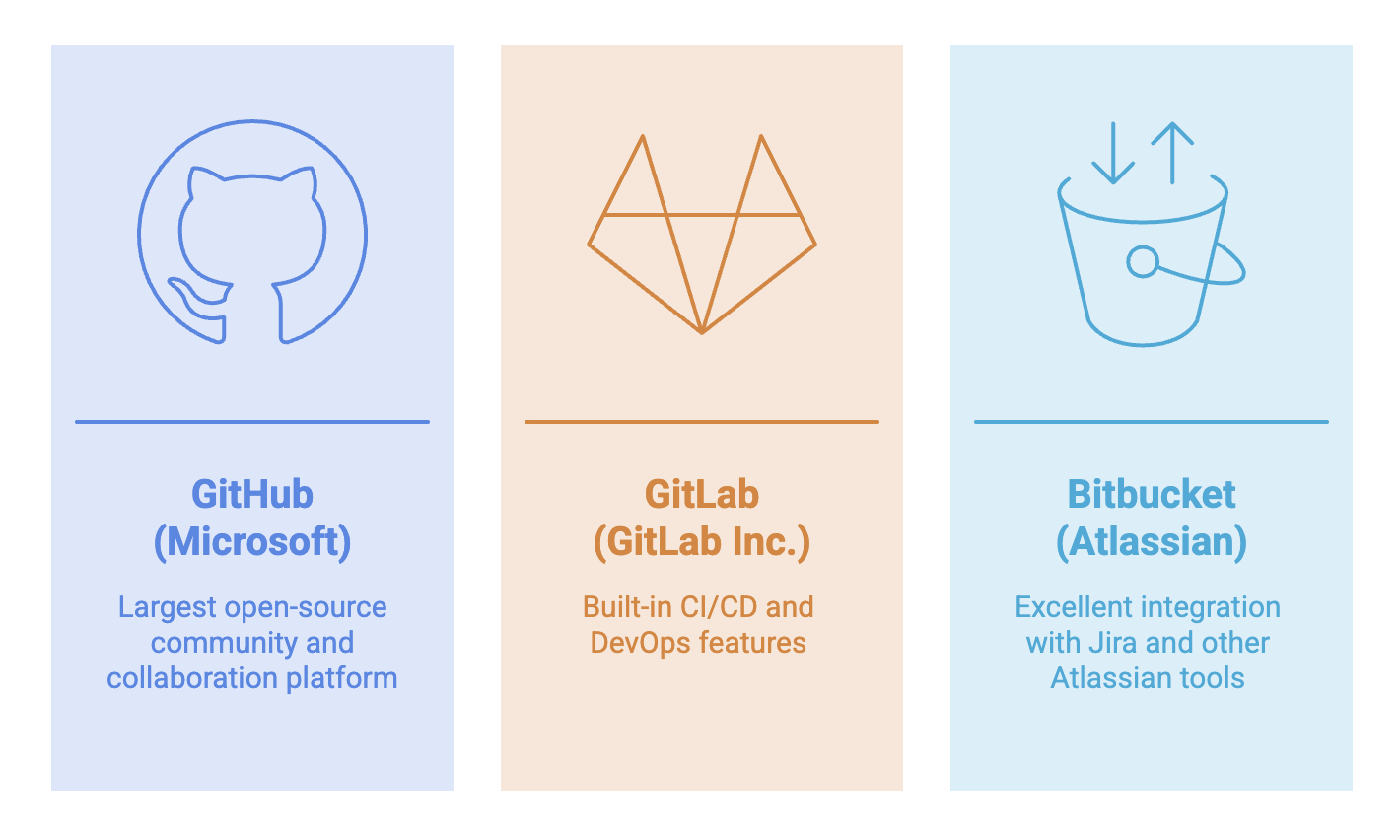
Although all three support Git, GitHub is the most widely used platform and the one we'll use throughout this guide.
Creating a GitHub Account
Creating a GitHub account is free and only takes a few minutes.
Step 1
Visit:
Click Sign Up.
Step 2
Enter your:
- Username
- Email address
- Password
Verify your email address to activate your account.
Step 3
Once you're logged in, you can:
- Create repositories
- Explore public projects
- Follow developers
- Contribute to open-source projects
Understanding the GitHub Interface
When you open GitHub, you'll notice several sections. These are the ones you'll use most often.
| Section | Purpose |
|---|---|
| Repositories | View and manage your projects |
| Code | Browse project files and folders |
| Issues | Track bugs, tasks, and feature requests |
| Pull Requests | Review and merge proposed code changes |
| Actions | Automate testing, building, and deployment |
| Insights | View repository statistics and activity |
| Settings | Configure repository permissions and options |
Exploring Public Repositories
One of GitHub's biggest advantages is its massive open-source community.
You can search for any public repository and explore:
- Source code
- Project documentation
- Contributors
- Commit history
- Programming languages used
- Releases and project updates
Reading open-source projects is one of the best ways to improve your development skills.
Creating Your First Repository
A repository is where your project's files and Git history are stored.
To create a new repository:
Step 1 : Click New or Create Repository from your GitHub dashboard.
Step 2: Enter a Repository Name.
Example:
Student-Management-SystemYou can also add an optional description explaining the project.
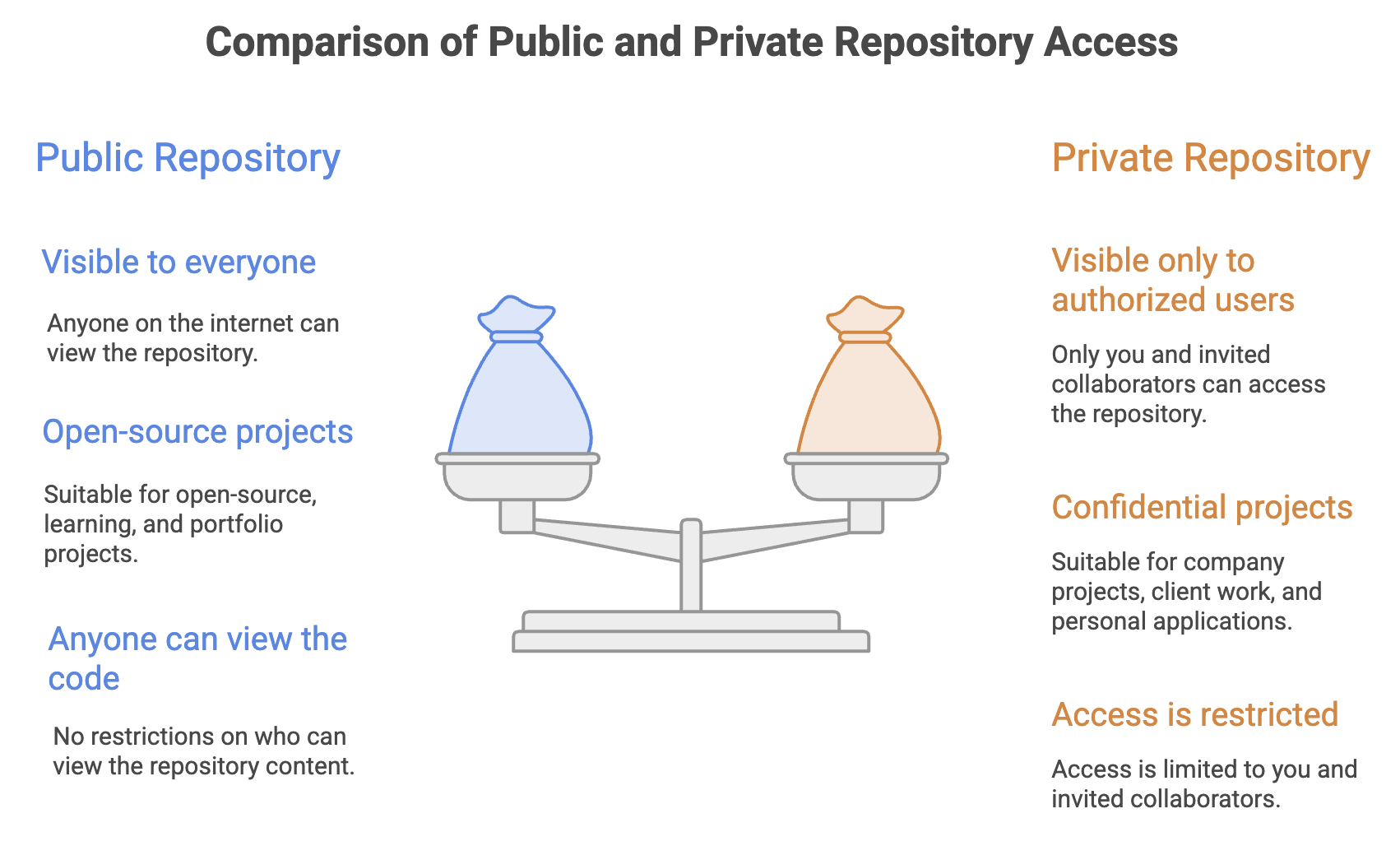
Step 3: Choose the repository visibility:
- Public
- Private
Step 4: Optionally initialize the repository with:
- README
- License
Step 5 : Click Create Repository.
Your repository is now ready to use.
Understanding README.md
A README.md file is the main documentation file of a repository.
It is displayed automatically on the repository's homepage and introduces the project to anyone who visits it.
A good README typically includes:
- Project overview
- Features
- Installation steps
- Usage instructions
- Screenshots (optional)
- Contribution guidelines
Note: The
.mdextension stands for Markdown, a lightweight markup language used for formatting documentation.
Understanding a License
A license defines how others can legally use, modify, and distribute your project.
Adding a license makes your project's usage rights clear to everyone.
Some commonly used open-source licenses are:
- MIT License
- Apache License 2.0
- GNU GPL
- BSD License
For most personal and open-source projects, the MIT License is a popular and beginner-friendly choice.
Ways to Get Source Code from GitHub
GitHub provides multiple ways to obtain a repository.
| Method | Description |
|---|---|
| Download ZIP | Downloads the project as a compressed ZIP file without Git history |
| HTTPS | Clone the repository using an HTTPS URL |
| SSH | Clone the repository using SSH authentication |
We'll learn how to clone repositories using HTTPS and SSH in the next chapter.
Summary
- GitHub is a cloud platform for hosting Git repositories.
- A remote repository stores your project online and enables collaboration.
- GitHub allows you to create both public and private repositories.
- Every repository can include a README.md file to document the project.
- A license specifies how others can use your code.
- Source code can be downloaded as a ZIP file or accessed using HTTPS or SSH.
- GitHub provides an intuitive interface for managing repositories, reviewing code, and collaborating with other developers.
Written By: Muskan Garg
How is this guide?
Last updated on