
Setting the SpringBoot with SpringAI Project
The SpringBoot application integrated with Spring AI enables seamless integration with multiple AI model providers including OpenAI, Anthropic (Claude), and Ollama (local models), allowing developers to leverage AI capabilities within their Spring applications.
Prerequisites
| Requirement | Version | Purpose |
|---|---|---|
| Java | 21 or higher | Required runtime for Spring Boot |
| IntelliJ IDEA | Community/Ultimate | IDE for development |
| Maven | Latest | Dependency management |
| Internet Connection | - | For downloading dependencies and accessing cloud AI APIs |
IntelliJ Community Edition doesn't support direct Spring project creation, so we'll use Spring Initializer web interface.
Project Creation
Step 1: Initialize Project Using Spring Initializer
- Navigate to https://start.spring.io
- Configure project metadata:
| Setting | Value |
|---|---|
| Project | Maven |
| Language | Java |
| Spring Boot | Latest stable version |
| Java Version | 21 |
| Packaging | Jar |
| Group | com.example (or your preference) |
| Artifact | spring-ai-demo (or your preference) |
Step 2: Add Required Dependencies
Select the following dependencies from the available options:
1. Spring Web
- Purpose: Provides RESTful web services capabilities
- Usage: Creates controller endpoints for AI model interactions
2. OpenAI
- Purpose: Integration with OpenAI models (GPT-3.5, GPT-4, etc.)
- Type: Cloud-based API
- Requires: API key
3. Ollama
- Purpose: Integration with local open-source LLMs
- Type: Local execution
- Requires: Ollama installation on local machine
4. Anthropic Claude
- Purpose: Integration with Anthropic's Claude models
- Type: Cloud-based API
- Requires: API key
Step 3: Generate and Download Project
- Click "Generate" button
- Download the ZIP file
- Extract to your preferred workspace directory
Step 4: Open in IntelliJ IDEA
- Open IntelliJ IDEA
- Select "Open" or "Import Project"
- Navigate to the extracted project folder
- Select the project root directory (containing
pom.xml) - Click "OK" and wait for Maven to download dependencies
Configuration Setup
Location: application.properties
Navigate to src/main/resources/application.properties to configure API keys and model settings.
1. OpenAI Configuration
# OpenAI API Key (Required)
spring.ai.openai.api-key=<YOUR_OPENAI_API_KEY>

# Optional: Specify model (default: gpt-3.5-turbo)
spring.ai.openai.chat.options.model=gpt-4
2. Anthropic Configuration
# Anthropic API Key (Required)
spring.ai.anthropic.api-key=<YOUR_ANTHROPIC_API_KEY>

# Optional: Specify Claude model (default: claude-2)
spring.ai.anthropic.chat.options.model=claude-3-opus
3. Ollama Configuration (Local Models)
# Ollama Model Configuration (No API key required)
spring.ai.ollama.chat.options.model=deepseek-r1:7b

# Alternative models you can configure:
# spring.ai.ollama.chat.options.model=mistral:latest
# spring.ai.ollama.chat.options.model=llama3.2:latest
# spring.ai.ollama.chat.options.model=gemma:7b
Application Architecture
Controller Structure
The application uses separate controller files for each AI model provider, enabling modular and maintainable code:
src/main/java/com/telusko/SpringAIDemo
├── controller/
│   ├── OpenAIController.java      # Handles OpenAI requests
│   ├── AnthropicController.java   # Handles Anthropic requests
│   └── OllamaController.java      # Handles Ollama requests
└── SpringAiDemoApplication.java   # Main application class
URL Routing Architecture
Each controller exposes separate endpoints:
| Controller | Endpoint | Purpose |
|---|---|---|
| OpenAIController | /api/openai | Routes requests to OpenAI models |
| AnthropicController | /api/anthropic | Routes requests to Anthropic models |
| OllamaController | /api/ollama | Routes requests to local Ollama models |
Example Controller Structure
@RestController
@RequestMapping("/api")
public class OpenAIController {

    @Autowired
    private ChatClient chatClient;

    @PostMapping("/openai")
    public String chat(@RequestBody String prompt) {
        return chatClient.call(prompt);
    }
}
Common Issues and Troubleshooting
Issue 1: "Failed to Fetch" Error in UI
Symptom: UI displays "failed to fetch" when submitting requests.
Causes and Solutions:
| Cause | Solution |
|---|---|
| Backend not running | Start Spring Boot application |
| Port mismatch | Verify UI points to correct backend port |
| CORS configuration | Add CORS configuration in Spring Boot |
| Missing API keys | Check application.properties for valid keys |
Issue 2: OpenAI/Anthropic API Key Error
Symptom:
401 Unauthorized: Invalid API keySolution:
- Verify API key is correct (no extra spaces)
- Check API key has not expired
- Ensure account has sufficient credits
- Verify key format matches provider requirements
Issue 3: Ollama Connection Error
Symptom:
Connection refused: http://localhost:11434Solution:
- Start Ollama service:
ollama serve - Verify Ollama is running:
ollama list - Check model is downloaded:
ollama pull deepseek-r1:7b - Ensure no firewall blocking localhost:11434
Issue 4: Dependency Download Failures
Symptom: Maven fails to download Spring AI dependencies.
Solution:
- Check internet connection
- Update Maven settings.xml
- Clear Maven cache:
mvn clean install -U - Use latest Spring Boot version compatible with Spring AI
Model Configuration Options
Customizing Default Models
You can specify different models for each provider:
# OpenAI Models
spring.ai.openai.chat.options.model=gpt-3.5-turbo  # Faster, cheaper
spring.ai.openai.chat.options.model=gpt-4          # More capable
spring.ai.openai.chat.options.model=gpt-4-turbo    # Latest features

# Anthropic Models
spring.ai.anthropic.chat.options.model=claude-3-haiku   # Fastest
spring.ai.anthropic.chat.options.model=claude-3-sonnet  # Balanced
spring.ai.anthropic.chat.options.model=claude-3-opus    # Most capable

# Ollama Models (must be downloaded first)
spring.ai.ollama.chat.options.model=mistral:latest
spring.ai.ollama.chat.options.model=llama3.2:latest
spring.ai.ollama.chat.options.model=deepseek-r1:7b
Advanced Configuration Options
# Temperature (creativity) - Range: 0.0 to 1.0
spring.ai.openai.chat.options.temperature=0.7

# Max tokens (response length)
spring.ai.openai.chat.options.max-tokens=1000

# Top P (nucleus sampling)
spring.ai.openai.chat.options.top-p=1.0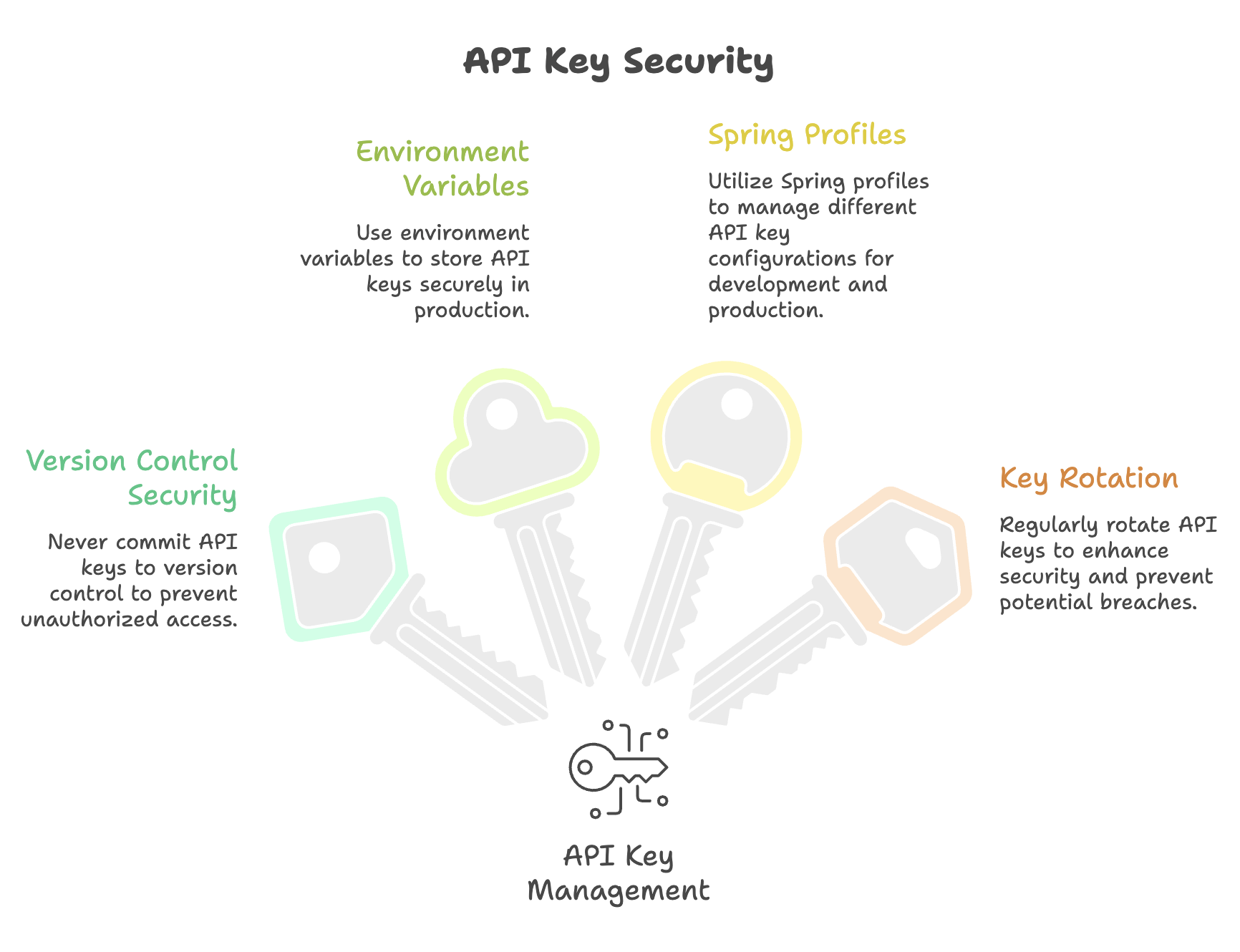
Summary
-
Spring Boot project is initialized using Spring Initializer (start.spring.io) with Java 21 and required dependencies such as Spring Web, OpenAI, Anthropic, and Ollama for AI integration.
-
API keys for cloud models (OpenAI, Anthropic) are configured in
application.properties, while local models like Ollama require only model name configuration without any API key. -
Spring AI dependencies in
pom.xmlenable integration with multiple AI providers, allowing a unified approach to interact with different LLMs. -
Separate REST controllers are created for each AI model (OpenAI, Anthropic, Ollama) to handle requests and route prompts to the respective models.
-
Spring AI abstracts model interactions, enabling seamless communication with AI models through configuration and dependency injection without handling low-level API logic.
Written By: Muskan Garg
How is this guide?
Last updated on