
Ollama Setup
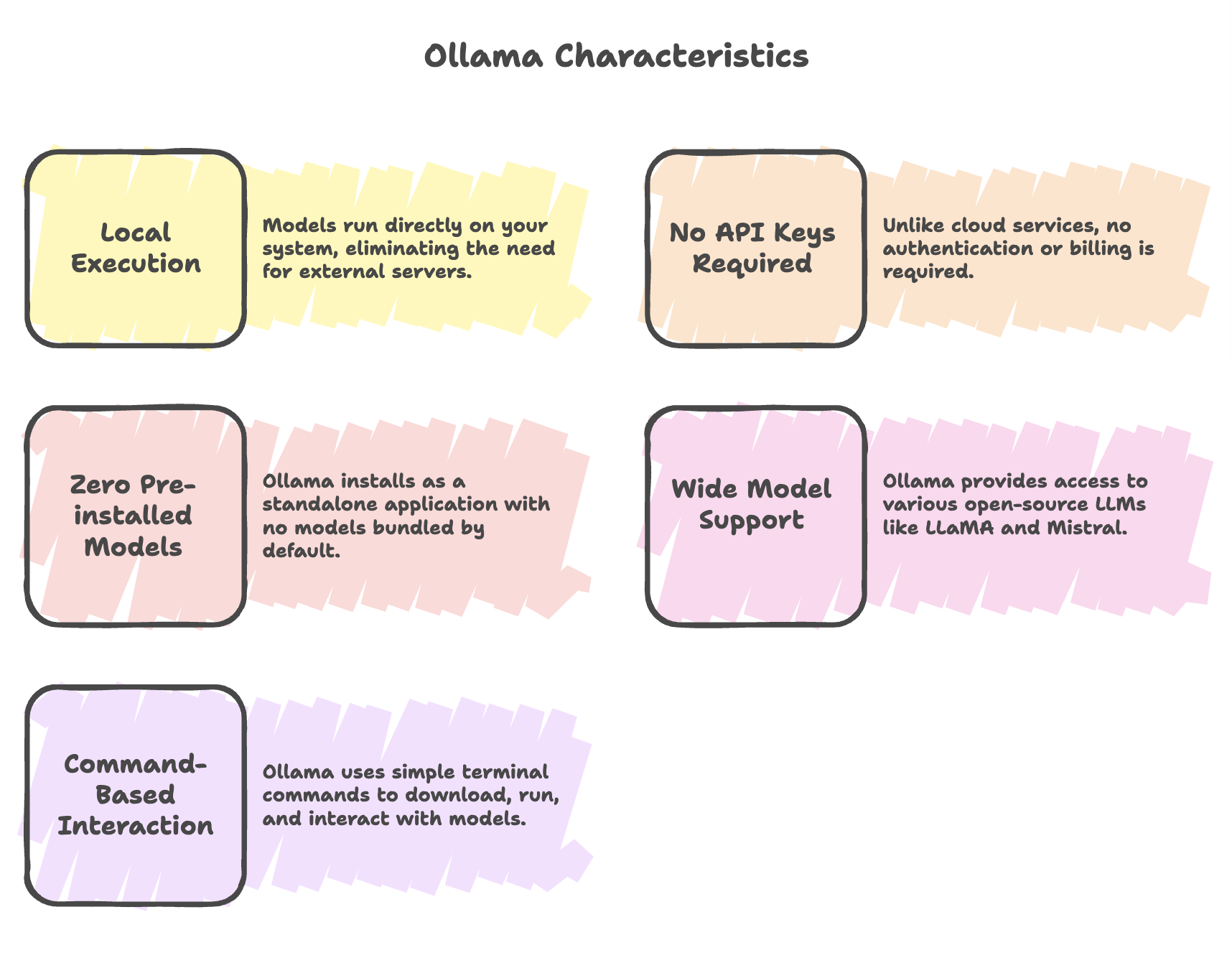
Ollama is a standalone application that enables users to install and run open-source Large Language Models (LLMs) on their local machine. It provides a cost-effective alternative to cloud-based AI services like OpenAI by allowing local model execution without internet dependency.
Installation Process
Step 1: Download Ollama
- Visit the official website: https://ollama.com/
- Browse the available model library (includes popular models like Llama 3, Gemma, Mistral, DeepSeek, etc.)
- Download the installer for your operating system (Windows, macOS, or Linux)
Step 2: Verify Installation
Open your terminal and run the following command:
ollamaExpected Output: A response showing usage instructions, available commands, and flags confirms successful installation.
Step 3: Check Available Models
To view models currently installed on your machine:
ollama listHardware Requirements
Model selection depends critically on your system's RAM capacity:
| Model Type | RAM Required | Use Case |
|---|---|---|
| Lightweight (e.g., Llama 3.2) | 2 GB | Testing, low-resource environments |
| Medium (e.g., Mistral) | 7-8 GB | General-purpose applications |
| Large (e.g., DeepSeek 30B) | 20 GB | Advanced tasks, high accuracy |
| Very Large (e.g., DeepSeek 70B) | 43 GB | Enterprise-level applications |
Note: Ollama offers adjustable parameters to accommodate varying machine specifications. Choose models that fit within your system's RAM capacity for optimal performance.
Running Models
Download and Run a Model
Use the ollama run command to download and execute a model in one step:
ollama run mistral:latestBehavior:
- If the model is not present on your machine, Ollama automatically downloads it first
- Once downloaded, the model launches immediately
- The model becomes available for interactive queries
Example: Running Mistral
ollama run mistral:latestAfter the model starts, you can interact with it:
>>> what is your name?
I don't have a personal name. I am a model of the dialogueflow platform
developed by Google Cloud.
Running Different Models
To run a specific model not yet on your machine:
ollama run deepseek-r1:1.5bThe system will:
- Pull (download) the model
- Initialize it
- Make it ready for use
Quick Reference Commands
| Command | Description |
|---|---|
ollama | Display usage and available commands |
ollama list | Show all models installed on your machine |
ollama run <model> | Download (if needed) and run a specific model |
ollama pull <model> | Download a model without running it |
Model Examples
Popular Models for Testing
- Mistral: Production-grade open-source LLM ideal for general-purpose testing
- Llama 3.2: Lightweight option for resource-constrained environments
- DeepSeek: Advanced models available in multiple sizes (1.5B, 30B, 70B parameters)
- Gemma: Google's open-source model family
Application Integration
Local Development Benefits
Once models are downloaded and initialized locally, they can be:
- Invoked programmatically without repeated terminal commands
- Integrated seamlessly into Spring AI applications
- Used across multiple projects without re-downloading
- Accessed offline for development and testing
Integration Workflow
- Download required models using
ollama run <model_name> - Verify model availability with
ollama list - Configure Spring AI to connect to local Ollama instance
- Invoke models programmatically in your application code
Best Practices
- Check System Resources: Verify available RAM before downloading large models
- Start Small: Begin with lightweight models (2-8 GB) to test functionality
- Model Selection: Choose models based on your specific use case and hardware
- Keep Models Updated: Regularly check for model updates on the Ollama website
- Monitor Performance: Track model performance and adjust based on system capabilities
Summary
-
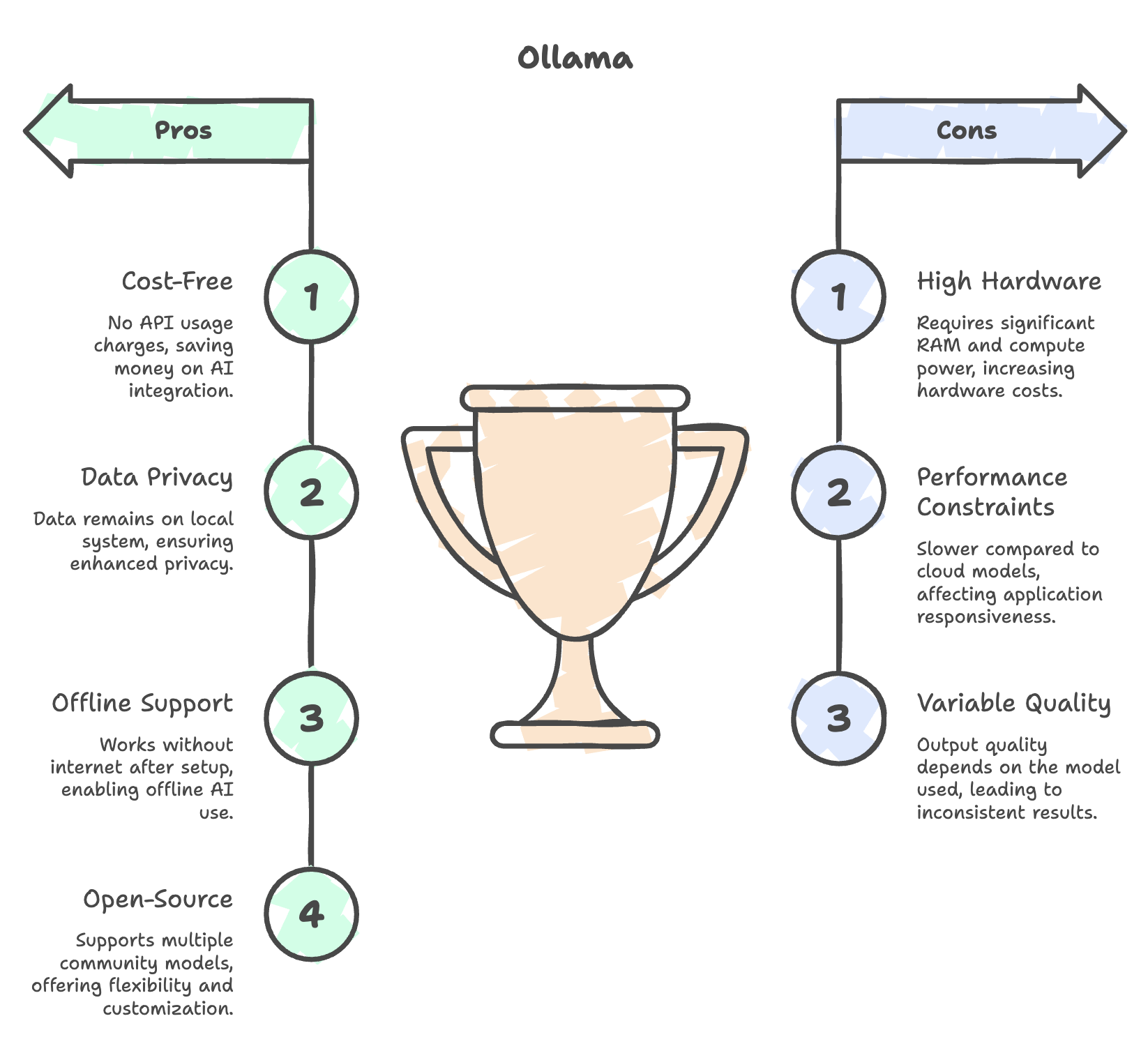
Ollama enables running open-source LLMs locally, eliminating the need for cloud services, API keys, and usage costs while ensuring better data privacy.
-
Installation is straightforward, but no models are pre-installed-users must verify setup (
ollama) and check available models usingollama listbefore running any model. -
The command
ollama run <model_name>automatically downloads and runs models, simplifying deployment and making it easy to start interacting with AI locally. -
Model selection depends heavily on system hardware, especially RAM, with lightweight models (~2GB) for low-end systems and large models requiring 20-40+ GB.
-
Once models are set up, they can be integrated into applications like Spring AI, enabling seamless local AI usage without repeated terminal commands.
Written By: Muskan Garg
How is this guide?
Last updated on