
Github CLI
Developers often use Git commands in the terminal but switch to the GitHub website to manage issues, pull requests, Actions, releases, and repositories.
GitHub CLI (gh) brings many of these GitHub capabilities directly into the terminal.
What is GitHub CLI?
GitHub CLI is GitHub's official command-line interface for interacting with GitHub from a terminal.
It allows developers to perform common GitHub operations without opening the GitHub web interface.
GitHub CLI can be used to work with:
- Repositories
- Pull requests
- Issues
- GitHub Actions
- Codespaces
- Releases
- GitHub API
- GitHub search
Git vs GitHub CLI
Git is a distributed version control system.
It manages operations such as:
git add
git commit
git branch
git merge
git rebase
git push
git pull
GitHub CLI provides commands for interacting with GitHub itself.
For example:
gh repo
gh issue
gh pr
gh workflow
gh run
gh codespace
gh release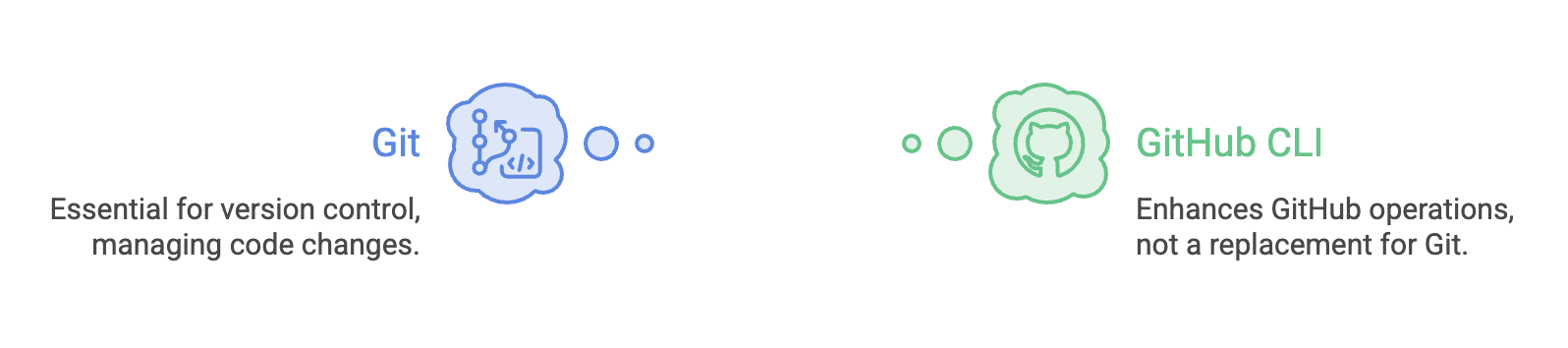
Installing GitHub CLI
GitHub CLI can be installed using package managers or installation methods appropriate for your operating system.
macOS
brew install ghWindows
winget install --id GitHub.cliAfter installation, verify it with:
gh --versionAuthentication
Before performing operations that require access to your GitHub account, authenticate the CLI:
gh auth loginThe command guides you through the authentication process.
To check the current authentication status:
gh auth statusA typical flow is:
Install gh
   ↓
gh auth login
   ↓
Authenticate with GitHub
   ↓
gh auth status
   ↓
Use GitHub CLI
Repository Operations
The gh repo command group is used to work with repositories.
Common commands include:
gh repo create
gh repo clone <repo>
gh repo fork <repo>
gh repo view <repo>
gh repo list
gh repo sync
For example:
gh repo clone telusko/demo-projectgh repo clone provides a GitHub-aware way to clone a repository from the terminal.
Pull Requests
The gh pr command group manages pull requests.
Common commands include:
gh pr create
gh pr list
gh pr view <number>
gh pr checkout <number>
gh pr diff <number>
gh pr checks <number>
gh pr review <number>
gh pr merge <number>
For example:
gh pr listdisplays pull requests directly in the terminal.
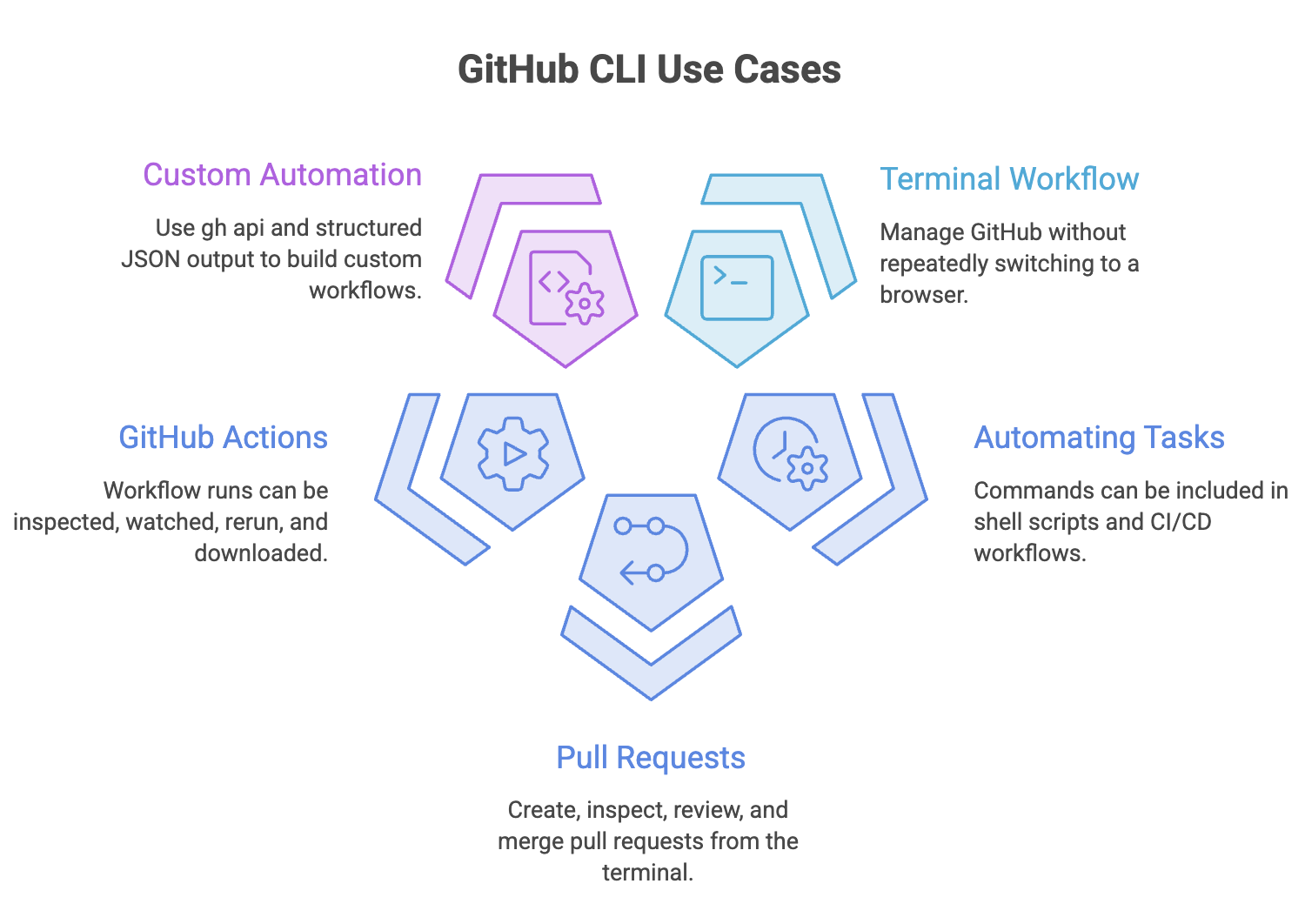
A developer can therefore perform much of the pull-request workflow without opening a browser.
Issues
The gh issue command group manages GitHub Issues.
Common commands include:
gh issue create
gh issue list
gh issue view <number>
gh issue close <number>
gh issue comment <number>
For example:
gh issue createcan be used to create an issue from the terminal.
This becomes particularly useful when issue management is part of scripts or automated workflows.
GitHub Actions
GitHub CLI can also interact with GitHub Actions.
Workflows
gh workflow list
gh workflow run <workflow>
Workflow Runs
gh run list
gh run view <run-id>
gh run watch <run-id>
gh run rerun <run-id>
gh run download <run-id>
For example:
gh run listcan be used to inspect recent workflow runs directly from the terminal.
This is useful when developers want to monitor CI/CD without switching to the browser.
Managing Codespaces
GitHub CLI can also manage Codespaces from the terminal.
Common commands include:
gh codespace create
gh codespace list
gh codespace ssh
gh codespace code
gh codespace stop
gh codespace delete
For example:
gh codespace listlists Codespaces available to the authenticated user.
Releases
GitHub CLI provides the gh release command group for managing GitHub Releases.
Common commands include:
gh release create <tag>
gh release list
gh release download <tag>
For example:
gh release create v1.0.0can create a GitHub Release associated with the specified tag.
This can be useful in release automation.
Searching GitHub
GitHub CLI also provides commands for searching GitHub.
gh search repos <query>
gh search issues <query>
gh search prs <query>
gh search code <query>
gh search commits <query>
For example:
gh search repos spring bootcan be used to search repositories from the terminal.
Search is particularly useful when working with large organizations or open-source projects.
The gh api Command
One of the most powerful features of GitHub CLI is:
gh apiIt allows developers to make requests to GitHub's API directly from the terminal.
For example:
gh api repos/owner/repo/pullscan retrieve pull-request information.
Data can also be sent:
gh api repos/owner/repo/issues \
  -f title="Bug" \
  -f body="Description"
The response can be filtered using --jq:
gh api repos/owner/repo/pulls \
  --jq '.[].title'
This makes gh api useful when built-in CLI commands do not provide exactly the operation a script needs.
Structured Output
Many GitHub CLI commands support JSON output.
For example:
gh pr list --json number,title,author,stateThe output can be processed with --jq.
gh issue list \
  --json number,title \
  --jq '.[] | .title'
This is especially useful for:
- Shell scripts
- Automation
- CI/CD
- Data processing
- Custom workflows
GitHub CLI Extensions
GitHub CLI supports extensions that add additional commands and functionality.
Common extension-management commands include:
gh extension install <repo>
gh extension list
gh extension upgrade <name>
gh extension remove <name>
Extensions allow developers to extend GitHub CLI beyond its built-in command groups.
GitHub CLI in Automation
One of the most useful aspects of GitHub CLI is that commands can be used from scripts.
For example:
gh pr create \
  --title "Fix login bug" \
  --body "Fixes #123" \
  --base main
Because the required information is supplied through command-line options, the command can be incorporated into automated workflows.
Common use cases include:
- Release automation
- Repository administration
- Bulk operations
- Development scripts
- CI/CD workflows
- Issue and PR automation
GitHub CLI in GitHub Actions
GitHub CLI can be used inside GitHub Actions workflows.
For example:
- name: Comment on PR
  run: |
    gh pr comment ${{ github.event.pull_request.number }} \
      --body "CI passed!"
  env:
    GH_TOKEN: ${{ secrets.GITHUB_TOKEN }}
A workflow can therefore use GitHub CLI to interact with GitHub after performing automated tasks.
GitHub CLI and Developer Agents
GitHub CLI can also be used as a command-line tool within automated or agent-driven development environments.
For example:
Developer
    ↓
AI Agent
    ↓
GitHub CLI
    ↓
GitHub
    ↓
Issue / PR / Actions / Repository
This is different from MCP.
- GitHub CLI is a command-line tool.
- MCP is a protocol for connecting AI applications with tools and data.
- Developer agents use reasoning and available tools to perform tasks.
Therefore, GitHub CLI can be one of the tools available in an automated or agent-driven development environment.
GitHub CLI vs GitHub Web Interface
| Aspect | GitHub Web | GitHub CLI |
|---|---|---|
| Interface | Browser | Terminal |
| Repositories | Yes | Yes |
| Issues | Yes | Yes |
| Pull Requests | Yes | Yes |
| Actions | Yes | Yes |
| Releases | Yes | Yes |
| Automation | Limited by UI | Strong scripting support |
| API access | Through GitHub services | gh api |
| Best suited for | Visual workflows | Terminal users and automation |
GitHub CLI does not replace the GitHub website. It provides another interface for interacting with GitHub.
Summary
- GitHub CLI (
gh) is GitHub's official command-line interface. - Git manages version control, while GitHub CLI (gh) provides commands for interacting with GitHub.
gh auth loginauthenticates the CLI.gh repomanages repositories.gh prmanages pull requests.gh issuemanages issues.gh workflowandgh runinteract with GitHub Actions.gh codespacemanages Codespaces.gh releasemanages releases.gh searchsearches GitHub.gh apiprovides direct GitHub API access.- GitHub CLI supports JSON output and
--jqfiltering. - GitHub CLI can be used inside GitHub Actions and it can also serve as a tool in modern agent-driven development workflows.
Interview Perspective
1. What is GitHub CLI?
GitHub CLI (gh) is GitHub's official command-line interface for interacting with GitHub from a terminal.
2. What is the difference between Git and GitHub CLI?
Git is a version control system used to manage repositories and their history, while GitHub CLI provides commands for interacting with GitHub features such as issues, pull requests, Actions, releases, and Codespaces.
3. How do you authenticate GitHub CLI?
gh auth login4. What is gh api?
gh api allows developers to make GitHub API requests directly from the command line.
5. How can GitHub CLI be used in automation?
GitHub CLI commands can be included in scripts and CI/CD workflows to automate GitHub operations.
6. How do you manage pull requests using GitHub CLI?
The gh pr command group provides commands for creating, listing, viewing, reviewing, checking, and merging pull requests.
7. How can you inspect GitHub Actions runs from the terminal?
Commands such as:
gh run list
gh run view <run-id>
gh run watch <run-id>
can be used.
8. What is the purpose of structured JSON output in GitHub CLI?
It allows command results to be processed programmatically and integrated into scripts and automation.
9. Can GitHub CLI be used with developer agents?
Yes. GitHub CLI can act as a command-line tool available to an AI or developer agent, depending on the environment and permissions.
Written By: Muskan Garg
How is this guide?
Last updated on