
Load Balancer HealthChecks
Health checks are mechanisms used by a Load Balancer to continuously monitor the availability, responsiveness, and overall health of backend servers.
Based on the results of these health checks, the load balancer routes traffic only to healthy servers, ensuring:
- High availability
- Improved reliability
- Better fault tolerance
- Enhanced user experience
Without health checks, requests may be routed to failed or degraded servers, resulting in errors, slow responses, and poor application performance.
Why Are Health Checks Needed?
Health checks help load balancers identify server failures and performance issues before they impact users.
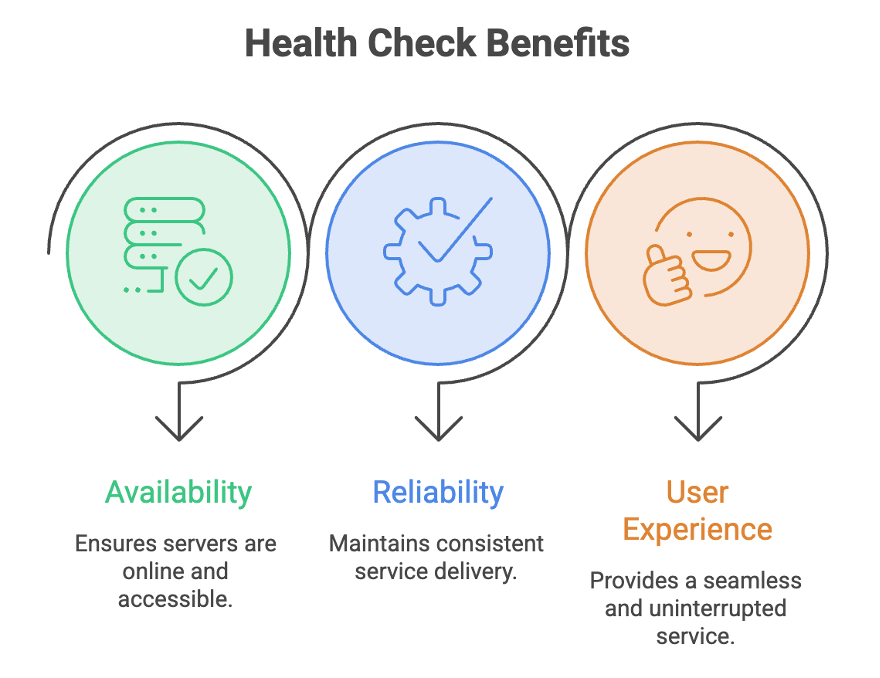
Benefits of Health Checks
- Detect unhealthy or degraded servers automatically.
- Prevent failed servers from receiving new requests.
- Improve application availability and reliability.
- Reduce user-facing errors.
- Provide metrics for scaling decisions.
- Support automatic recovery when servers become healthy again.
Types of Health Checks
1. Passive Health Check
A Passive Health Check monitors actual production traffic flowing through the load balancer.
Instead of sending dedicated health-check requests, the load balancer analyzes responses from real user requests.
The load balancer monitors live production traffic without sending additional requests.
- No extra load on servers.
- Observes response time, failures, and error rates from real requests.
- Useful for identifying issues under actual workload.
How It Works
Client Request
       ↓
Load Balancer
       ↓
Backend Server
       ↓
Response Analysis
The load balancer monitors:
- Response times
- Connection failures
- HTTP status codes
- Error rates
- Timeout occurrences
2. Active Health Check
An Active Health Check periodically sends dedicated probe requests to backend servers to verify their health.
These checks occur regardless of whether user traffic exists.
The load balancer periodically sends probe requests to verify server health.
- Dedicated health-check requests are sent at regular intervals.
- Provides faster and more accurate health detection.
- Introduces a small amount of additional traffic.
How It Works
Load Balancer
       ↓
Health Check Request
       ↓
Backend Server
       ↓
Health Check Response
Example:
GET /healthExpected response:
200 OKHealth Check Parameters
Health checks are controlled through configurable parameters that determine how server health is evaluated.
| Parameter | Description | Example |
|---|---|---|
| Interval | Frequency at which health checks are performed. | Every 5 seconds |
| Timeout | Maximum time the load balancer waits for a response. | 50 ms–5 s expected; 10 s indicates failure |
| Threshold | Number of consecutive successes or failures required before changing server status. | 20 failures → Unhealthy, 100 successes → Healthy |
Health Check Workflow
The load balancer continuously evaluates server health using the configured parameters.
Step 1: Perform Health Checks
At each configured interval:
Load Balancer
      ↓
Checks All Servers
Step 2: Evaluate Response
The server must respond within the timeout limit.
Response Received Within Timeout
           ↓
        Success
or
No Response / Timeout
           ↓
         Failure
Step 3: Count Failures
Each failed health check increments a failure counter.
Failure Count
      ↓
Threshold Reached
      ↓
Server Marked Unhealthy
Step 4: Remove Unhealthy Server
When the unhealthy threshold is reached:
Server Removed
From Load Balancing Pool
No new traffic is routed to that server.
Step 5: Monitor Recovery
Health checks continue even after removal.
Server Recovers
        ↓
Successful Health Checks
Step 6: Reintroduce Healthy Server
Once the healthy threshold is met:
Server Added Back
To Load Balancing Pool
The server begins receiving traffic again.
Example Workflow
                Load Balancer
                       │
         ┌─────────────┼─────────────┐
         │             │             │
      Server A      Server B      Server C
         │             │             │
      Healthy      Unhealthy      Healthy
         │             │             │
         └──── Receives No Traffic ──┘
After recovery:
                Load Balancer
                       │
         ┌─────────────┼─────────────┐
         │             │             │
      Server A      Server B      Server C
         │             │             │
      Healthy       Healthy       Healthy
All servers resume handling traffic.
Summary
- Health checks enable load balancers to continuously monitor server availability and performance, ensuring traffic is routed only to healthy servers.
- Passive Health Checks analyze real user traffic and server responses without generating additional requests, making them lightweight and efficient.
- Active Health Checks send periodic probe requests to backend servers, providing faster and more accurate health monitoring.
- Important health-check parameters include Interval, Timeout, and Threshold, which determine how server health is evaluated.
- When a server exceeds the configured failure threshold, it is removed from the load-balancing pool and no longer receives traffic.
- Once the server recovers and meets the success threshold, it is automatically added back to the routing pool.
- Health checks play a critical role in maintaining high availability, fault tolerance, reliability, and optimal user experience in distributed systems.
Written By: Muskan Garg
How is this guide?
Last updated on