
Break vs Continue vs Pass
Python provides three special control statements-break, continue, and pass, which are used to alter the normal flow of execution within loops or conditional statements.
Introduction
In Python, loops (for and while) generally execute a block of code repeatedly until a certain condition is false.
However, sometimes we need more control over the flow of execution, for example:
- To exit a loop early
- To skip an iteration
- Or to write placeholder code that will be implemented later.
Python provides three special statements for these situations:
breakcontinuepass
break Statement
The break statement is used to terminate the loop immediately, regardless of how many iterations remain.
Syntax:
for variable in sequence:
    if condition:
        break
    # code block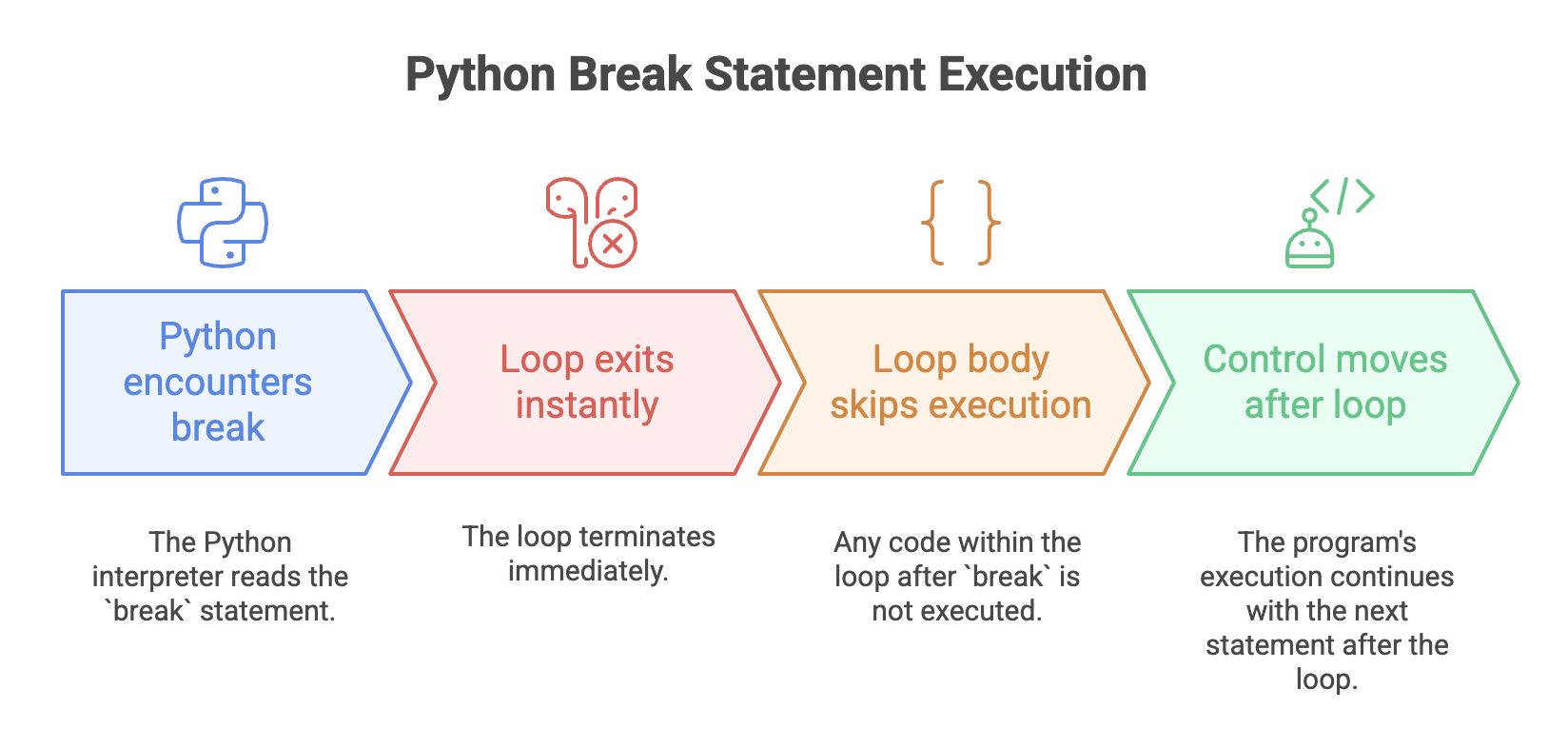
Example
for i in range(5):
    if i == 3:
        break
    print("Hello", i)
Output
Hello 0
Hello 1
Hello 2
Explanation
- When
i == 3, thecontinuestatement is executed. - The loop skips the
print()statement fori = 3and jumps to the next iteration. - The loop then continues normally for
i = 4.
Use Case
- Stop processing when a required value is found.
- Exit when a resource becomes unavailable.
- Terminate loops on certain error conditions.
continue Statement
The continue statement skips the current iteration of the loop and moves to the next iteration, without executing the remaining statements inside the loop for that iteration.
Syntax:
for i in range(5):
    if i == 3:
        continue
    print("Hello", i)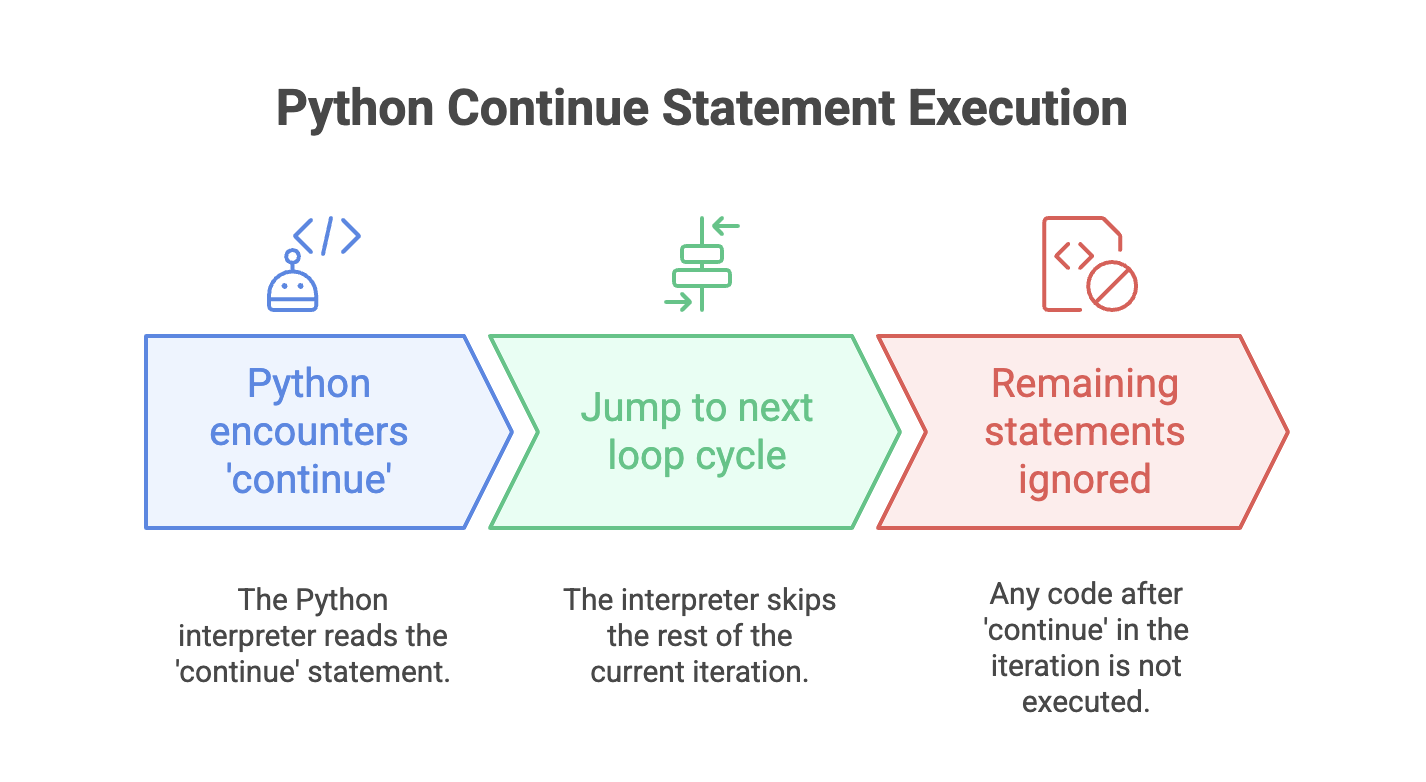
Example
for i in range(5):
    if i == 3:
        continue
    print("Hello", i)
Output
Hello 0
Hello 1
Hello 2
Hello 4
Explanation
- When
i == 3, thecontinuestatement is executed. - The loop skips the
print()statement fori = 3and jumps to the next iteration. - The loop then continues normally for
i = 4.
Use Case
- Skip unwanted values (e.g., negative numbers, divisible numbers).
- Filter data inside loops.
- Avoid executing certain code for specific iterations.
pass Statement
The pass statement acts as a null operation, it does nothing when executed.
It’s used as a placeholder for future code, allowing you to define empty functions, classes, or loops without causing syntax errors.
Syntax:
def func():
    pass
Why we need pass
Python does not allow empty:
- functions
- classes
- loops
- conditional blocks
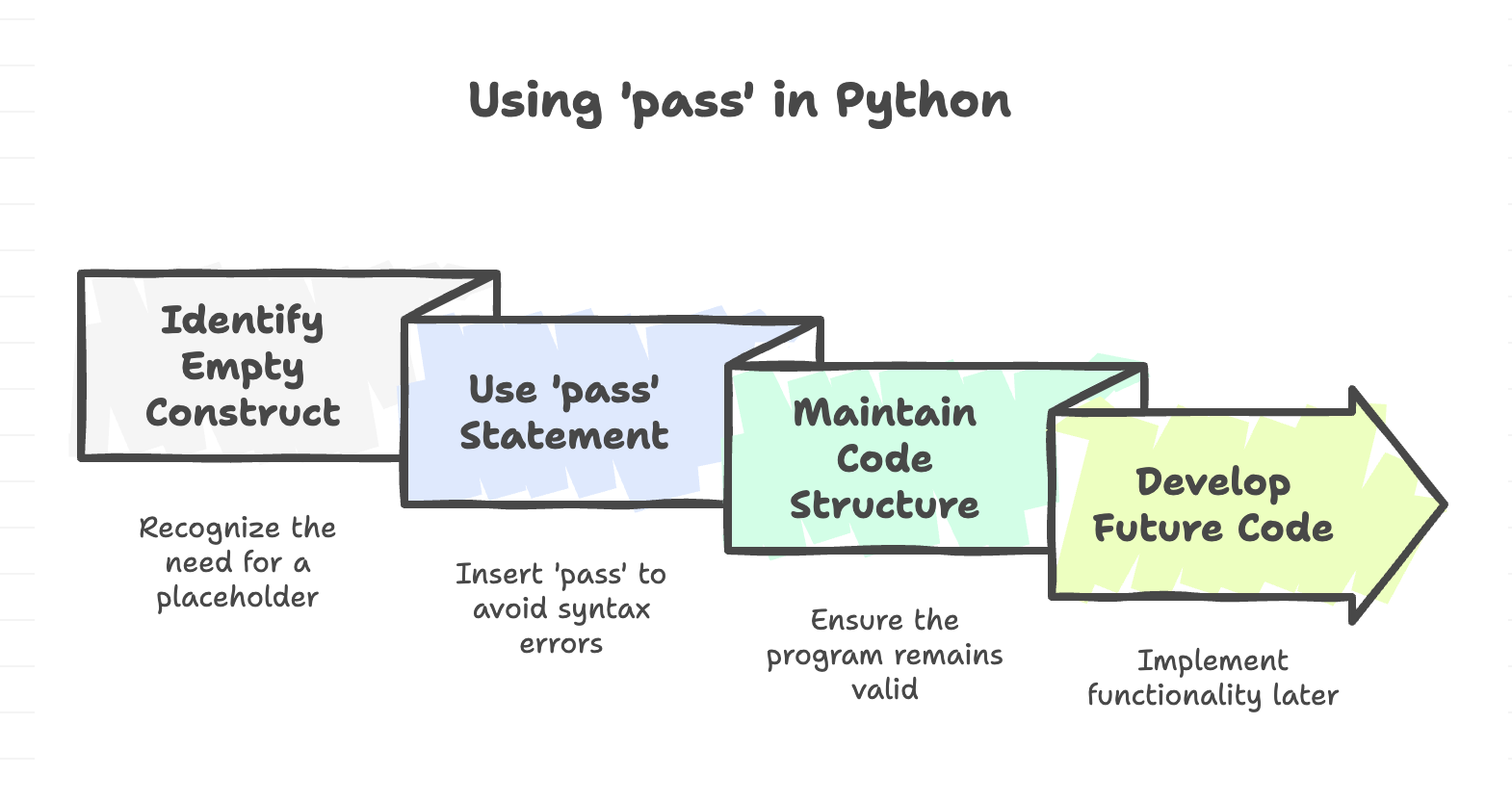
A function body cannot be empty in Python, it will raise an
IndentationError. Thepassstatement allows defining a syntactically valid structure even when the logic is not yet implemented.
Example
for i in range(1, 6):
    if i == 3:
        pass
    else:
        print(i)
Output:
1
2
4
5
Explanation
- When i == 3, the pass statement is executed.
passdoes nothing, so the loop simply moves ahead without any action for that iteration.- For all other values of
i, theprint()statement runs normally.
Use Case
- Placeholder when designing program structure.
- Temporary empty blocks during development.
- Skip an iteration intentionally (without any action).
Comparison
| Statement | Purpose | Effect on Loop | Typical Usage |
|---|---|---|---|
| break | Exit the entire loop | Loop stops immediately | Stop searching, stop processing early |
| continue | Skip current iteration | Next iteration starts | Skip specific values or conditions |
| pass | Do nothing (placeholder) | Loop continues normally | Empty blocks for future use |
Example: Using All Three Together
for i in range(6):
    if i == 2:
        continue    # skip iteration for i = 2
    elif i == 4:
        break       # stop loop at i = 4
    else:
        print("Processing:", i)
else:
    pass            # placeholder for when loop ends normally
Output
Processing: 0
Processing: 1
Processing: 3
Summary
break→ Immediately terminates the entire loop, stopping all remaining iterations and transferring control to the first statement after the loop.continue→ Skips the rest of the current iteration and jumps directly to the next cycle of the loop.pass→ Acts as a do-nothing placeholder that allows you to define empty loops, functions, classes, or conditional blocks without causing syntax errors.- These statements provide fine-grained control over loops and conditional structures.
Written By: Muskan Garg
How is this guide?
Last updated on