
Else and Debugging
Python’s if-else structure enhances decision-making by allowing programs to choose between two possible outcomes. Debugging, on the other hand, ensures that the program behaves correctly by identifying and fixing logical errors.
Understanding the else Statement
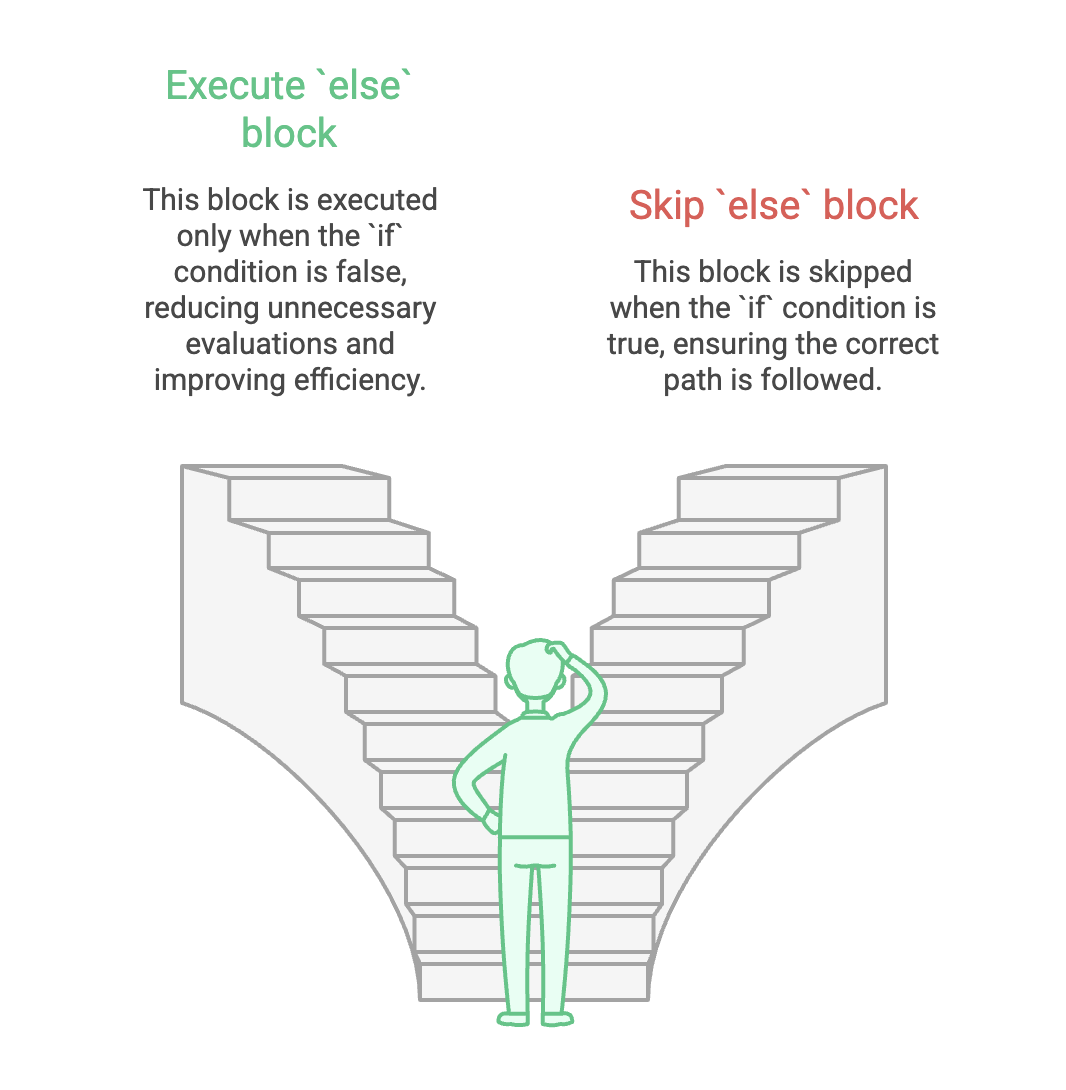
The else block is executed only when the if condition evaluates to False.
It helps reduce unnecessary evaluations and makes the program more efficient and clean.
Why Use else?
- Eliminates redundant checks
- Makes code simpler, predictable, and easy to understand
- Clearly defines what should happen when the main condition is not met
Syntax
if condition:
    statements
else:
    statements
Example: Checking Even or Odd
num = 6
if num % 2 == 0:
    print("Even")
else:
    print("Odd")
print("Bye")
Output:
Even
Bye
Another example:
num = 7
if num % 2 == 0:
    print("Even")
else:
    print("Odd")
print("Bye")
Output:
Odd
Bye
How else Makes Code Efficient
Consider this code using two separate if statements:
if num % 2 == 0:
    print("Even")

if num % 2 == 1:
    print("Odd")
Here, Python evaluates two conditions every time.
Using else:
if num % 2 == 0:
    print("Even")
else:
    print("Odd")
Now Python stops after finding the first True condition, making code more efficient and cleaner.
Errors in Python Programs
When writing code, two main types of errors may occur:
1. Syntax Errors
- Caused by incorrect grammar (missing colon, wrong indentation, misspelt keyword)
- Python detects and highlights them immediately
- Easy to fix
Example:
if x > 5
    print("Hello")   # Missing colon → SyntaxError
2. Logical Errors (Bugs)
- Program runs without crashing, but output is incorrect
- Harder to detect because Python does not show an error message
Example:
num = 6
if num % 2 == 1:
    print("Even")   # Wrong logic → Incorrect output
What is Debugging?
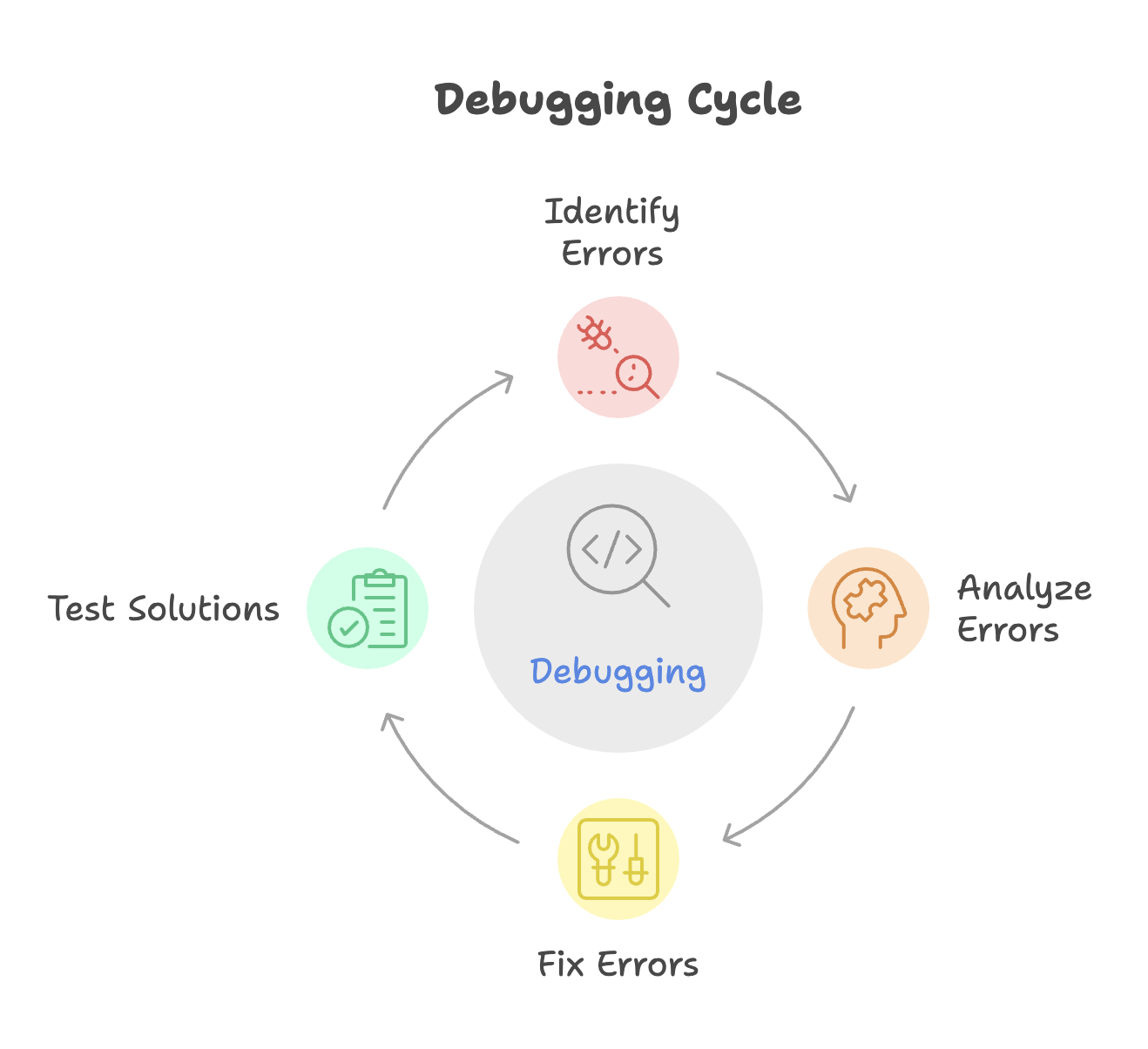
Debugging is the process of finding and fixing logical errors to ensure the program behaves as intended.
Why Debugging is Needed
- Logical errors do not stop program execution
- Output may look valid but be wrong
- Only testing multiple inputs reveals flaws
Common Debugging Tools
- Debugger in IDEs (VS Code, PyCharm, IDLE)
- Print statements (basic but helpful)
- Breakpoints to pause execution
- Variable inspector to watch real-time variable values
How Debugging Works in Python (IDE-Based)
Steps to Debug Code
-
Set a breakpoint
- Click beside the line number where execution should pause
-
Run Debug Mode
- VS Code: Run → Start Debugging or press F5
- Ensure Python extension is installed
-
Use Debug Controls
- Step Over (F10): Executes line-by-line
- Step Into (F11): Goes inside function calls
- Continue (F5): Runs until next breakpoint
-
Watch Variables View changing values in the Variables panel to identify incorrect logic.
Debugging reveals exactly how your program flows and where unexpected results occur.
Combining if-else With Debugging
Debugging helps you:
- Verify which block (
iforelse) is executing - Check the correctness of conditions
- Detect wrong comparisons or variable values
Example:
num = int(input("Enter a number: "))

if num % 2 == 0:
    print("Even")
else:
    print("Odd")

print("Done")
Using breakpoints, you can track:
- Value of
num - Whether the expression
num % 2 == 0becomes True or False - Which print statement executes
Summary
- The
elseblock executes only when anifcondition is False, improving code efficiency and readability. - Two types of errors exist: syntax errors (easy to detect) and logical errors (hard to find).
- Debugging helps identify logical issues by allowing step-by-step execution and variable inspection.
- IDEs like VS Code and PyCharm provide powerful debugging tools such as breakpoints, step controls, and variable tracking.
- Using
if-elsealong with debugging ensures accurate, well-structured, and error-free Python programs.
Written By: Muskan Garg
How is this guide?
Last updated on