
Optional Class
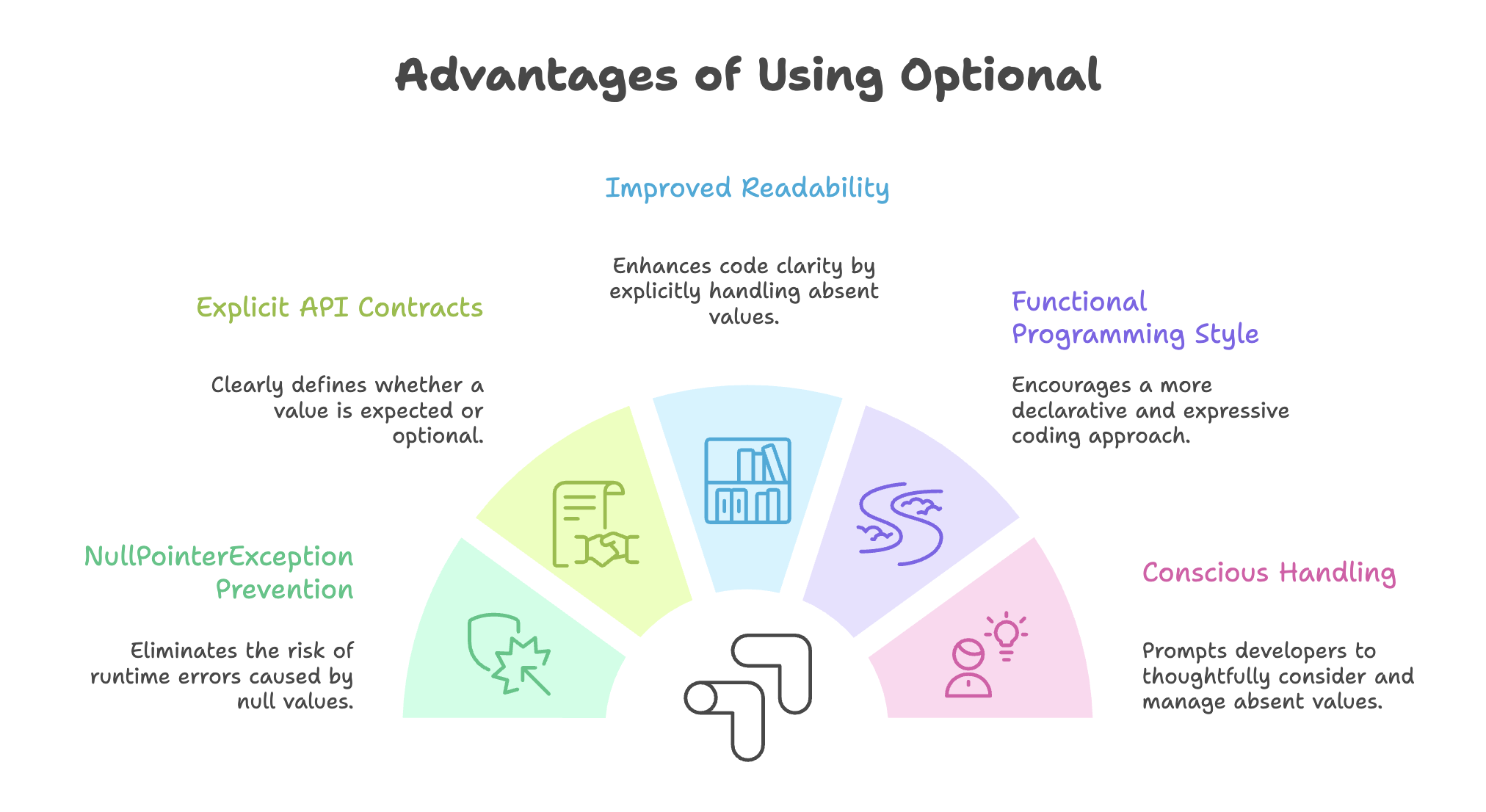
The Optional class, introduced in Java 8, is a container object designed to represent the presence or absence of a value in a clear and expressive way. It provides a structured alternative to returning null, helping developers avoid one of Java’s most common runtime problems: NullPointerException (NPE).
Rather than returning null, a method can return an Optional<T>, making the possibility of “no value” explicit in the method signature and encouraging safer handling.
The Problem with null
Before Java 8, methods that could not produce a result typically returned null.
// Traditional approach with null
public Cat findCatById(int id) {
    // If cat not found, return null
    return null;
}

// Calling code must remember to check for null
Cat cat = findCatById(5);
if (cat != null) {
    int age = cat.getAge(); // Safe
} else {
    // Handle null case
}
Problems with this approach
- Easy to forget null checks → leads to
NullPointerException - Method signature does not indicate that
nullmay be returned - Repetitive and verbose null-checking logic
- Null-handling responsibility pushed to the caller
This lack of explicitness makes APIs fragile and error-prone.
What is Optional?
Optional<T> is a container object that:
- May contain a non-null value
- May be empty (contain no value)
It forces developers to explicitly handle both scenarios.
Think of Optional as a box:
- Contains a value →
Optional.of(value) - Empty →
Optional.empty()
Creating Optional Objects
Java provides three factory methods to create Optional instances.
1. Optional.of(value)
Use when the value is guaranteed to be non-null.
Optional<String> optionalName = Optional.of("John");If the value is null, it throws NullPointerException immediately:
Optional<String> nullOptional = Optional.of(null); // Throws NPEWhen to use: When you are absolutely certain the value is not null and want to fail fast if it is.
2. Optional.ofNullable(value)
Use when the value may be null.
String name = getUserName(); // Might return null
Optional<String> optionalName = Optional.ofNullable(name);

Optional<String> emptyOptional = Optional.ofNullable(null); // Safe
When to use: When dealing with external systems (database, API, user input) where null is possible.
3. Optional.empty()
Explicitly creates an empty Optional.
Optional<String> emptyOptional = Optional.empty();Example in a method:
public Optional<Cat> findCatById(int id) {
    if (catExists(id)) {
        return Optional.of(getCat(id));
    }
    return Optional.empty();
}
When to use: When intentionally returning “no value”.
Working with Optional
1. Checking Presence - isPresent()
Optional<String> optionalName = Optional.of("Alice");

if (optionalName.isPresent()) {
    System.out.println(optionalName.get());
}
Not Recommended Pattern
Using isPresent() + get() is similar to traditional null checks and defeats the purpose of Optional.
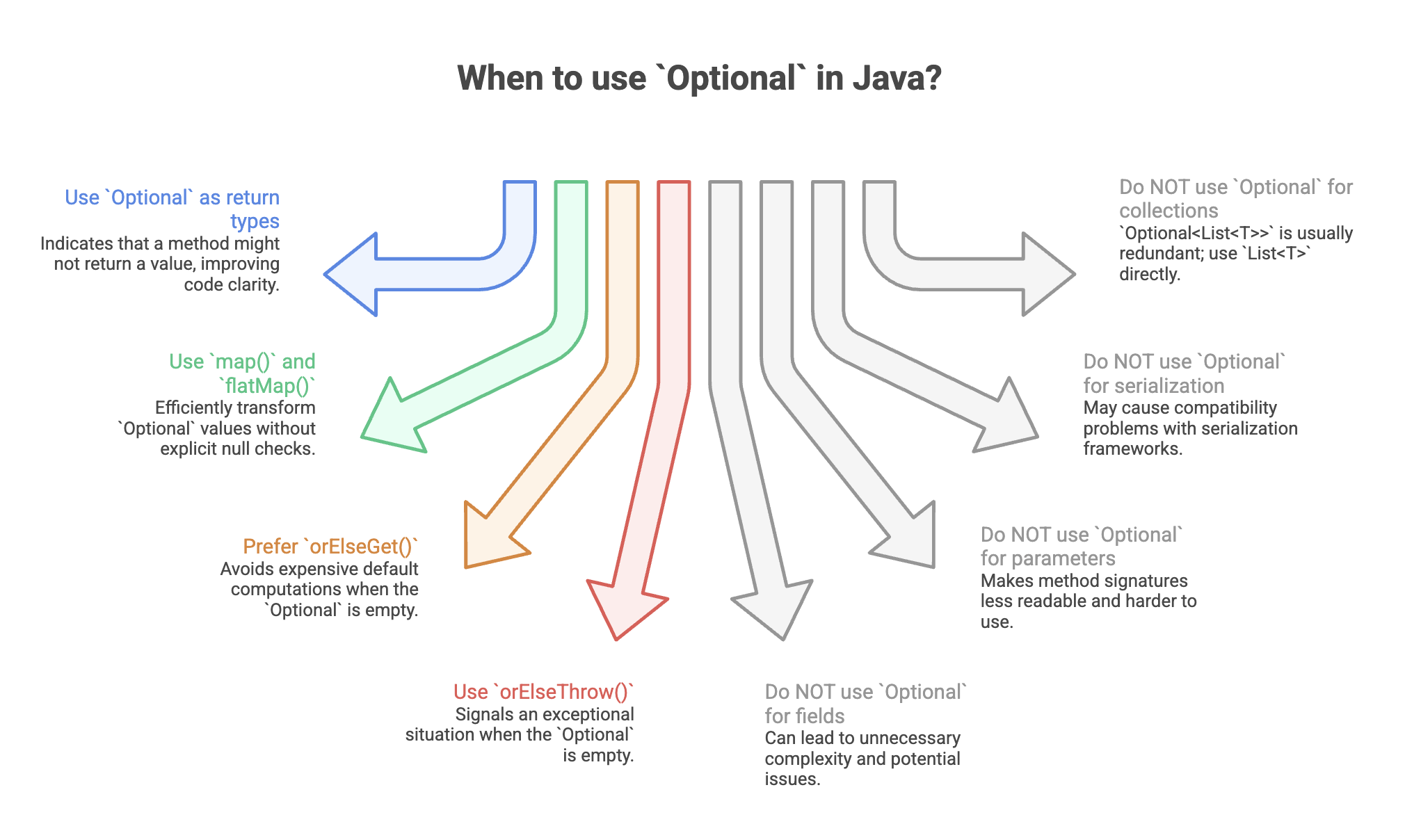
Prefer functional alternatives like map(), orElse(), etc.
2. Retrieving Values - get()
Optional<String> optionalName = Optional.of("Bob");
String name = optionalName.get(); // OK

Optional<String> empty = Optional.empty();
empty.get(); // Throws NoSuchElementException
Use
get()only when you are absolutely certain the value is present.
Providing Default Values
1. orElse(defaultValue)
Returns the value if present, otherwise returns the provided default.
Optional<String> optionalName = Optional.empty();
String name = optionalName.orElse("Default Name");
If value exists:
Optional<Integer> optionalAge = Optional.of(25);
int age = optionalAge.orElse(0); // 25
Use case: When the default value is simple and inexpensive.
2. orElseGet(Supplier)
Executes the supplier only if the Optional is empty.
String name = optionalName.orElseGet(() -> generateDefaultName());Example:
int age = findCatById(5)
    .map(Cat::getAge)
    .orElseGet(() -> 0);
When to use: When default value creation is expensive or has side effects.
Performance Note
orElse() evaluates its argument immediately.
orElseGet() evaluates lazily (only if needed).
3. orElseThrow()
Throws NoSuchElementException if empty.
optionalName.orElseThrow();4. orElseThrow(Supplier)
Throws a custom exception if empty.
Alien alien = findAlienById(5)
    .orElseThrow(() ->
        new AlienaNotFoundException("Alien not found"));
Use case: When absence of value is exceptional.
Functional Transformations
1. map(Function)
Transforms the value if present.
Optional<String> optionalName = Optional.of("john");

String upper = optionalName
    .map(String::toUpperCase)
    .orElse("UNKNOWN");
If empty, transformation is skipped.
2. flatMap(Function)
Used when the mapping function itself returns an Optional.
Optional<User> user = getUser();

Optional<Address> address = user
    .flatMap(User::getAddress);
Prevents nested Optional<Optional<T>>.
Conditional Execution
1. ifPresent(Consumer)
Executes only if value exists.
optionalName.ifPresent(name ->
    System.out.println("Hello " + name));
2. ifPresentOrElse(Consumer, Runnable) (Java 9+)
optionalName.ifPresentOrElse(
    name -> System.out.println("Found: " + name),
    () -> System.out.println("Not found")
);
Real-World Example
Before Optional
public int getAlienAge(int alienId) {
    Alien alien = findAlienById(alienId);
    if (alien != null) {
        return alien.getAge();
    }
    return 0;
}
After Optional
public Optional<Alien> findAlienById(int id) {
    return Optional.ofNullable(database.getAlien(id));
}

public int getAlienAge(int alienId) {
    return findAlienById(alienId)
        .map(Alien::getAge)
        .orElse(0);
}

public String getAlienNameUpperCase(int alienId) {
    return findAlienById(alienId)
        .map(Alien::getName)
        .map(String::toUpperCase)
        .orElse("UNKNOWN");
}
Client code becomes expressive:
service.findAlienById(5)
    .ifPresentOrElse(
        cat -> System.out.println(cat.getName()),
        () -> System.out.println("Alien not found")
    );
Summary
- Represents the presence or absence of a value explicitly, avoiding null.
- Helps prevent NullPointerException by enforcing safer handling.
- Supports functional-style operations like map(), flatMap(), and orElse().
- Makes method contracts clearer by signaling optional return values.
- Best used as a return type to design safer and more expressive APIs.
Written By: Muskan Garg
How is this guide?
Last updated on