
Selectors and Non-blocking I/O
Java NIO Selectors represent the pinnacle of the NIO package's capabilities, enabling true non-blocking, scalable I/O operations. A Selector allows a single thread to efficiently monitor and manage multiple channels simultaneously, dramatically improving application performance and scalability compared to traditional one-thread-per-connection models.
The Problem: Traditional Server Architecture
One-Thread-Per-Connection Model
In traditional Java I/O, each client connection requires a dedicated thread:
Client 1 → Thread 1 (blocking on read/write)
Client 2 → Thread 2 (blocking on read/write)
Client 3 → Thread 3 (blocking on read/write)
...
Client 1000 → Thread 1000 (blocking on read/write)
Problems with this approach:
- Thread Overhead: Each thread consumes system resources (memory, CPU for context switching)
- Wasted Resources: Threads spend most time idle, waiting for I/O operations
- Poor Scalability: Cannot handle thousands of concurrent connections efficiently
- Blocking Behavior: Thread blocks during read/write operations, unable to do other work
Example Scenario
When a thread reads data from a client:
- Thread calls
read()and blocks - Waits for data to arrive over the network (could be milliseconds to seconds)
- Thread remains idle during this entire waiting period
- Cannot handle other connections or perform other tasks
- Wastes CPU cycles and memory
The Solution: Selectors and Non-blocking I/O
What is a Selector?
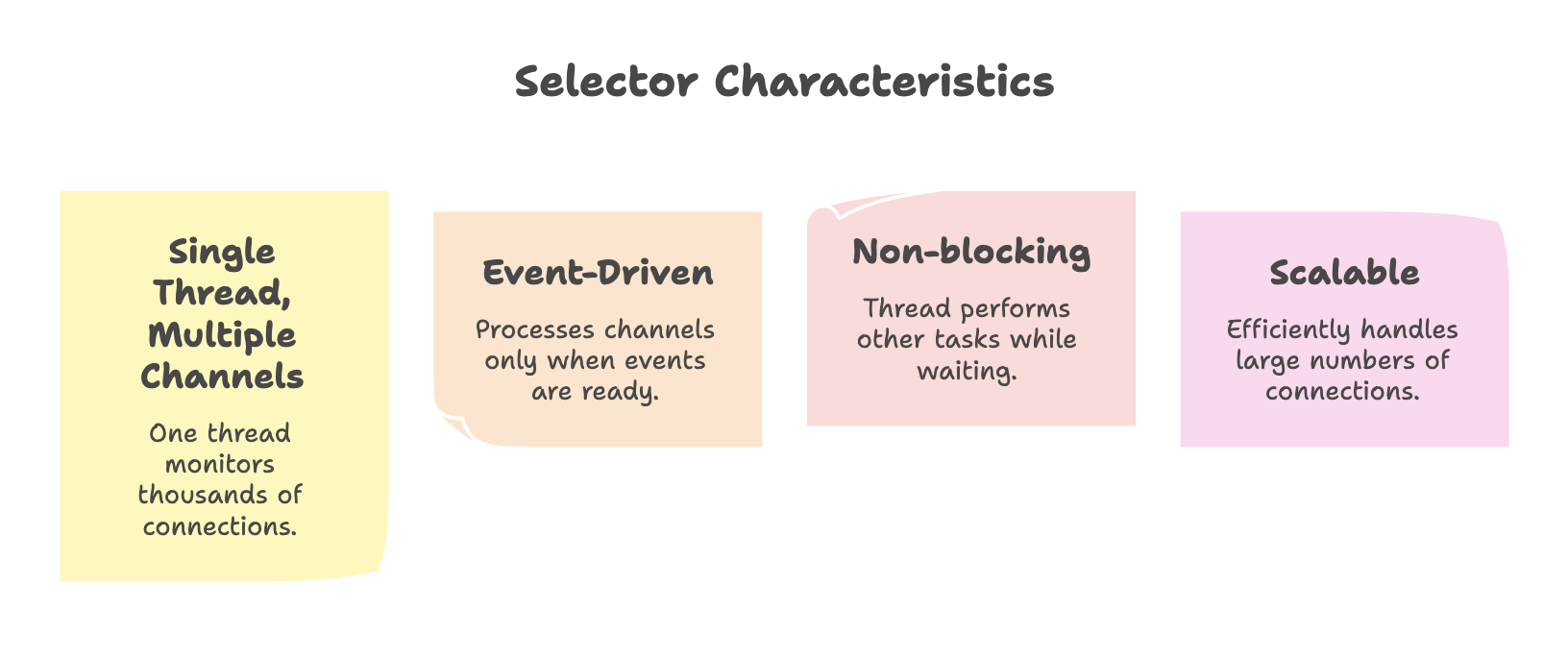
A Selector is a multiplexer that can monitor multiple channels for events (like incoming data, connection acceptance, write readiness) and notify your application when events are ready for processing.
How Selectors Work
                    ┌─────────────┐
                    │  Selector   │
                    └──────┬──────┘
                           │
            ┌──────────────┼──────────────┐
            │              │              │
       ┌────▼────┐    ┌────▼────┐   ┌────▼────┐
       │Channel 1│    │Channel 2│   │Channel 3│
       └─────────┘    └─────────┘   └─────────┘
            │              │              │
       ┌────▼────┐    ┌────▼────┐   ┌────▼────┐
       │Client 1 │    │Client 2 │   │Client 3 │
       └─────────┘    └─────────┘   └─────────┘
The Selector continuously polls the operating system to check which channels have events ready:
- Every few seconds (configurable), it checks all registered channels
- Returns immediately if no events are ready (returns 0)
- Returns the number of ready channels when events are available
- Application processes only the channels with ready events
Core Components
1. Selector
Created using the Selector.open() method:
import java.nio.channels.Selector;

Selector selector = Selector.open();
2. SelectableChannel
Channels that can be registered with a Selector:
ServerSocketChannel: Listening for incoming connectionsSocketChannel: TCP network connectionsDatagramChannel: UDP connections
These channels must be configured in non-blocking mode:
channel.configureBlocking(false);3. SelectionKey
When a channel is registered with a Selector, it returns a SelectionKey object that represents the registration.
Interest Operations (Events to Monitor):
SelectionKey.OP_ACCEPT: Ready to accept a new connection (ServerSocketChannel)SelectionKey.OP_CONNECT: Connection established (SocketChannel)SelectionKey.OP_READ: Ready to read dataSelectionKey.OP_WRITE: Ready to write data
SelectionKey key = channel.register(selector, SelectionKey.OP_READ);You can register for multiple events:
int interestSet = SelectionKey.OP_READ | SelectionKey.OP_WRITE;
channel.register(selector, interestSet);
4. Selection Process
The selector provides methods to check for ready channels:
// Blocks until at least one channel is ready
int readyChannels = selector.select();

// Blocks for a maximum timeout period
int readyChannels = selector.select(2000); // 2 seconds

// Returns immediately (non-blocking)
int readyChannels = selector.selectNow();
Return value:
0: No channels ready> 0: Number of channels with ready events
Building a High-Performance NIO Server
Architecture Overview
A scalable NIO server combines three approaches:
- Selector Thread: One thread monitors all connections using a Selector
- Accept Separation: Connection acceptance is handled efficiently
- Worker Threads: Multiple threads process actual client requests
This separation ensures:
- Connection acceptance is never blocked
- Request processing doesn't slow down new connections
- System resources are utilized efficiently
Complete Server Implementation
import java.io.IOException;
import java.net.InetSocketAddress;
import java.nio.ByteBuffer;
import java.nio.channels.SelectionKey;
import java.nio.channels.Selector;
import java.nio.channels.ServerSocketChannel;
import java.nio.channels.SocketChannel;
import java.util.Iterator;
import java.util.Set;

public class NIOServer {

    public static void main(String[] args) throws IOException {
        // 1. Create Selector
        Selector selector = Selector.open();

        // 2. Create ServerSocketChannel
        ServerSocketChannel serverSocket = ServerSocketChannel.open();
        serverSocket.bind(new InetSocketAddress("localhost", 8080));

        // 3. Configure non-blocking mode
        serverSocket.configureBlocking(false);

        // 4. Register channel with selector for ACCEPT events
        serverSocket.register(selector, SelectionKey.OP_ACCEPT);

        System.out.println("Server started on port 8080");

        // 5. Main event loop
        while (true) {
            // Wait for events (polls OS every ~2 seconds)
            int readyChannels = selector.select();

            if (readyChannels == 0) {
                continue; // No events ready
            }

            // 6. Get set of keys with events
            Set<SelectionKey> selectedKeys = selector.selectedKeys();
            Iterator<SelectionKey> keyIterator = selectedKeys.iterator();

            // 7. Process each key
            while (keyIterator.hasNext()) {
                SelectionKey key = keyIterator.next();

                // 8. Handle different event types
                if (key.isAcceptable()) {
                    handleAccept(serverSocket, selector);
                }

                if (key.isReadable()) {
                    handleRead(key);
                }

                // 9. CRITICAL: Remove processed key
                keyIterator.remove();
            }
        }
    }

    private static void handleAccept(ServerSocketChannel serverSocket,
                                     Selector selector) throws IOException {
        // Accept new connection
        SocketChannel client = serverSocket.accept();

        if (client != null) {
            // Configure non-blocking mode
            client.configureBlocking(false);

            // Register for READ events
            client.register(selector, SelectionKey.OP_READ);

            System.out.println("New client connected: " + client.getRemoteAddress());
        }
    }

    private static void handleRead(SelectionKey key) throws IOException {
        SocketChannel client = (SocketChannel) key.channel();

        // Allocate buffer
        ByteBuffer buffer = ByteBuffer.allocate(1024);

        try {
            // Read data from client
            int bytesRead = client.read(buffer);

            if (bytesRead == -1) {
                // Client closed connection
                System.out.println("Client disconnected");
                client.close();
                return;
            }

            // Prepare buffer for reading
            buffer.flip();

            // Convert to string
            byte[] data = new byte[buffer.remaining()];
            buffer.get(data);
            String message = new String(data);

            System.out.println("Received: " + message);

            // Echo response back to client
            String response = "Echo: " + message;
            ByteBuffer responseBuffer = ByteBuffer.wrap(response.getBytes());
            client.write(responseBuffer);

            // Close connection after response
            client.close();

        } catch (IOException e) {
            System.out.println("Error reading from client");
            client.close();
        }
    }
}
Step-by-Step Explanation
Initialization Phase:
- Create Selector:
Selector.open()creates the multiplexer - Create ServerSocketChannel: Opens the server socket for listening
- Bind to Port: Associates the server with a specific port (8080)
- Configure Non-blocking: Essential for use with Selector
- Register for ACCEPT: Tell Selector to notify when new connections arrive
Event Loop Phase:
- Select Events:
selector.select()blocks until events are ready- Polls OS every ~2 seconds checking for events
- Returns 0 if nothing ready, or number of ready channels
- Get Selected Keys: Retrieve set of keys with ready events
- Iterate Keys: Process each key individually
- Check Event Type: Use
isAcceptable(),isReadable(), etc. - Handle Events: Call appropriate handler methods
- Remove Key: CRITICAL - Remove processed key from iterator
Why Removing Keys is Critical?
The selectedKeys() set is not automatically cleared. If you don't remove processed keys:
- Same key appears in next iteration
- Events get processed multiple times
- Can cause infinite loops or duplicate processing
keyIterator.remove(); // Must do this after processing each keyHandling Different Events
Accept Event (New Connection):
private static void handleAccept(ServerSocketChannel serverSocket,
                                 Selector selector) throws IOException {
    SocketChannel client = serverSocket.accept();
    client.configureBlocking(false);
    client.register(selector, SelectionKey.OP_READ);
}- Accept the new connection
- Configure it as non-blocking
- Register it with the Selector for READ events
- Now the Selector monitors this client for incoming data
Read Event (Data Available):
private static void handleRead(SelectionKey key) throws IOException {
    SocketChannel client = (SocketChannel) key.channel();
    ByteBuffer buffer = ByteBuffer.allocate(1024);

    int bytesRead = client.read(buffer);

    if (bytesRead == -1) {
        client.close(); // Client disconnected
        return;
    }

    buffer.flip();
    // Process data...
}- Get the channel from the key
- Create buffer to hold data
- Read data into buffer
- Check for connection closure (bytesRead == -1)
- Process the data
- Optionally write response back
Performance Benefits
Scalability Comparison
| Aspect | Traditional Model | NIO Selector Model |
|---|---|---|
| Thread Usage | 1000 clients = 1000 threads | 1000 clients = 1 selector thread + few worker threads (e.g., 10) |
| Memory Consumption | High memory usage (each thread ~1MB stack space) | Minimal memory overhead |
| CPU Utilization | Heavy context switching causes CPU thrashing | Reduced context switching, better CPU efficiency |
| I/O Handling | Most threads remain idle waiting for I/O | Single thread monitors events, processes only ready channels |
| Scalability | Poor scalability for large connections | Highly scalable for thousands of concurrent connections |
Summary
-
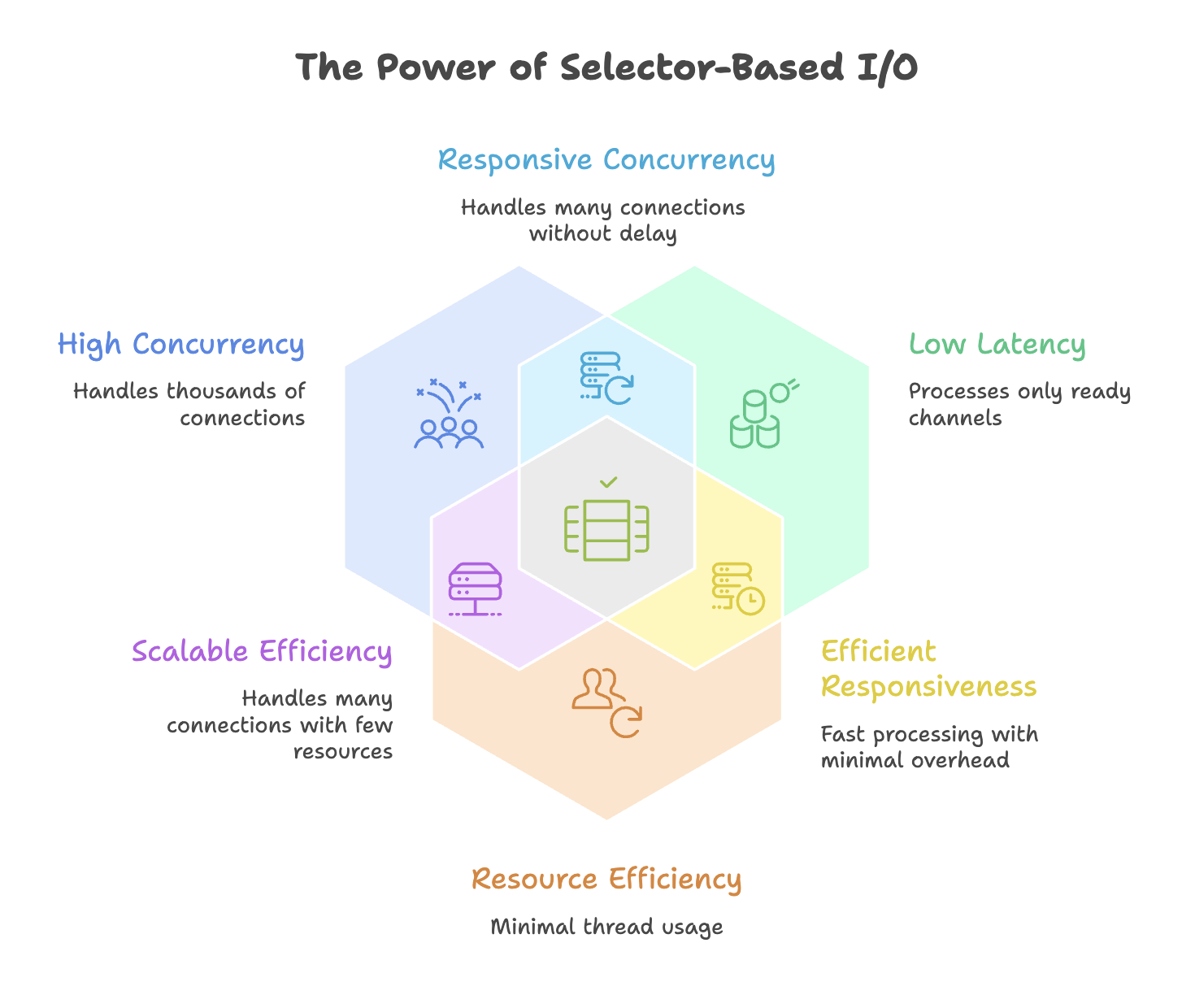
Java NIO Selectors allow a single thread to monitor and manage multiple channels simultaneously, enabling efficient I/O multiplexing.
-
They follow an event-driven model, processing only those channels that are ready for operations like accept, read, or write.
-
Channels must be configured in non-blocking mode, and processed selection keys must be removed to avoid duplicate handling.
-
Selectors significantly improve scalability by handling thousands of connections with minimal threads and reduced resource usage.
-
When combined with buffers and channels, Selectors form the foundation for building high-performance, scalable network servers.
Written By: Muskan Garg
How is this guide?
Last updated on