
Buffers and Channels
Introduction to NIO Architecture
Java NIO (New I/O) represents a fundamental shift from traditional blocking I/O operations provided by java.io. The NIO package introduces a buffer-and-channel architecture that enables non-blocking I/O operations, multi-threading capabilities, and significantly improved performance for both file and network operations.
The Problem with Traditional java.io
Traditional Java I/O operates in a blocking manner:
- When a thread reads from a stream, it blocks until data is available
- When a thread writes to a stream, it blocks until the write completes
- Each connection typically requires a dedicated thread
- Threads spend significant time waiting (idle) for I/O operations to complete
The NIO Solution
Java NIO solves these problems by introducing:
- Buffers: Containers for data being transferred
- Channels: Connections to entities that perform I/O operations
- Non-blocking operations: Threads can perform other tasks while waiting for I/O
- Multi-threading support: Read and write operations can execute in separate threads
Buffers
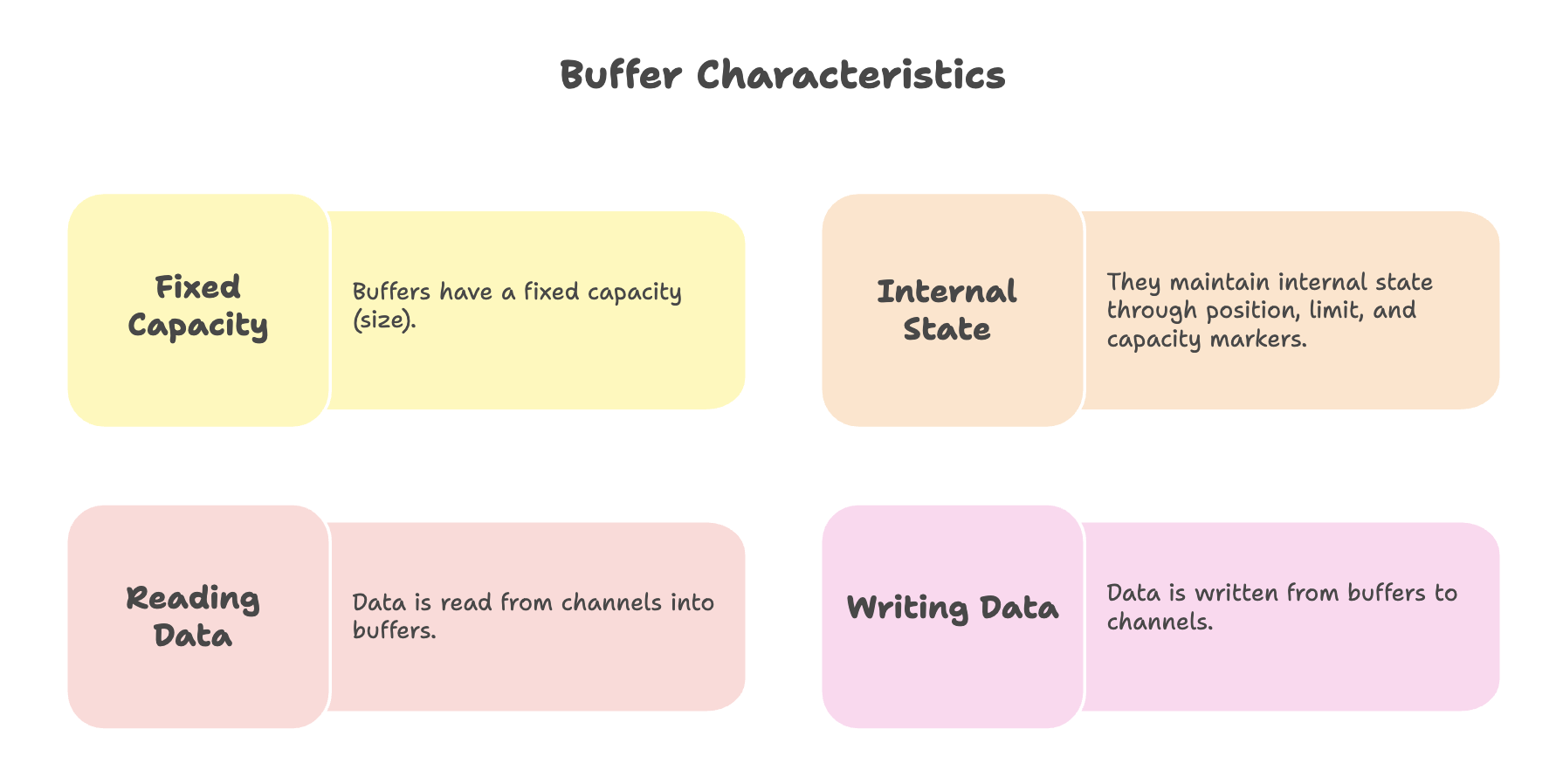
A buffer is a container object that holds data temporarily during I/O operations. Think of it as a fixed-size data structure that acts as a staging area for data transfer between your application and I/O channels.
Buffer Types
Java NIO provides specialized buffer classes for different data types:
ByteBuffer(most commonly used)CharBufferIntBufferFloatBufferDoubleBufferLongBufferShortBuffer
Buffer Operations
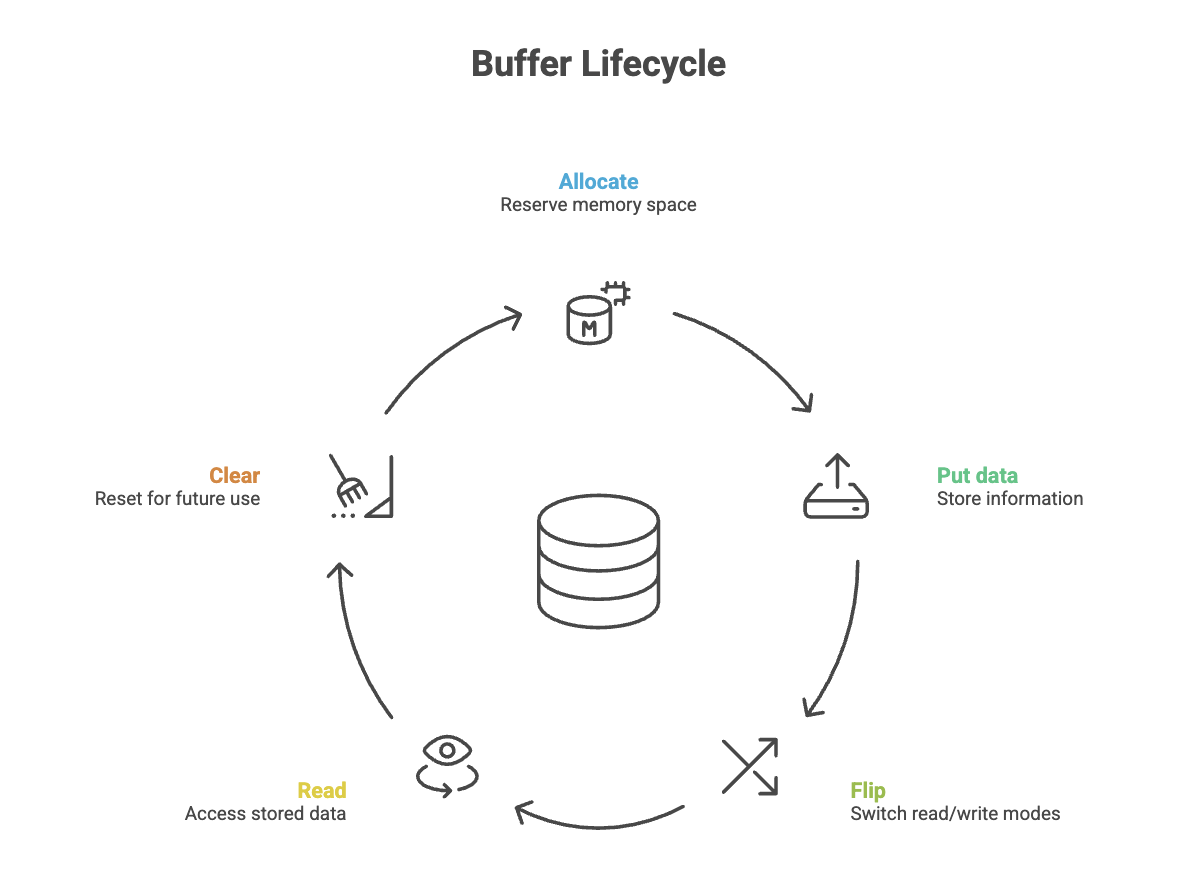
Creating a Buffer
import java.nio.ByteBuffer;

// Allocate a buffer with capacity of 1024 bytes
ByteBuffer buffer = ByteBuffer.allocate(1024);
Buffer States and Methods
Position: Current location in the buffer where next read/write will occur
Limit: First element that should not be read or written
Capacity: Maximum number of elements the buffer can hold
Important Methods:
put(): Writes data into the buffer
String data = "Hello World";
buffer.put(data.getBytes());flip(): Prepares buffer for reading after writing
buffer.flip(); // Resets position to 0, sets limit to current positionThe flip() method is crucial-it transitions the buffer from write mode to read mode by resetting the position to zero and setting the limit to the current position.
clear(): Prepares buffer for new write operations
buffer.clear(); // Resets position to 0, limit to capacityrewind(): Resets position to 0 for re-reading
buffer.rewind();Channels
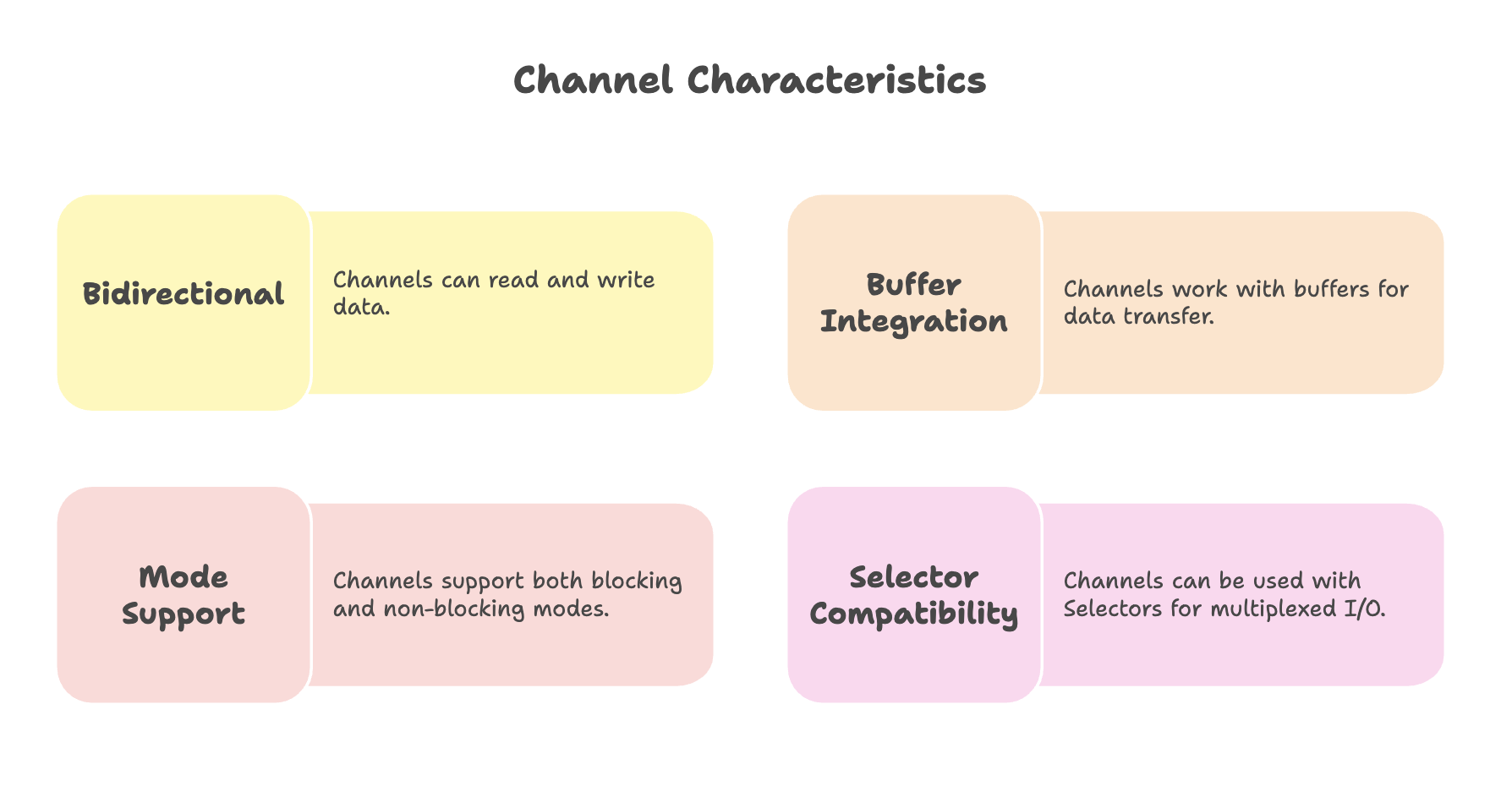
A channel represents a connection to an entity capable of performing I/O operations, such as:
- Files
- Network sockets
- Hardware devices
Channel Types
- FileChannel: File I/O operations
- SocketChannel: TCP network connections
- ServerSocketChannel: Listening for TCP connections
- DatagramChannel: UDP network operations
The Generic Nature of Channels
The FileChannel class and other channel implementations are designed generically, meaning they handle both file operations and network socket communication. This makes NIO applicable across various I/O operation types, not just file handling.
Working with Buffers and Channels
Reading from a File
Source → Channel → Buffer → Applicationimport java.io.FileInputStream;
import java.nio.ByteBuffer;
import java.nio.channels.FileChannel;
public class NIOReadExample {
public static void main(String[] args) {
try {
// 1. Create FileInputStream
FileInputStream fileInputStream = new FileInputStream("input.txt");
// 2. Get FileChannel from stream
FileChannel fileChannel = fileInputStream.getChannel();
// 3. Allocate buffer
ByteBuffer buffer = ByteBuffer.allocate(1024);
// 4. Read data from channel into buffer
int bytesRead = fileChannel.read(buffer);
while (bytesRead != -1) {
// 5. Flip buffer to prepare for reading
buffer.flip();
// 6. Read data from buffer
while (buffer.hasRemaining()) {
System.out.print((char) buffer.get());
}
// 7. Clear buffer for next read
buffer.clear();
// 8. Read next chunk
bytesRead = fileChannel.read(buffer);
}
// 9. Close resources
fileChannel.close();
fileInputStream.close();
} catch (Exception e) {
e.printStackTrace();
}
}
}Step-by-step Explanation:
- Create a
FileInputStreamfor the source file - Obtain the
FileChannelfrom the stream - Allocate a
ByteBufferwith appropriate capacity - Read data from the channel into the buffer (returns number of bytes read, or -1 when EOF)
- Call
flip()to switch buffer from write mode to read mode - Process the data in the buffer
- Call
clear()to prepare buffer for the next read cycle - Continue reading until end of file (bytesRead == -1)
- Close channel and stream resources
Writing to a File
Application → Buffer → Channel → Destinationimport java.io.FileOutputStream;
import java.nio.ByteBuffer;
import java.nio.channels.FileChannel;
public class NIOWriteExample {
public static void main(String[] args) {
try {
// 1. Create FileOutputStream
FileOutputStream fileOutputStream = new FileOutputStream("output.txt");
// 2. Get FileChannel from stream
FileChannel fileChannel = fileOutputStream.getChannel();
// 3. Prepare data to write
String data = "Hello, Java NIO!";
// 4. Allocate buffer with data size
ByteBuffer buffer = ByteBuffer.allocate(1024);
// 5. Put data into buffer
buffer.put(data.getBytes());
// 6. Flip buffer to prepare for writing to channel
buffer.flip();
// 7. Write buffer contents to channel
fileChannel.write(buffer);
// 8. Close resources
fileChannel.close();
fileOutputStream.close();
System.out.println("Data written successfully to output.txt");
} catch (Exception e) {
e.printStackTrace();
}
}
}Step-by-step Explanation:
- Create a
FileOutputStreamfor the destination file - Obtain the
FileChannelfrom the stream - Prepare the data you want to write
- Allocate a
ByteBufferwith sufficient capacity - Use
put()to write data into the buffer - Call
flip()to prepare the buffer for reading (channel will read from buffer) - Write the buffer contents to the channel
- Close channel and stream resources
Key Notes:
- Data always flows from channels into buffers for reading
- Data always flows from buffers to channels for writing
- The
flip()method transitions the buffer between these modes
Performance Benefits
1. Multi-threading Support
NIO enables multi-threaded I/O operations:
- Read operations can execute in one thread
- Write operations can execute in another thread
- Both file and network operations benefit from this parallelism
2. Non-blocking Operations
Unlike traditional I/O:
- Threads don't block waiting for data
- Can perform other tasks while I/O operations are in progress
- Significantly improves resource utilization and application responsiveness
3. Improved Throughput
Buffer-based operations reduce system calls and optimize data transfer:
- Bulk data operations instead of byte-by-byte transfers
- Direct memory access capabilities
- Better CPU and memory cache utilization
Generic Communication Pattern
The buffer-and-channel architecture is not limited to file operations. It provides a generic framework for any communication involving reading and writing:
- File I/O: Reading and writing files
- Network I/O: Socket communication (TCP/UDP)
- Inter-process communication: Data exchange between processes
- Device I/O: Communication with hardware devices
This generic design allows you to use the same programming model and techniques across different I/O types, providing consistency and code reusability.
Summary
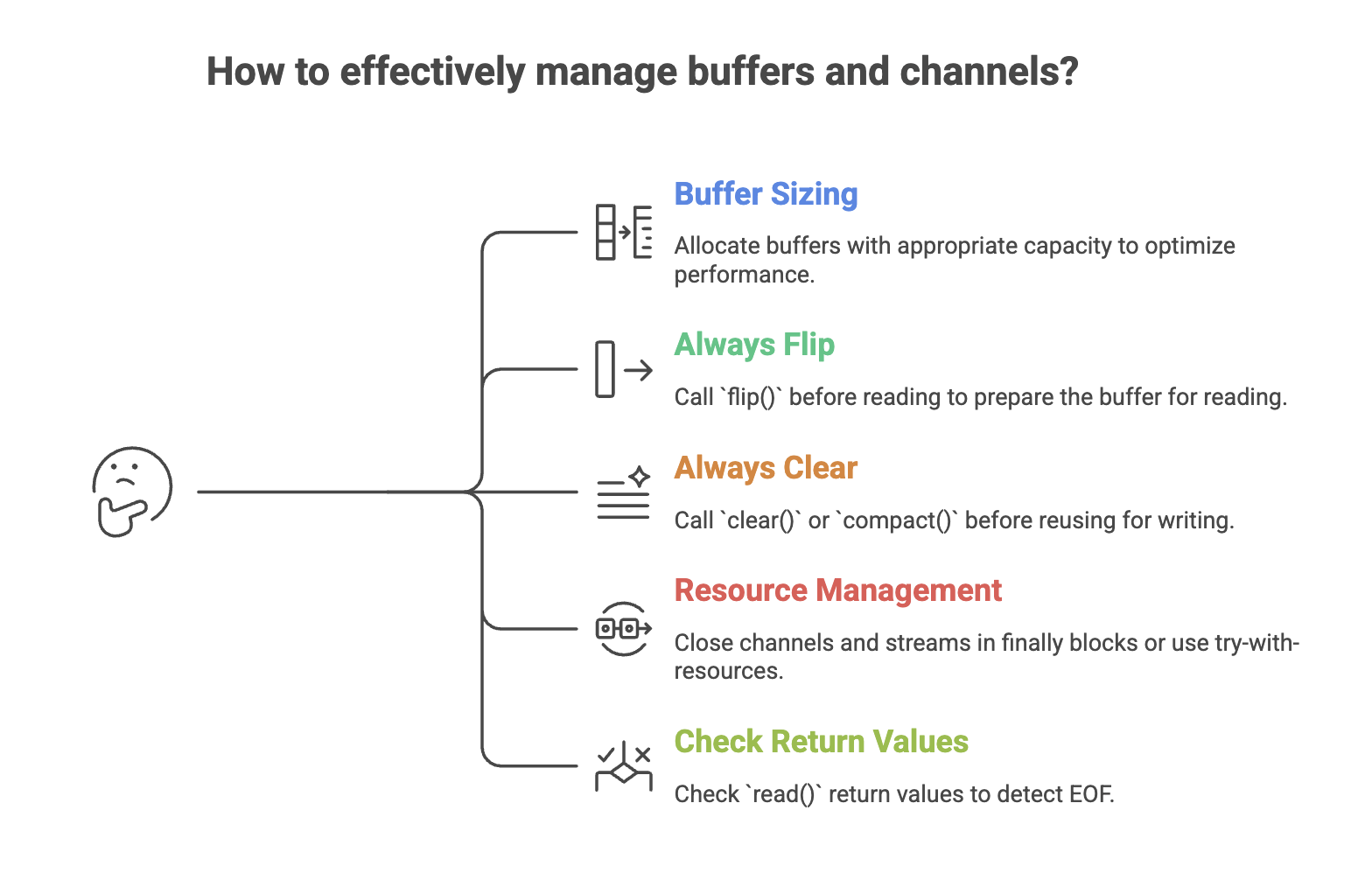
- Java NIO uses a buffer-and-channel architecture where buffers temporarily store data and channels act as the connection for I/O operations.
- Data flows in a structured pattern-reading moves data from a channel to a buffer, while writing moves data from a buffer to a channel.
- Proper buffer state management using position, limit, capacity, and especially flip() is essential for correct operation.
- The same architecture works across files, network sockets, and other I/O types, making NIO a generic and reusable framework.
- Non-blocking support and multi-threading capabilities enable high-performance, scalable applications.
Written By: Muskan Garg
How is this guide?
Last updated on