
ClassLoader
Introduction
The ClassLoader is a core component of the JVM responsible for loading Java classes into memory at runtime. Java does not load all classes at application startup, instead, classes are loaded on demand, enabling dynamic behavior and better memory efficiency.
Understanding ClassLoaders is essential for:
- Modular application development
- Plugin architectures
- Application servers (multiple application isolation)
- Dynamic class loading and hot deployment
- Debugging classpath and dependency issues
What is a ClassLoader?
A ClassLoader is an abstract Java class (java.lang.ClassLoader) that loads .class files into the JVM memory (Method Area / Metaspace).
It performs three major responsibilities:
- Loading – Reads the
.classfile and creates aClassobject. - Linking – Verifies and prepares the class.
- Initialization – Executes static initializers and assigns explicit static values.
public abstract class ClassLoader {

    public Class<?> loadClass(String name)
            throws ClassNotFoundException {
        // Delegation-based loading logic
    }
}
Class Loading Process
Class loading occurs in three main phases:
Phase 1: Loading
- The fully qualified class name (e.g.,
com.example.User) is received. - The ClassLoader searches for the corresponding
.classfile. - Bytecode is read into memory.
- A
Classobject is created in the Method Area. - The
Classobject is returned.
Class<?> clazz =
    ClassLoader.getSystemClassLoader()
               .loadClass("com.example.User");
At this stage, the class is loaded but not yet initialized.
Phase 2: Linking
Linking consists of three sub-phases:
1. Verification
Ensures the bytecode is valid and secure:
- Correct file format (magic number
0xCAFEBABE) - Valid bytecode instructions
- Proper access control
- Type safety
- No illegal memory access
This step ensures JVM security and stability.
2. Preparation
- Memory is allocated for static variables.
- Default values are assigned (not explicit values).
public class Example {
    static int count = 10;
    static String name = "A";
}
During preparation:
count = 0name = null
Default values:
- Numeric → 0
- Boolean → false
- char → '\u0000'
- Object reference → null
3. Resolution
- Symbolic references are converted into direct references.
- Method and field references are resolved to actual memory locations.
Example:
MathUtils.sum(a, b);Initially symbolic → resolved to actual method reference during linking.
Phase 3: Initialization
Initialization executes:
- Static variable explicit assignments
- Static blocks (in order of appearance)
public class InitExample {

    static int x = 10;

    static {
        x = 20;
    }
}
Initialization triggers:
- Creating an object (
new) - Accessing static variables (except compile-time constants)
- Calling static methods
Class.forName()- Subclass initialization
- JVM startup class (contains
main)
4. ClassLoader Hierarchy
Java uses a parent delegation model with three built-in ClassLoaders:
1. Bootstrap ClassLoader
- Root ClassLoader (no parent)
- Implemented in native code (C/C++)
- Loads core Java classes
Examples:
java.lang.Stringjava.lang.Objectjava.util.*
System.out.println(String.class.getClassLoader());
// Output: null (Bootstrap is native)
2. Extension ClassLoader
- Child of Bootstrap
- Loads extension libraries
- In Java 9+, renamed to Platform ClassLoader
System.out.println(javax.crypto.Cipher.class.getClassLoader());3. Application ClassLoader (System ClassLoader)
- Child of Extension/Platform
- Loads application classes from classpath
- Loads third-party libraries
ClassLoader loader =
        ClassLoader.getSystemClassLoader();

System.out.println(loader);
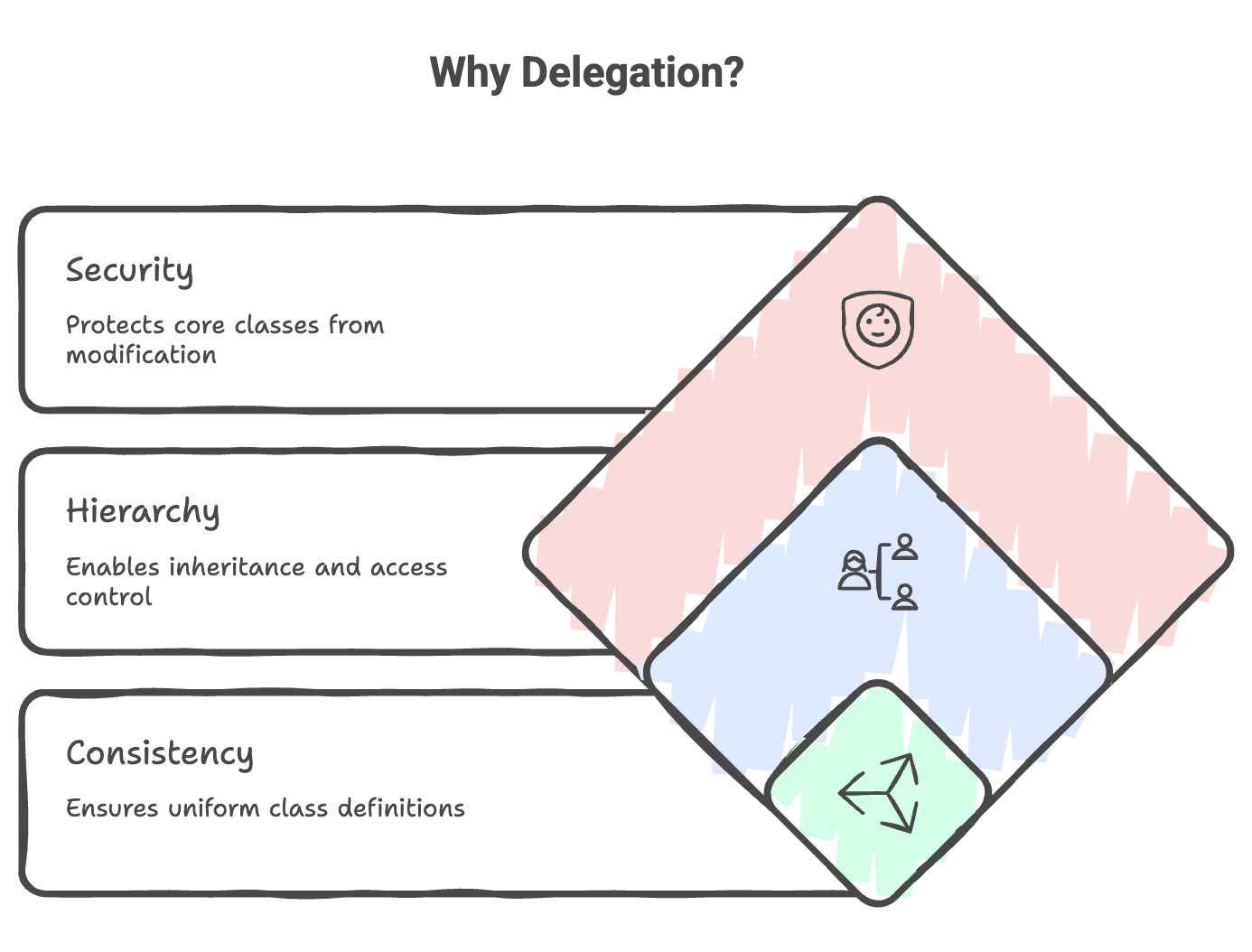
Parent Delegation Model
When a class needs to be loaded:
- Child ClassLoader delegates to parent.
- Parent tries to load it.
- If not found, control returns to child.
- Child loads it.
Example flow:
Request: "java.lang.String"
Application → Extension → Bootstrap → FOUND → Returned
Request: "com.example.User"
Application → Extension → Bootstrap → Not found Extension → Not found Application → Found → Loaded
Class Identity
A class is uniquely identified by:
- Fully Qualified Name
- ClassLoader instance
Same class name + different ClassLoaders = Different classes.
CustomClassLoader loader1 = new CustomClassLoader();
CustomClassLoader loader2 = new CustomClassLoader();

Class<?> c1 = loader1.loadClass("User");
Class<?> c2 = loader2.loadClass("User");

System.out.println(c1 == c2); // false
This leads to ClassCastException if mixed.
Important Methods
loadClass()
Loads a class using delegation (no initialization).
ClassLoader loader =
    ClassLoader.getSystemClassLoader();

loader.loadClass("java.util.ArrayList");
Class.forName()
Loads and initializes the class.
Class.forName("com.example.Driver");Difference:
loadClass()→ Loads onlyClass.forName()→ Loads + Initializes
defineClass()
Used in custom ClassLoaders to convert byte array into Class.
findClass()
Override this in custom ClassLoaders.
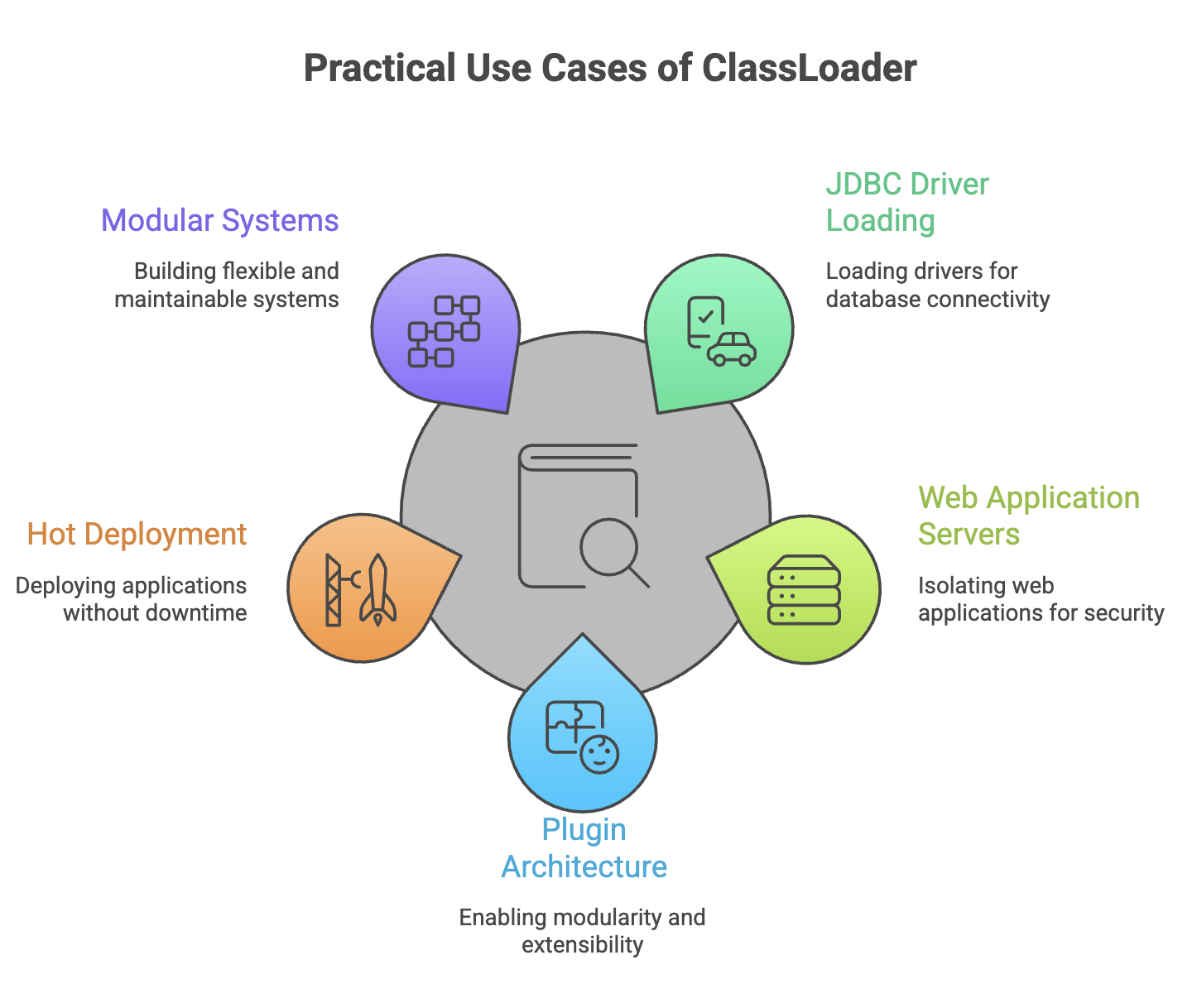
Custom ClassLoader
Used for:
- Plugin systems
- Loading classes from database/network
- Encrypted classes
- Hot reloading
Example:
public class CustomClassLoader extends ClassLoader {

    @Override
    protected Class<?> findClass(String name)
            throws ClassNotFoundException {

        byte[] bytes = loadClassBytes(name);
        return defineClass(name, bytes, 0, bytes.length);
    }

    private byte[] loadClassBytes(String name) {
        // Custom loading logic
        return new byte[0];
    }
}
Common Issues
ClassNotFoundException
Class missing from classpath.
NoClassDefFoundError
Class available at compile time but missing at runtime.
ClassCastException
Same class loaded by different ClassLoaders.
Memory Leaks
ClassLoader not garbage collected due to active references.
Summary
- Class loading occurs in three phases: Loading → Linking → Initialization.
- Java uses a hierarchical delegation model.
- Class identity depends on name + ClassLoader.
- Bootstrap loads core classes, Application loads user classes.
- Custom ClassLoaders enable advanced modular systems.
- Proper understanding helps in debugging, performance tuning, and secure application design.
Written By: Muskan Garg
How is this guide?
Last updated on