
Git Reflog and Recovery
What Is Git Reflog?
Git provides several ways to undo changes, but sometimes an operation can make a commit appear to be completely lost. This is where reflog becomes useful.
Reflog (reference log) is a local record of changes to Git references, especially movements of HEAD and branch pointers.
It can help you find commits that are no longer reachable through the normal branch history.
Think of reflog as Git's local recovery log. If you accidentally move or delete a branch pointer, reflog can often help you find where it was before.
Viewing the Reflog
Use:
git reflogExample:
a1b2c3d HEAD@{0}: commit: Add login feature
f4e5d6c HEAD@{1}: checkout: moving from feature to main
b7a8c9d HEAD@{2}: commit: Fix navbar bug
e1f2g3h HEAD@{3}: reset: moving to HEAD~2
Each entry contains useful information:
- Commit hash - identifies the commit.
HEAD@{n}- identifies the reflog position.- Action - describes what happened.
- Message - provides additional context.
HEAD@{0} represents the most recent entry.
Why Is Reflog Important?
Consider this situation:
A → B → C → DYou accidentally run:
git reset --hard BYour branch now points to B, so commits C and D may no longer appear in the normal branch history.
However, Git may still have their references recorded in the reflog:
HEAD@{0} → B
HEAD@{1} → D
You can use the commit identified by the reflog to recover the work.
Common Recovery Situations
| Situation | Reflog Can Help You |
|---|---|
| Accidental reset | Find commits that were moved out of the branch |
| Deleted branch | Locate the commit where the branch previously pointed |
| Problematic rebase | Find the state before the rebase |
| Accidental checkout/reset | Identify an earlier position of HEAD |
Recovering Lost Work
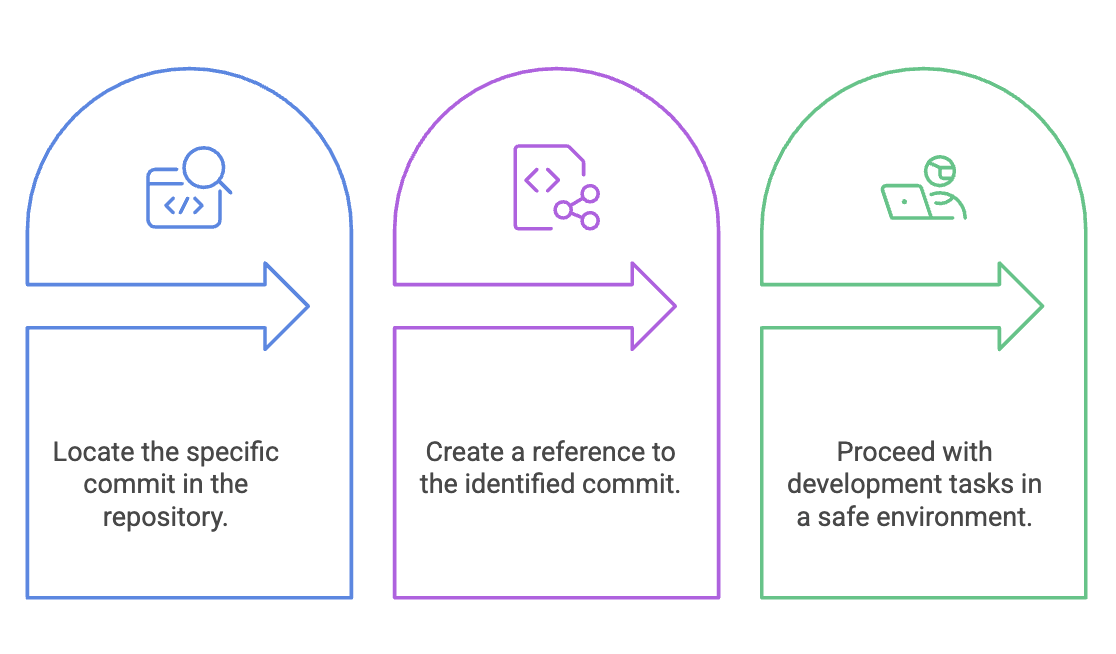
The general recovery process is:
Step 1: Find the Commit
git reflogIdentify the commit hash corresponding to the state you want to recover.
Step 2: Create a Recovery Branch
A safe approach is to create a new branch from that commit:
git switch -c recovery-branch <commit-hash>For example:
git switch -c recovery-branch a1b2c3dNow the recovered commit is referenced by recovery-branch, so you can inspect or continue working from it.
Another Option: Restore the Existing Branch
If you intentionally want your current branch to point back to that commit:
git reset --hard <commit-hash>Caution:
--hardchanges the working tree as well. Use it only when you are certain that this is the state you want to restore.
Viewing Reflog for a Specific Branch
You can inspect the reflog associated with a particular branch:
git reflog show mainThis is useful when investigating what happened to a specific branch.

Limitations of Reflog
Reflog is powerful, but it is not a permanent backup.
Local Only
Reflog information is stored in your local repository. It is not pushed to GitHub or shared with other developers.
If another developer loses a commit, your reflog cannot recover it for them.
Entries Expire
Reflog entries are eventually cleaned up according to Git's reflog expiration settings. Therefore, if you accidentally lose important work, recover it as soon as possible.
Summary
- Reflog is Git's local recovery mechanism for tracking reference movements.
- It is especially useful after accidental resets, deleted branches, or problematic rebases.
git logshows reachable commit history, whilegit refloghelps investigate previous reference states.- The safest recovery approach is often to create a new branch from the recovered commit.
- Reflog is local and temporary, so it should not be treated as a replacement for a remote backup.
- When you think a commit is lost, check
git reflogbefore assuming it is gone permanently.
Written By: Muskan Garg
How is this guide?
Last updated on