
Functions
Functions are one of the most important building blocks in Python. They allow you to organize, reuse, and simplify code, especially in large programs.
Need for Functions
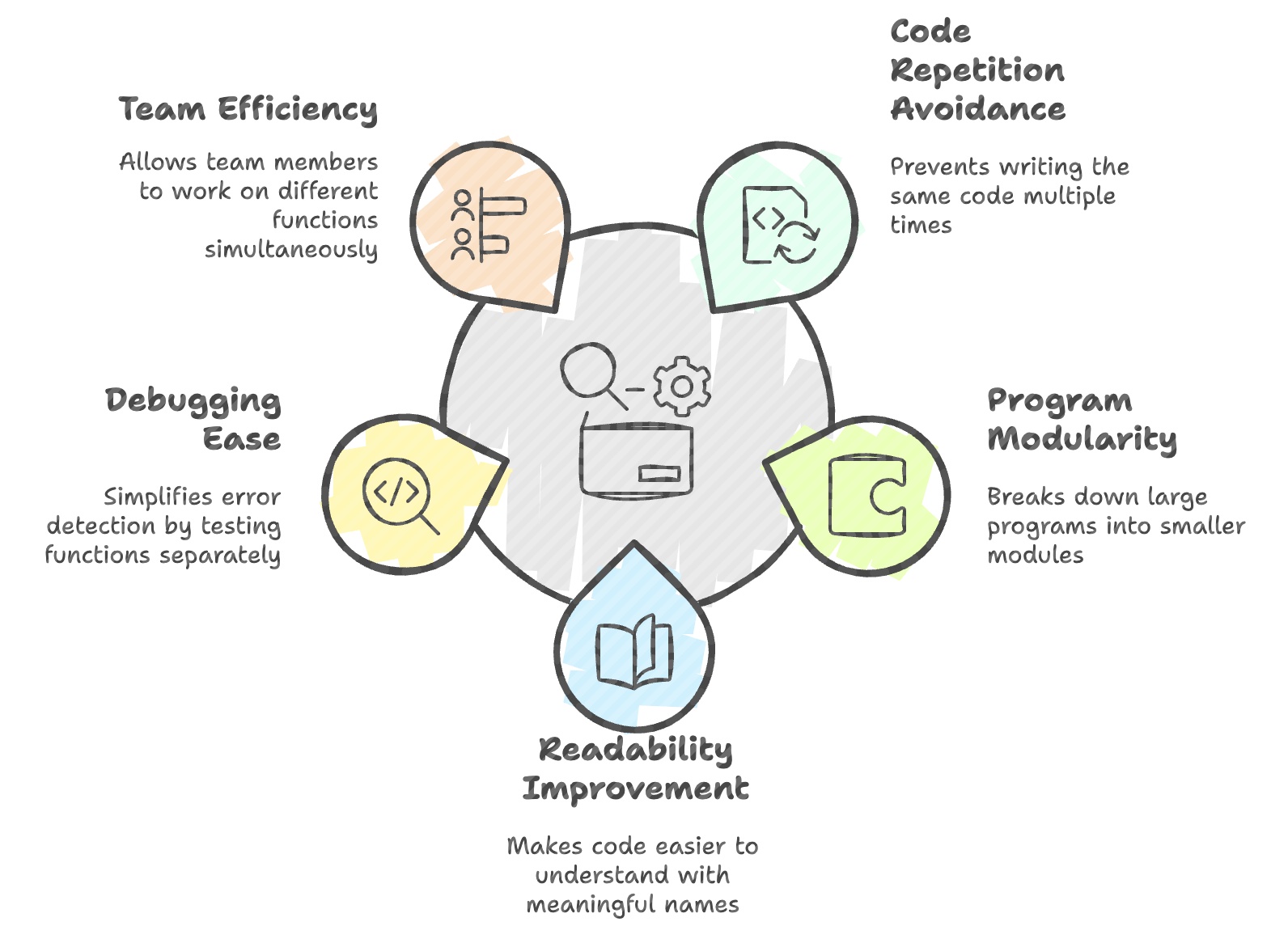
- Functions eliminate repetition. Instead of writing the same code multiple times, you define it once and reuse it.
- They help build modular, clean, and manageable programs.
- Functions can be imported and reused across different files.
- They group related logic into a named block, improving both readability and maintainability.
Example without a function:
a = 5
b = 4
c = a + b
print(c)
If you need to add numbers again, you must repeat the same lines → inefficient.
What is a Function?
A function is a named block of reusable code created using the def keyword.
Syntax:
def function_name():
    # indented block → function body
Defining a Function
def greet():
print("Hello, welcome to Python!")def→ keyword to define a functiongreet→ function name()→ parentheses (may contain parameters):→ indicates start of function block- Indented block → body of the function
Importance of Indentation
- Python uses indentation instead of curly braces.
- All lines belonging to the function must be indented, otherwise Python cannot identify the function’s scope.
Defining and Calling a Function
To use the function, simply call it by name:
greet()Example:
def add():
    a = 5
    b = 4
    c = a + b
    print(c)

add()      # Calling the function
add()      # Can be called multiple times
Output:
9
9
Function Parameters and Arguments
Functions can accept dynamic values using parameters, allowing the same function to work flexibly with different inputs each time it’s called.
Example:
def add(x, y):
    a = x
    b = y
    c = a + b
    print(c)

add(2, 3)      # 5
❌ Incorrect call: When the function was defined without parameters.
def add():

    a = x
    b = y
    c = a + b
    print(c)

add(2, 3)
Output:
TypeError: add() takes 0 positional arguments but 2 were givenReturn Statement
-
If a function does not explicitly return a value, it automatically returns None, indicating the absence of a result.
-
Use
returnto send a specific output back to the caller, allowing the function's result to be reused or stored.
Example without return:
def add(x, y):
    c = x + y
    print(c)

result = add(2, 3)
print("Result is : ", result)
Output:
5
Result is : None
Example with return:
def add(x, y):
    c = x + y
    return c

result = add(2, 3)
print("Result is : ", result)
Output:
Result is : 5You can now reuse the returned value anywhere in your program.
Docstrings - Documenting Functions
- Docstrings are triple-quoted strings placed at the beginning of a function.
- They describe what the function does.
- IDEs display them when hovering over the function name.
Example:
def add(x, y):
    """Adds two numbers and returns the result."""
    return x + y
Summary
- Functions prevent repetition and improve modularity.
- Defined using
defand identified by indentation. - Functions can accept parameters and receive arguments.
- Without a
returnstatement, functions return None. returnallows the result to be reused.- Docstrings describe the function’s purpose and act as built-in documentation.
Written By: Muskan Garg
How is this guide?
Last updated on