
Array Functions
Python arrays provide several built-in methods to inspect, modify, and manipulate array data efficiently
Common Array Functions
buffer_info()
The buffer_info() method returns important low-level details about the array.
What it returns:
A tuple containing:
- Memory address of the array
- Number of elements stored in the array
Example:
from array import *

vals = array('i', [5, 9, 8, 4, 2])
print(vals.buffer_info())
Output (example):
#(address, length)
()
Use Case:
Helpful when working with memory management, low-level programming, or interfacing with C-based libraries.
typecode
The typecode attribute returns the data type of elements stored in the array.
Example:
print(vals.typecode)Output:
iUse Case:
Useful when the array comes from an external source (e.g., file or network) and the data type is not known in advance.
append()
Adds a new element to the end of the array.
Example:
vals.append(10)
print(vals)
Output:
array('i', [5, 9, 8, 4, 2, 10])The appended value must match the array’s typecode.
remove()
Removes the first occurrence of a specified value.
Example:
vals.remove(8)
print(vals)
Output:
array('i', [5, 9, 4, 2])reverse()
Reverses the order of elements in-place.
Example:
vals.reverse()
print(vals)
Output:
array('i', [2, 4, 9, 5])
reverse()modifies the original array, not a copy.
Example: Using Multiple Array Functions Together
from array import *

vals = array('i', [5, 9, 8, 4, 2])

print("Buffer Info:", vals.buffer_info())
print("Type Code:", vals.typecode)

vals.append(10)
vals.remove(8)
vals.reverse()

print("Final Array:", vals)
Copying and Transforming Arrays
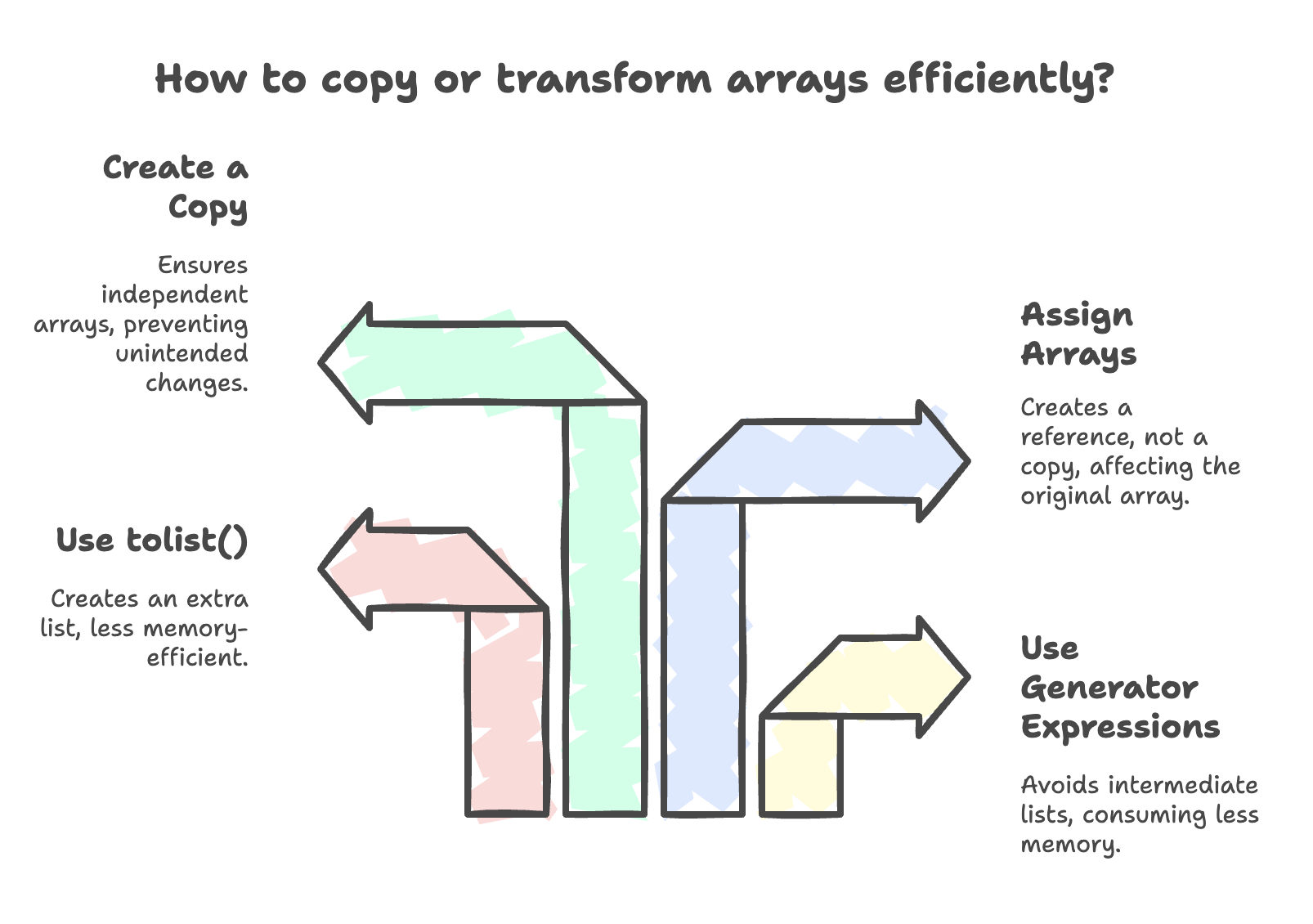
Arrays can be copied or transformed using generator expressions for better memory efficiency.
1. Copying an Existing Array (Using Generator Expression)
from array import *

vals = array('i', [5, 9, 8, 4, 2])
newArr = array(vals.typecode, (a for a in vals))

for e in newArr:
    print(e)
Why This Is Efficient:
- Avoids creating an intermediate list
- Consumes less memory than
tolist()
2. Creating a Derived Array (Square of Elements)
vals = array('i', [5, 9, 8, 4, 2])
newArr = array(vals.typecode, (a * a for a in vals))

for e in newArr:
    print(e)
Output:
25
81
64
16
4
Converting Array to List
lst = a.tolist()Note:
tolist()creates an extra list in memory- Generator-based copying is more memory-efficient
Reference vs Copy in Arrays
Assignment Creates a Reference (Not a Copy)
a = array('i', [1, 2, 3])
b = a- Changes in
bwill affecta - Both variables point to the same array
Creating an Actual Copy
b = array(a.typecode, (x for x in a))- Now
aandbare independent arrays
Summary
- Arrays are optimized for efficient storage and processing of single-type numeric data.
- Generator expressions help reduce memory usage by avoiding unnecessary list creation.
- Understanding typecode and reference vs copy behavior is essential to prevent logical errors.
- Arrays are best suited for performance-critical and memory-efficient applications involving homogeneous data.
Written By: Muskan Garg
How is this guide?
Last updated on