
LinuxLinux Search & Text Processing
sed Command - Text Processing & Replacement
Linux sed Command: Stream Editor
What is sed?
sed stands for Stream Editor. It is a powerful command-line tool used to process and modify text directly from the terminal without opening the file in an editor (like vi or nano).
With sed, you can find and replace text, delete lines, and insert new content : all without ever opening the file.
Basic Syntax
sed [options] 'command' filename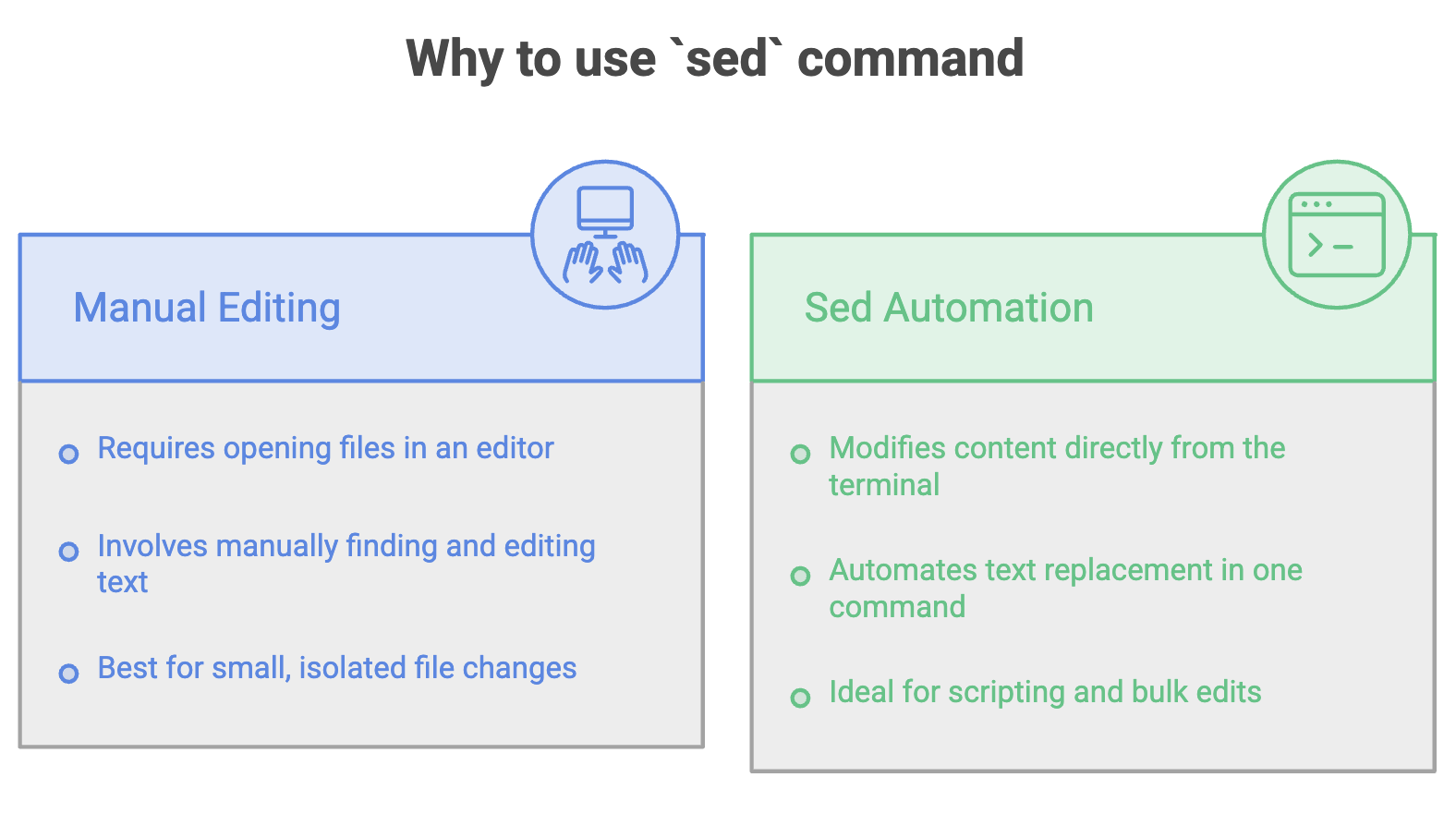
Find & Replace Operations
1. Replace Text (Without Modifying the Original File)
sed 's/Telusko/TeluskoAI/' telusko.txt- Replaces
TeluskowithTeluskoAIand displays the output on the terminal. - The original file is NOT changed : this is a preview of the changes.
- The replacement is case-sensitive.
- Replaces only the first occurrence of the pattern on each line.
2. Replace Text in the Original File (-i)
sed -i 's/Telusko/TELUSKOAI/' telusko.txt- The
-iflag makes the changes directly in the original file (in-place editing). - The original file is modified permanently.
- Replaces only the first occurrence of the pattern on each line.
3. Replace All Occurrences on Each Line (g flag)
sed -i 's/telusko/learn.telusko.com/g' telusko.txt- The
g(global) flag replaces all occurrences of the pattern on every line, not just the first one. - Combined with
-i, the changes are applied directly to the file.
Delete Operations
1. Delete the Last Line ($d)
sed -i '$d' telusko.txt$refers to the last line of the file.dis the delete command.- This removes the last line from the file.
2. Delete a Specific Line (nd)
sed -i '2d' telusko.txt- Deletes the 2nd line from the file.
- Replace
2with any line numbernto delete that specific line.
Insert Operations
1. Insert Text at a Specific Line (i\)
sed -i '4i\telusko has recorded and live courses' telusko.txt- Inserts the given text at line 4 of the file.
- Existing content from line 4 onward is shifted down.
2. Append Text at the End of the File ($a\)
sed -i '$a\Muskan is also a part of the course' telusko.txt$a\appends the given text after the last line of the file.
Quick Reference
| Command | Description |
|---|---|
sed 's/old/new/' file | Replace first occurrence per line (preview only) |
sed -i 's/old/new/' file | Replace first occurrence per line (modify file) |
sed -i 's/old/new/g' file | Replace all occurrences per line (modify file) |
sed -i '$d' file | Delete the last line |
sed -i 'nd' file | Delete the nth line |
sed -i '4i\text' file | Insert text at line 4 |
sed -i '$a\text' file | Append text at the end of the file |
Summary
sedallows you to edit files directly from the terminal without opening them.- Without
-i,sedonly displays the modified output : the original file remains unchanged. - With
-i, the changes are applied directly to the original file. - Use the
gflag to replace all occurrences on each line (not just the first). sedcan replace, delete, and insert content : making it a versatile tool for text processing and automation.
Written By: Muskan Garg
How is this guide?
Last updated on