
REST API Response
Introduction
Whenever a client application sends a request to a server using a REST API, the server processes that request and sends backs:
Response
A REST API response tells the client:
- whether the request was successful,
- whether there was an error,
- and what data should be returned.
REST API responses are one of the most important concepts in:
- System Design,
- Backend Development,
- Distributed Systems,
- and Client-Server Architecture.
A well-designed API response improves:
- communication clarity,
- frontend integration,
- debugging,
- scalability,
- and user experience.
What is a REST API Response?
When a client sends a request to a REST API, the server returns a response that consists of two key parts:
- Status Code - A numerical code indicating the result of the request
- Response Body - The actual data returned (in JSON format)
What are Status Codes?
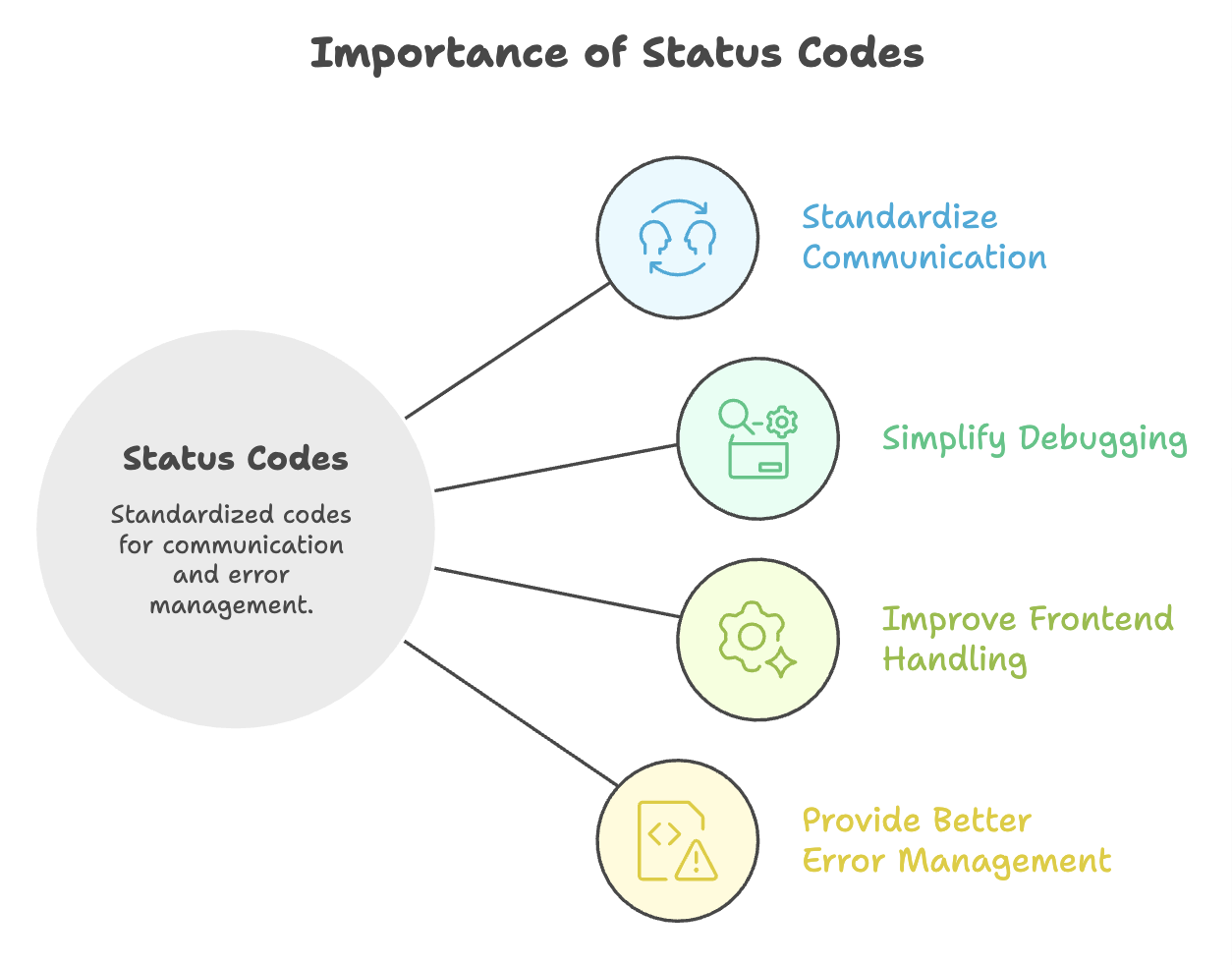
HTTP status codes are standardized numeric codes returned by the server to indicate:
- request success,
- client-side errors,
- server-side errors,
- or redirections.
They help frontend applications understand:
- what happened,
- and what action should be taken next.
HTTP Status Codes
Status codes are standardized indicators that tell the client whether a request succeeded, failed, or requires further action. They are grouped into categories by their first digit.
2xx - Success
| Code | Name | Meaning |
|---|---|---|
200 | OK | Request was successful; response contains the requested data |
201 | Created | A new entity has been successfully created in the database |
204 | No Content | Request was successful, but there is no data to return |
3xx - Redirection
| Code | Name | Meaning |
|---|---|---|
301 | Permanent Redirect | The resource has been permanently moved to a new URL |
302 | Temporary Redirect | The resource is temporarily available at a different URL |
4xx - Client Errors
| Code | Name | Meaning |
|---|---|---|
400 | Bad Request | The request contains invalid or malformed data |
401 | Unauthorized | Authentication is required or has failed (user identity not verified) |
403 | Forbidden | User is authenticated but does not have permission to access the resource |
404 | Not Found | The requested resource does not exist |
401 vs 403 - Key Distinction
| Code | Scenario |
|---|---|
401 | "Who are you?" - Identity not verified |
403 | "I know who you are, but you're not allowed." - Insufficient permissions |
5xx - Server Errors
| Code | Name | Meaning |
|---|---|---|
500 | Internal Server Error | Something went wrong on the server side (e.g., database connection failure) |
5xx errors should never expose internal details to the user. Use logs and monitoring to investigate these errors on the backend.
Response Body
The response body contains the actual data returned by the API in JSON format. It can be structured as:
Types of Response Bodies
REST APIs can return:
- Arrays
- Objects
- Nested Objects
1. Array Response
Used when:
- multiple records are returned.
Example
[
  {
    "id": 1,
    "name": "Muskan"
  },
  {
    "id": 2,
    "name": "Akshay"
  }
]
2. Object Response
Used when:
- single resource is returned.
Example
{
  "id": 1,
  "name": "Muskan"
}
3. Nested Object Response
Used when:
- related entities are returned together.
Example
{
  "id": 1,
  "name": "Muskan",
  "address": {
    "city": "Chennai",
    "country": "India"
  }
}
Wrap Responses in an Object
It is recommended to return the response wrapped inside an object rather than a raw array.
Why?
| Returning a Raw Array | Returning an Object Wrapper |
|---|---|
[{ "id": 1 }, { "id": 2 }] | { "data": [{ "id": 1 }, { "id": 2 }] } |
| Adding new fields (like pagination metadata) requires changing the entire response structure | New fields can be added alongside data with minimal frontend changes |
| Breaking change for all consumers | Backward-compatible extension |
Example - Object-Wrapped Response
{
  "data": [
    { "id": 1, "name": "Muskan" },
    { "id": 2, "name": "Akshay" }
  ],
  "total": 2,
  "page": 1
}
By wrapping in an object, fields like
total,page, orerrorcan be added later without disrupting existing frontend implementations.
Summary
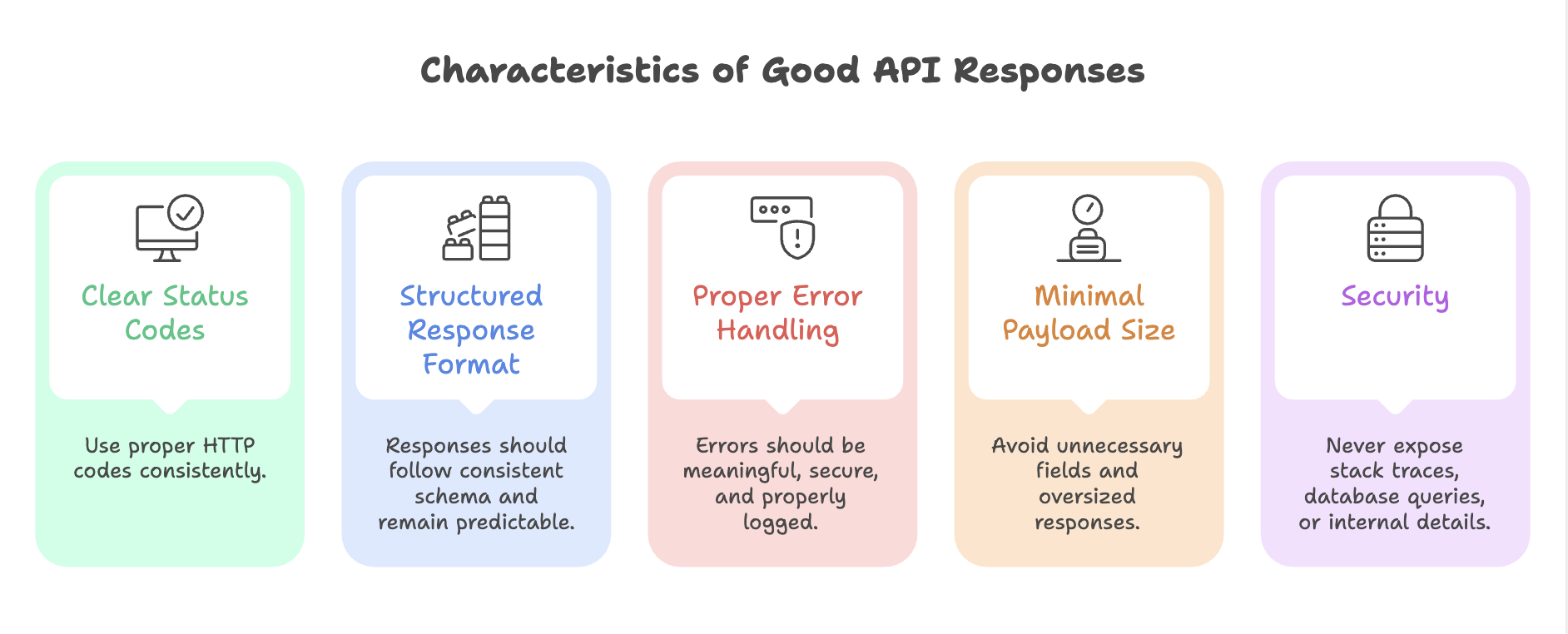
- Status codes communicate the outcome of a request, always return the appropriate code.
- 2xx means success, 4xx means the client made an error, 5xx means the server failed.
- 401 is about identity (not authenticated), 403 is about permission (not authorized).
- 500 errors should be logged internally and never expose sensitive server details to the client.
- Always wrap response data in an object (not a raw array) to allow easy, backward-compatible extensions in the future.
Written By: Muskan Garg
How is this guide?
Last updated on