
Swapping of Variables
In this lecture, we will learn different methods to swap two variables in Python.
Swapping means exchanging the values of two variables.
Example:
If a = 5 and b = 6, after swapping - a should become 6, and b should become 5.
Swapping is commonly used in programming tasks like sorting, data manipulation, and algorithm optimization.
1. The Problem with Direct Assignment
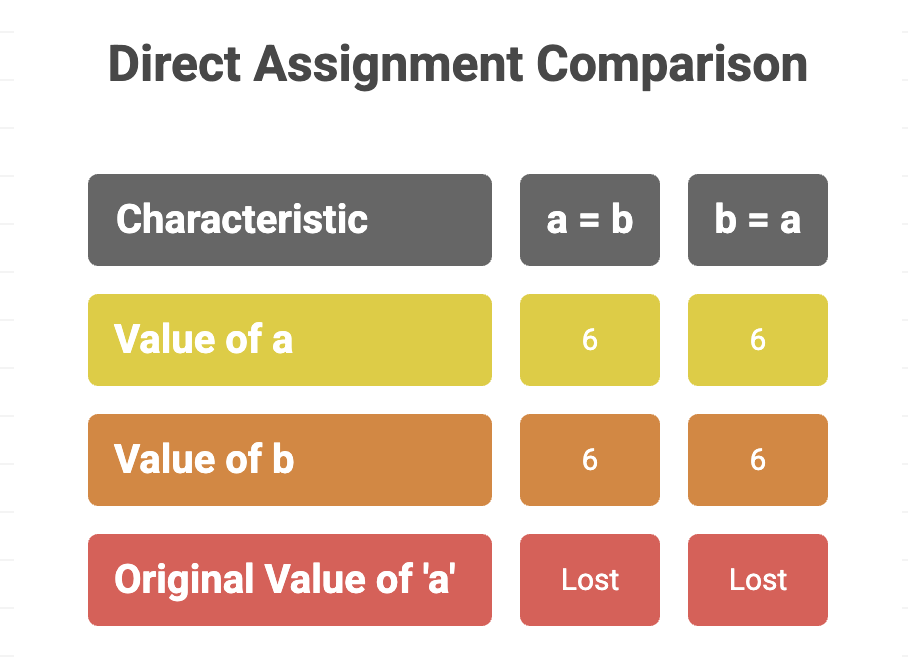
If you try to directly assign a = b, you lose the original value of a, because it gets overwritten.
a = 5
b = 6
a = b
b = a       # direct assignment
print(a)    # 6
print(b)    # 6
Now both a and b have the same value (6), and the original value of a is lost.
2. Swapping Using a Temporary Variable
This is the classic method for swapping two numbers.
a = 5
b = 6

temp = a   # store value of a in temp
a = b      # assign value of b to a
b = temp   # assign value of temp (original a) to b

print(a)   # 6
print(b)   # 5
Output:
6
5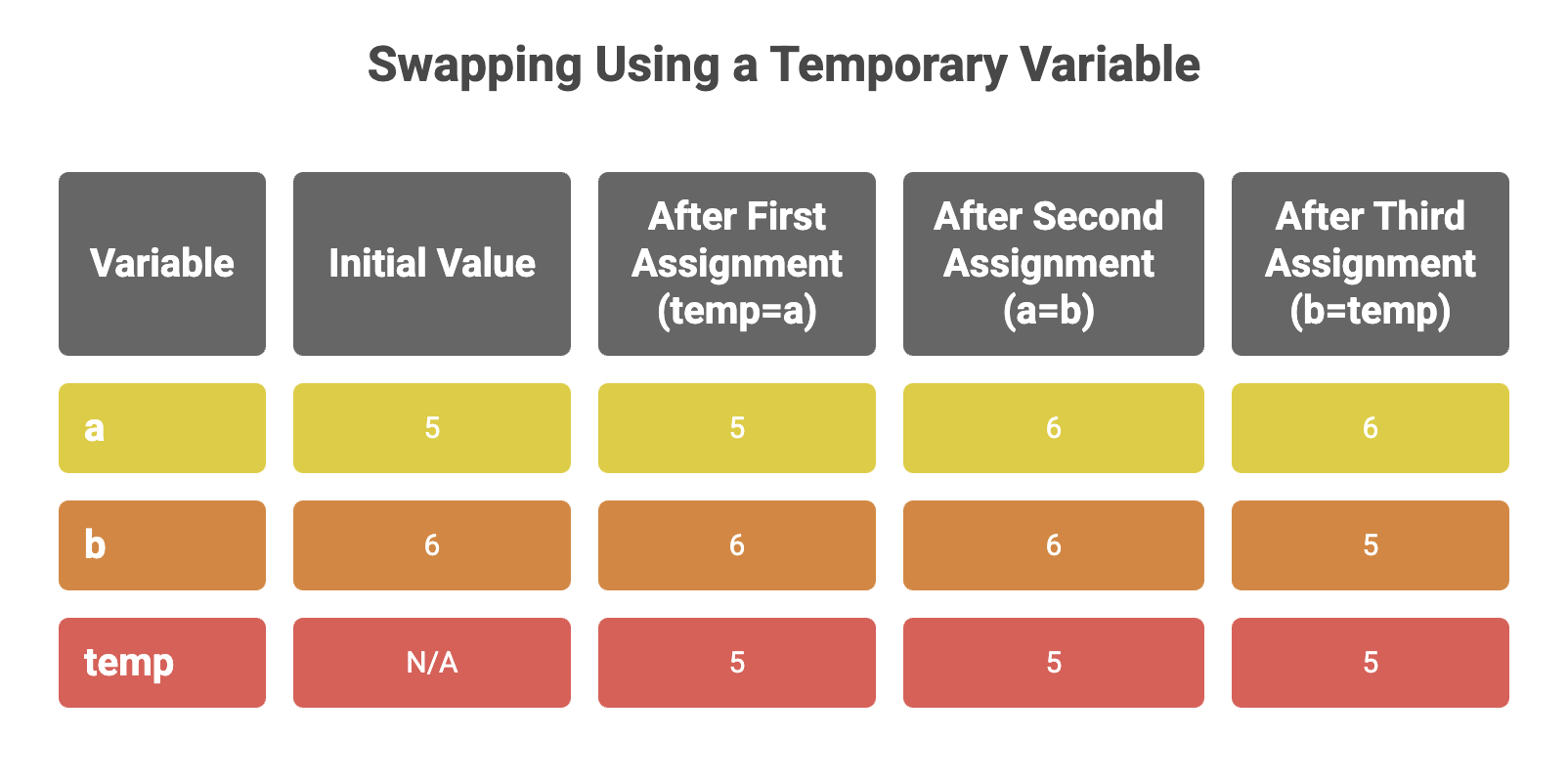
✔ Easy to understand
✔ Works for all data types
✘ Uses extra memory (one extra variable)
3. Swapping Without Using a Third Variable
We can swap values using arithmetic operations without a temporary variable.
a = 5
b = 6

a = a + b   # 5 + 6 = 11
b = a - b   # 11 - 6 = 5
a = a - b   # 11 - 5 = 6

print(a)    # 6
print(b)    # 5
Output:
6
5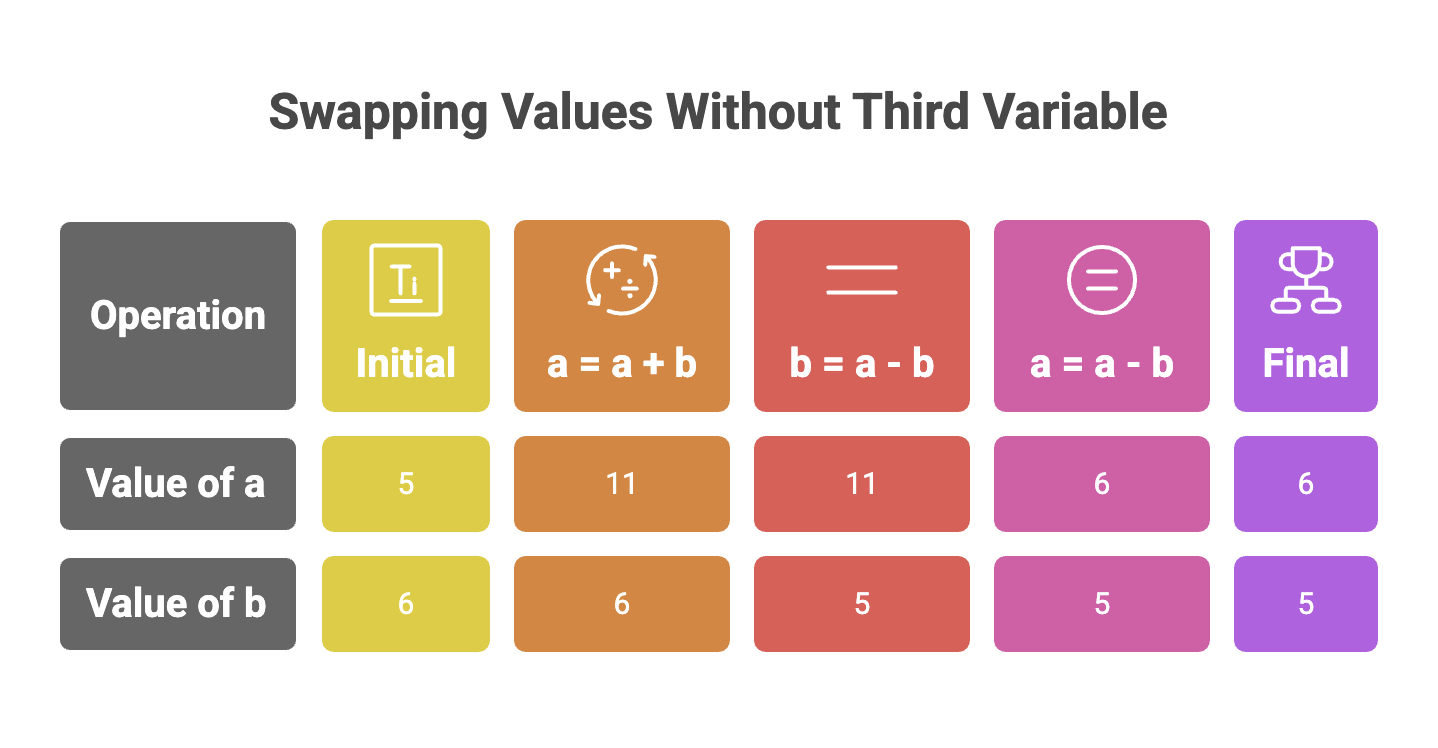
✔ No extra variable
✘ Works only with numeric types
✘ May cause overflow in some languages (not in Python)
4. Swapping Using XOR Bitwise Operator
The XOR (^) operation can also be used to swap two numbers without using a third variable.
a = 5        # 0101 (in binary)
b = 6        # 0110 (in binary)

a = a ^ b    # 0101 ^ 0110 = 0011  → a = 3
b = a ^ b    # 0011 ^ 0110 = 0101  → b = 5
a = a ^ b    # 0011 ^ 0101 = 0110  → a = 6

print(a)     # 6 (0110)
print(b)     # 5 (0101)
Output:
6
5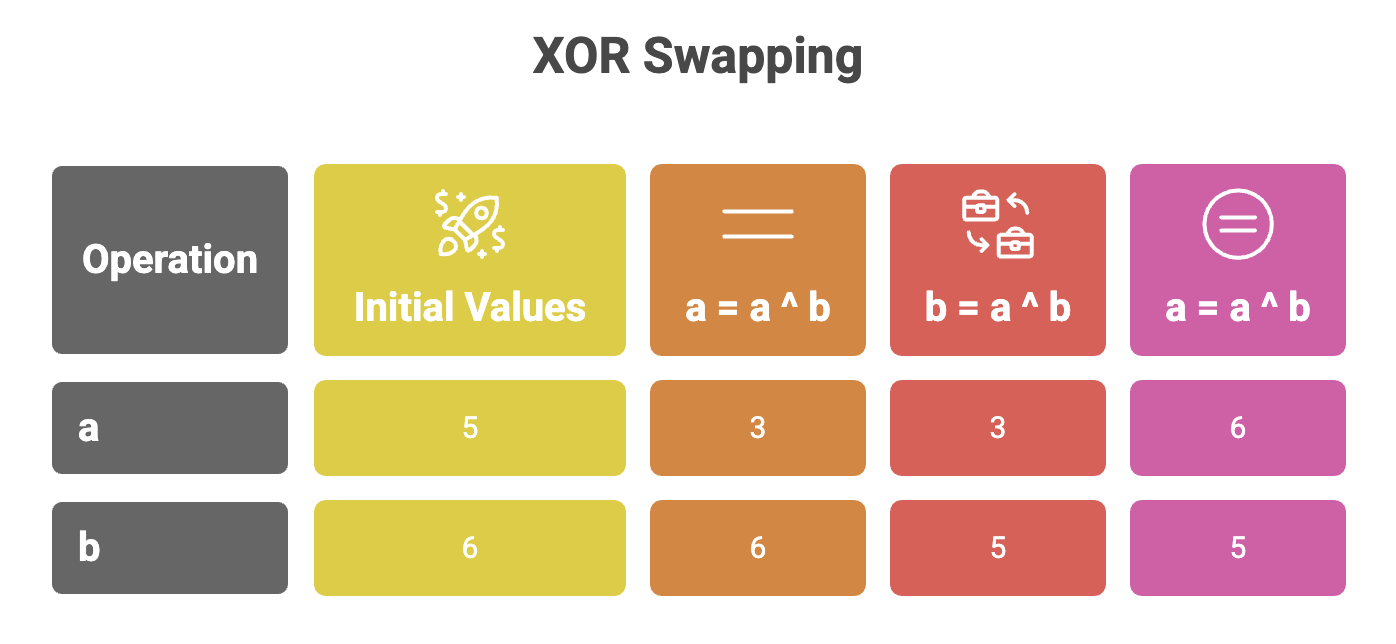
✔ No extra variable
✔ Fast for low-level programming
✘ Works only with integers
5. Swapping Using Python’s Tuple Unpacking
Python provides a simple and elegant way to swap values in one line.
a = 5
b = 6

a, b = b, a

print(a)    # 6
print(b)    # 5
Output:
6
5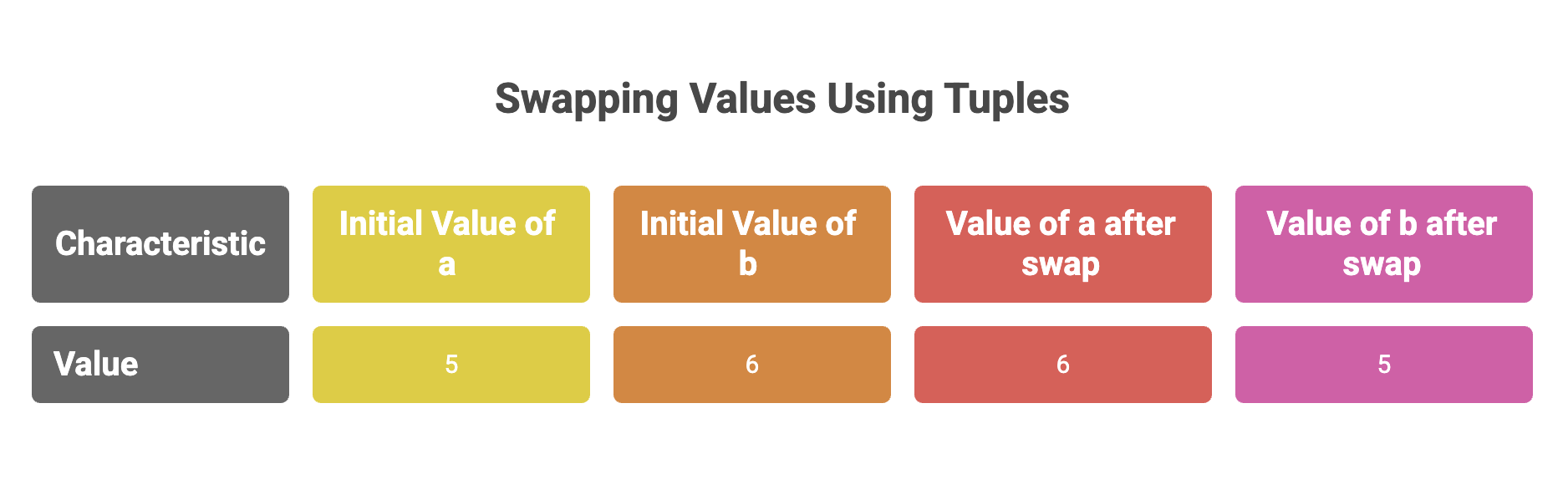
How it works:
- Python forms a tuple (b, a)
- Then unpacks it back into (a, b)
- This prevents overwriting and works for any data type.
✔ Most readable
✔ Most efficient in Python
✔ No extra memory
✔ Works for all types (numbers, strings, objects, lists, etc.)
Summary
| Method | Description | Example Code |
|---|---|---|
| Direct Assignment | Overwrites data | a = b |
| Using Temp Variable | Safe and simple | temp = a; a = b; b = temp |
| Arithmetic Method | Works for numbers | a = a + b; b = a - b; a = a - b |
| XOR Method | Bitwise swap | a = a ^ b; b = a ^ b; a = a ^ b |
| Tuple Unpacking | Pythonic & efficient | a, b = b, a |
Written By: Muskan Garg
How is this guide?
Last updated on