
Dictionaries
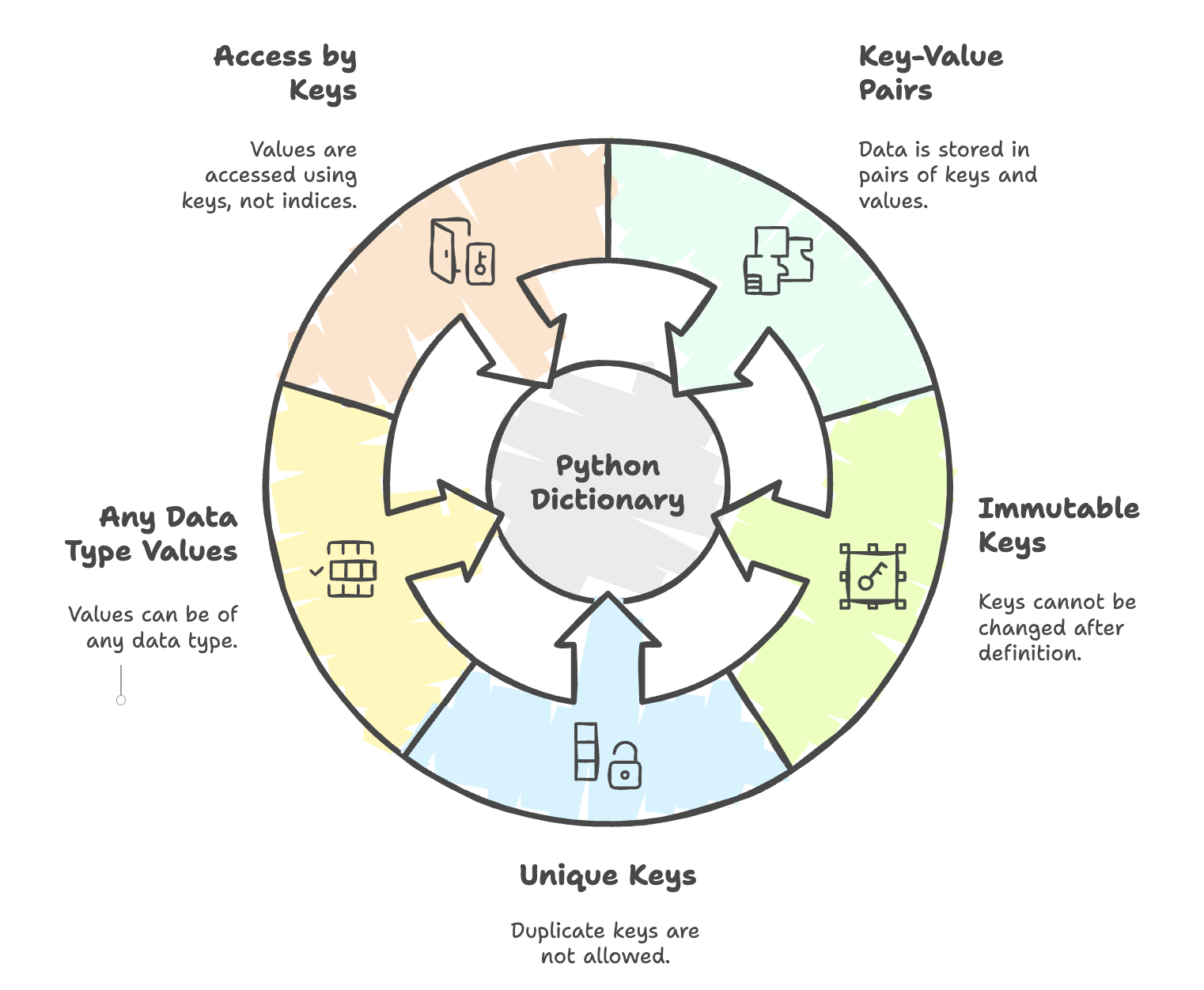
A dictionary in Python is a built-in data structure that stores data in key-value pairs. Unlike lists or tuples where elements are accessed using indices, dictionaries allow data retrieval directly using keys, making them highly efficient for lookups.
Key Features of a Dictionary
-
Stores data as key-value pairs.
Example:
data={1:'Navin',2:'kiran',4:'Harsh'}Here:
- 1, 2, and 4 are keys
- 'Navin', 'Kiran', 'Harsh' are values.
-
Keys must be:
- Immutable → cannot be changed once defined (e.g., numbers, strings, tuples).
- Unique → duplicate keys are not allowed.
-
Values can be of any data type and can be repeated.
-
Values are accessed using their keys, and index-based access is not allowed.
Creating and Accessing Dictionary Values
data = {1: 'Navin', 2: 'Kiran', 4: 'Harsh'}

print(data)       # {1: 'Navin', 2: 'Kiran', 4: 'Harsh'}
print(data[4])    # 'Harsh'

# Accessing a non-existent key will throw an error
# print(data[3])  # KeyError: 3
If a dictionary contains duplicate keys, the last value overwrites earlier ones.
data = {
    'kiran': 34,
    'harsh': 67,
    'harsh': 34
}
print(data)
# {'kiran': 34, 'harsh': 34}
Here,
- Keys → behave like a set (unique)
- Values → behave like a list (can repeat)
Using the get() Method
- The
get()method is used to safely fetch values from a dictionary. - It returns None or a custom default value if the key is missing.
data = {1: 'Navin', 2: 'Kiran', 4: 'Harsh'}

print(data.get(1))               # 'Navin'
print(data.get(3))               # None
print(data.get(3, 'Not found'))  # 'Not found'
Using zip() and dict()
Dictionaries are often created by zipping two lists (keys and values) together.
zip()→ Combines two lists element-wise into tuples.dict()→ Converts those tuples into key-value pairs inside a dictionary.
keys = ['Navin', 'Kiran', 'Harsh']
values = ['Python', 'Java', 'JS']

# Using zip
zipped = zip(keys, values)
print(list(zipped))
# [('Navin', 'Python'), ('Kiran', 'Java'), ('Harsh', 'JS')]

# Using dict
data = dict(zip(keys, values))
print(data)
# {'Navin': 'Python', 'Kiran': 'Java', 'Harsh': 'JS'}
Adding and Deleting Items
Add → Assign a new key directly
You can add a new key-value pair simply by assigning it to the dictionary.
data = {'Navin': 'Python', 'Kiran': 'Java', 'Harsh': 'JS'}

# Adding a new key-value pair
data['Monika'] = 'CS'
print(data)
# {'Navin': 'Python', 'Kiran': 'Java', 'Harsh': 'JS', 'Monika': 'CS'}
Delete → Use the del keyword
del removes a key-value pair permanently. If the key doesn’t exist, it raises an error.
# Deleting a key-value pair
del data['Harsh']
print(data)
# {'Navin': 'Python', 'Kiran': 'Java', 'Monika': 'CS'}
pop() → Remove and return a value
pop(key) removes the key and returns its value, it is useful when you want to use the deleted value just after removing it.
removed_value = data.pop('Monika')
print("Removed:", removed_value)
print(data)
# Removed: CS
# {'Navin': 'Python', 'Kiran': 'Java'}
Nested Dictionary
Dictionaries can contain other dictionaries or lists as values.
prog = {
    'JS': 'Atom',
    'CS': 'VS',
    'Python': ['Pycharm', 'Sublime'],
    'Java': {'JSE': 'Netbeans', 'JEE': 'Eclipse'}
}

print(prog['JS'])          # 'Atom'
print(prog['Python'])      # ['Pycharm', 'Sublime']
print(prog['Python'][1])   # 'Sublime'
print(prog['Java'])        # {'JSE': 'Netbeans', 'JEE': 'Eclipse'}
print(prog['Java']['JEE']) # 'Eclipse'
Summary
- Dictionaries store data in key-value pairs.
- Keys must be immutable and unique, while values can be anything.
- Use
get()to safely access values without errors. - You can build dictionaries using
dict()andzip(). - Supports adding, deleting, and nesting for complex data structures.
Dictionaries are one of Python’s most powerful and flexible data structures, making them essential for tasks like data representation, quick lookups, and configuration storage.
Written By: Muskan Garg
How is this guide?
Last updated on